Got a tip for us?

Chris Smith

Chris Smith is a senior editor at GeeksModo based in Canada. He likes to think of himself as a jack of all trades (and a master of at least a few), though he mainly focuses on iPhones and Macs. Often covering both at the same time. When not surrounded by various Apple devices while putting them through their paces, Chris can be found streaming the latest movies or series, gaming on his PS5, or getting fresh air on a hike in the beautiful wilderness of British Columbia.

Chris Smith's Articles

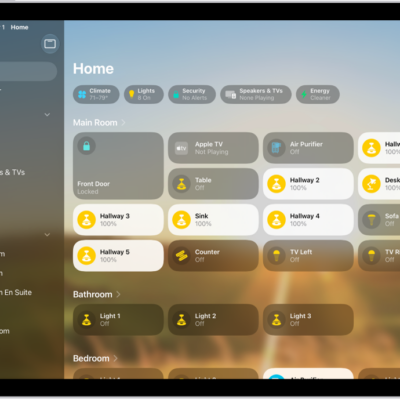
The Home app with the sidebar on the left, showing Home, Automation, and Discover tabs near the top left. Categories and Rooms in the home appear below. To the right of the sidebar, at the top, are the Intercom, Add, and More Options buttons. Category buttons appear near the top. Below that are scenes, camera images, and a room with its accessories.

How to show transcriptions for Intercom messages from HomePod on iPad

You can show transcriptions for Intercom messages from HomePod on iPad, and choose when you receive Intercom notifications.

An iPad showing an example of subtitles with a custom style.

How to display subtitles and captions on iPad

You can display subtitles and captions on iPad in supported apps, get automatic subtitles, and customize how they look.

A Settings screen showing Accessibility options such as VoiceOver, Live Recognition, and Audio Descriptions.

How to use iPad more comfortably while riding in a vehicle

You can use iPad more comfortably while riding in a vehicle with Vehicle Motion Cues, onscreen cues that may help reduce motion sickness.

A document is open in the Notes app. The onscreen keyboard is in the bottom half of the screen.

How to use the onscreen keyboard with VoiceOver on iPad

You can use the onscreen keyboard with VoiceOver on iPad to enter, select, and delete text and change the keyboard language.
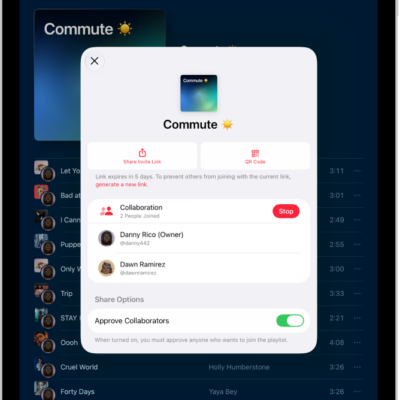
The Manage Collaboration screen in the Music app.

How to collaborate on a playlist in Music on iPad

You can collaborate on a playlist in Music on iPad, invite others to add and reorder songs, and approve who joins.
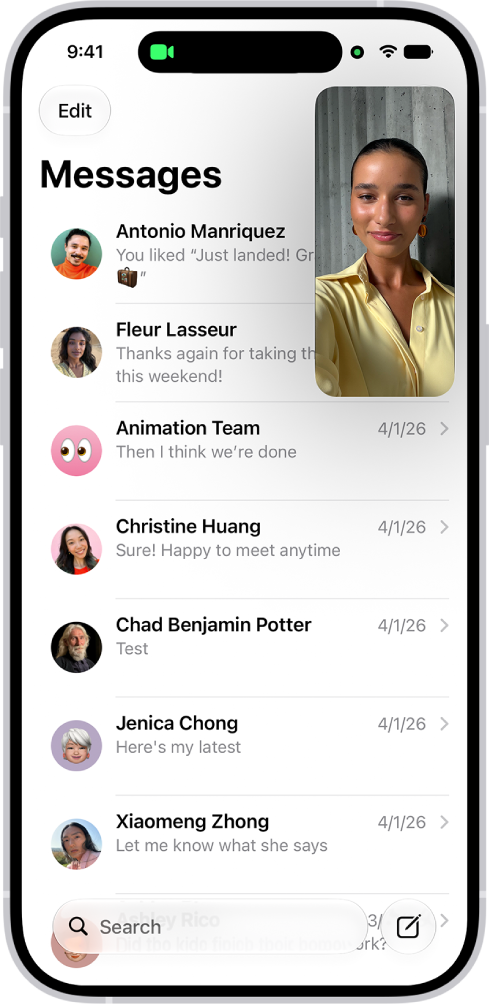
A FaceTime conversation taking place, while a note about kitchen decorating fills the rest of the screen.

How to multitask with Picture in Picture on iPad

You can multitask with Picture in Picture on iPad, watching a video or using FaceTime while you use other apps.

The information page for an app in the App Store. The page shows the Get button, ratings, age ratings, the developer, screenshots, and more. At the top center, from left to right, are the following buttons: Today, Games, Apps, Arcade, and Search.

How to update apps from the App Store on iPad

You can update apps from the App Store on iPad automatically or manually, one at a time or all at once.
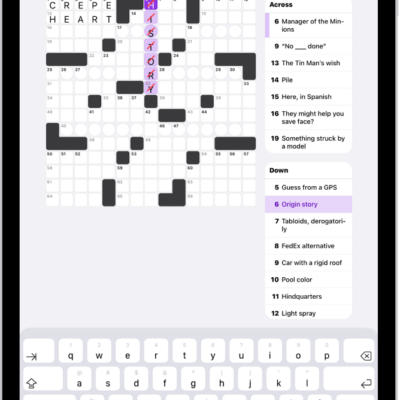
A partially filled crossword puzzle, with the clues along the left side.

How to solve crossword and crossword mini puzzles in News on iPad

You can solve crossword and crossword mini puzzles in News on iPad in grid or list view, and get hints and answers.
A news story in the News app. In the tab bar, Today is selected.

How to get started with News on iPad

You can get started with News on iPad, catch up on the latest stories, customize your feed, and subscribe to Apple News+.
The information page for an app in the App Store. The page shows the Get button, ratings, age ratings, the developer, screenshots, and more. At the top center, from left to right, are the following buttons: Today, Games, Apps, Arcade, and Search.

How to find and download games in the Apple Games app on iPad

You can find and download games in the Apple Games app on iPad, browse new releases and Apple Arcade, and play or quit a game.