Got a tip for us?

Chris Smith

Chris Smith is a senior editor at GeeksModo based in Canada. He likes to think of himself as a jack of all trades (and a master of at least a few), though he mainly focuses on iPhones and Macs. Often covering both at the same time. When not surrounded by various Apple devices while putting them through their paces, Chris can be found streaming the latest movies or series, gaming on his PS5, or getting fresh air on a hike in the beautiful wilderness of British Columbia.

Chris Smith's Articles

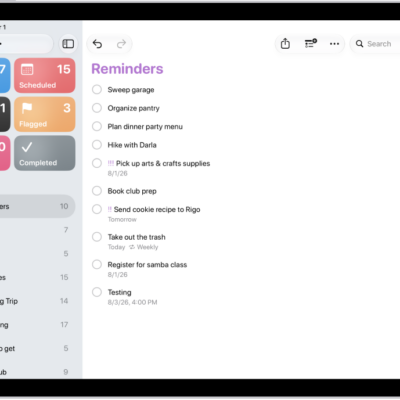
The Reminders app, showing a new task being added to the Reminders list.

How to delete or recover items in Reminders on iPad

You can delete or recover items in Reminders on iPad, undo a deletion, and recover items from Recently Deleted within 30 days.
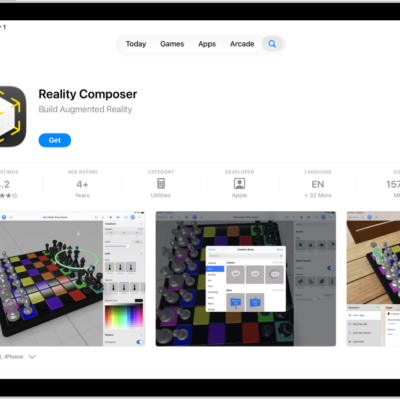
The information page for an app in the App Store. The page shows the Get button, ratings, age ratings, the developer, screenshots, and more. At the top center, from left to right, are the following buttons: Today, Games, Apps, Arcade, and Search.

How to subscribe to Apple Arcade in the Apple Games app on iPad

You can subscribe to Apple Arcade in the Apple Games app on iPad, or to Apple One, and share it with family members.
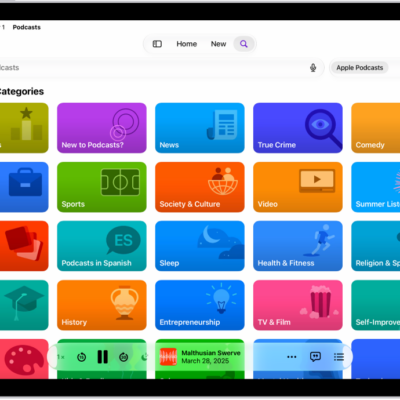
The Search screen in the Podcasts app, showing podcast categories. Towards the bottom of the screen is the MiniPlayer.

How to connect app subscriptions to Podcasts on iPad

You can connect app subscriptions to Podcasts on iPad and listen to subscriber-only shows from Apple Music, Apple News+, and other apps.
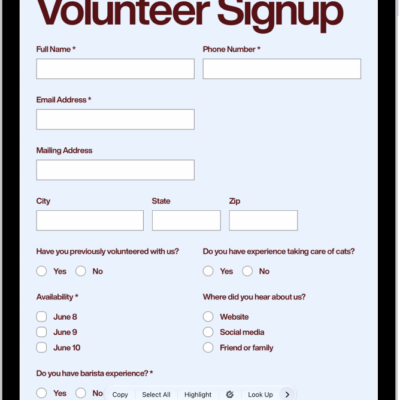
A PDF in the Preview app showing highlighted text, available highlight colors, and the underline and strike through tools.

How to annotate a PDF or image in Preview on iPad

You can annotate a PDF or image in Preview on iPad, highlight or underline text, and add stickers, signatures, shapes, or text.

The Accessibility screen in Settings showing the built-in features for Vision support.

iPhone vision accessibility features: VoiceOver, Magnifier, Zoom, and more

You can use vision accessibility features on iPhone, including VoiceOver, Braille Access, spoken text, Magnifier, Zoom, and display settings.
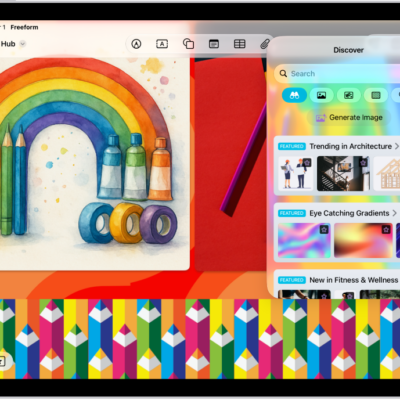
An iPad with the Freeform app open to the Content Hub in Apple Creator Studio. Premium and generated images are placed on the board.

How to subscribe to Apple Creator Studio in Freeform on iPad

You can subscribe to Apple Creator Studio in Freeform on iPad with a monthly or annual plan, share it with family, and cancel anytime.
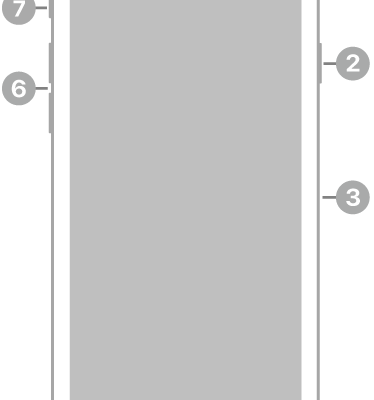
The front view of iPhone SE (3rd generation). The front camera is at the top, to the left of the speaker. On the right side, from top to bottom, are the side button and the SIM tray. The Home button is at the bottom center. The Lightning connector is on the bottom edge. On the left side, from bottom to top, are the volume buttons and the Ring/Silent switch.

iPhone SE (3rd generation) hardware: buttons, cameras, and ports

You can find the cameras, buttons, and other essential hardware features on iPhone SE (3rd generation), plus links to help you get started.
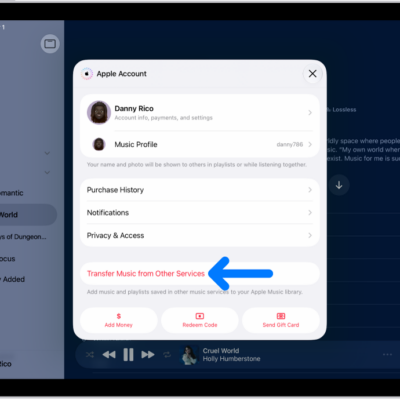
The Transfer Music from Other Services button on the Apple Account screen in Apple Music.

How to transfer music from other music services to Apple Music on iPad

You can transfer music from other music services to Apple Music on iPad, adding saved music and playlists to your library.
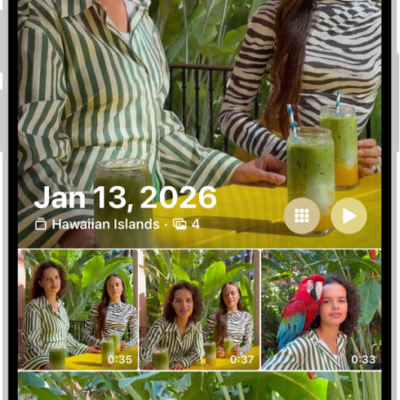
The Photos app showing a collection of photos taken on a particular day.

How to find photos and videos by date on iPhone

You can find photos and videos by date on iPhone, from a recent day in Recent Days to any year or month in your library.
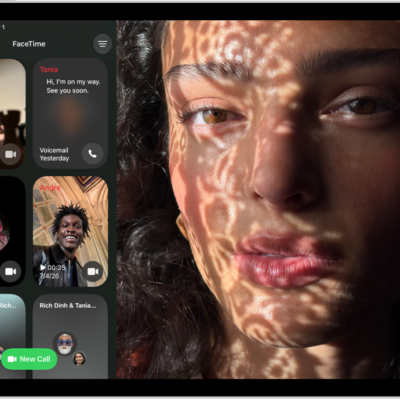
The FaceTime call history, showing a Group FaceTime call, an audio call, a video message, an audio message, and a link to a FaceTime call.

How to use audio call tools in FaceTime on iPad

You can use audio call tools in FaceTime on iPad to record a one-to-one call, view its transcript, and use Hold Assist.