









Chris Smith
Chris Smith's Articles
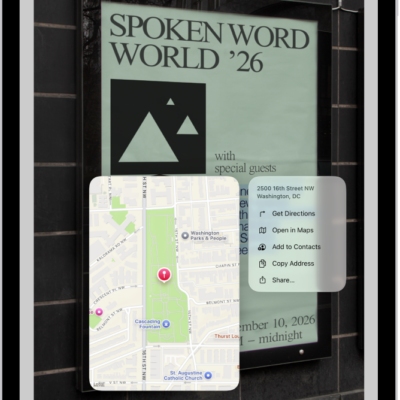
How to interact with text in an image in Preview on iPad
You can interact with text in an image in Preview on iPad with Live Text, and copy, translate, call, or email from it.
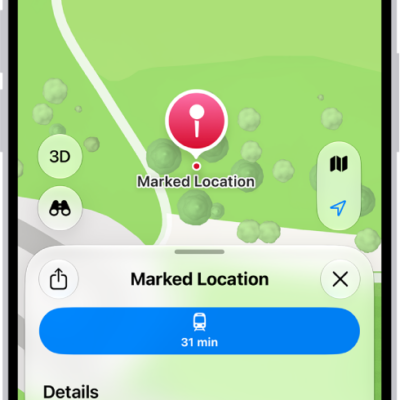
How to report an issue with Maps on iPad
You can report an issue with Maps on iPad, add something that's missing, or report a closed business or wrong direction.
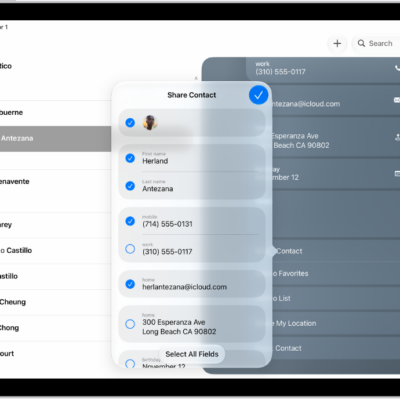
How to export contacts on iPad
You can export contacts on iPad from a list in Contacts, choose which fields to include, and send them with Messages or Mail.

How to check traffic conditions and report traffic incidents in Maps on iPad
You can check traffic conditions and report traffic incidents in Maps on iPad, like accidents, hazards, and speed checks.
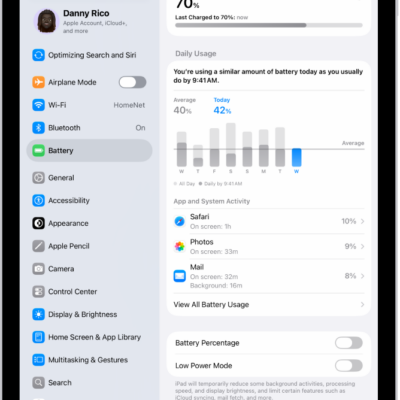
How to check iPad battery usage and battery health
You can understand your iPad battery usage and health, with daily usage, app and system activity, and battery health information.
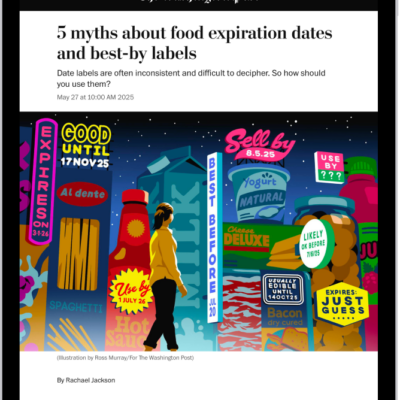
How to clear your reading history in News on iPad
You can clear your reading history in News on iPad, clear recommendations, and recommend stories based only on what you read in News.
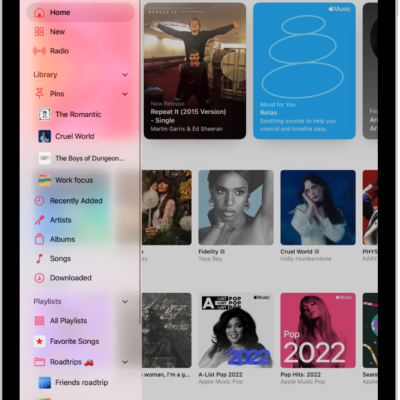
How to listen to radio stations in Music on iPad
You can listen to radio stations in Music on iPad, from Apple Music 1 to stations by genre, and create your own stations.

How to change typing assistance options for an Apple external keyboard with iPad
You can change typing assistance options for an Apple external keyboard with iPad, like Auto-Correction, Auto-Capitalization, and smart punctuation.
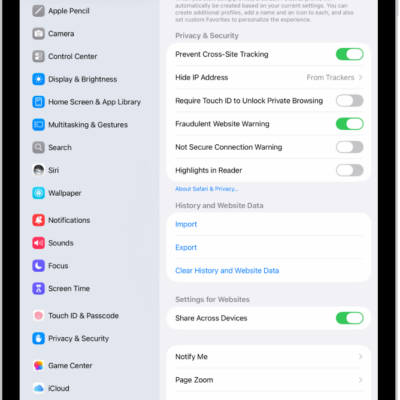
How to enable cookies on iPad
You can enable cookies on iPad by turning off Block All Cookies in Safari settings, so websites that need cookies work normally.
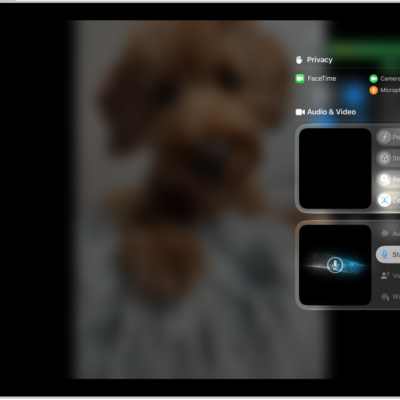
How to improve audio and record video calls on iPad
You can improve audio and record video calls on iPad, choose an audio input, use Voice Isolation or Wide Spectrum, and record locally.