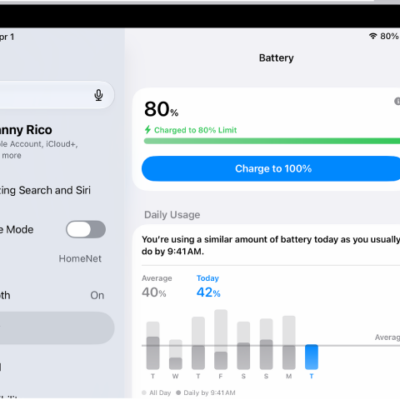
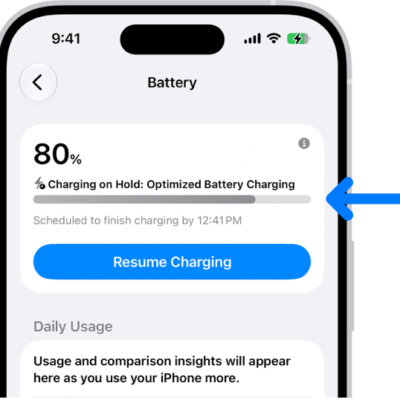
Your iPad protects its battery by limiting charging in hot or cold conditions. Charging your iPad in very hot or cold environments can temporarily affect performance, and when your iPad becomes too warm or too cold, iPadOS may automatically slow down or pause charging. This helps preserve your battery’s long-term health and ensures safe operation.
Charging resumes on its own when the battery is back in a safe temperature range. These protections work automatically and can’t be turned off, and charging works best between 32° and 95° F (0° and 35° C).
You might see a message on the Lock Screen such as “Charging On Hold. Charging will resume when iPad returns to normal temperature.”
What to expect
- If your iPad gets too warm, charging may slow or stop until the temperature lowers.
- In very cold environments, charging may be slower or temporarily disabled until your device warms up.
- Charging resumes automatically when the battery returns to a safe temperature range.
Tips to maintain charging performance in extreme temperatures
Here’s how to help your iPad charge efficiently:
- Charge your iPad in environments between 32° and 95° F (0° and 35° C).
- Avoid placing your iPad in direct sunlight or leaving it in hot spaces (like a car on a sunny day).
- If you’re in a cold climate, try charging indoors or warming your iPad gradually before plugging it in.
- Remove your case if your iPad tends to heat up while charging.
Note: These temperature-based protections work automatically and can’t be turned off. They are available on iPad using iPadOS 18 or later.
See also