









Dave Johnson
Dave Johnson's Articles
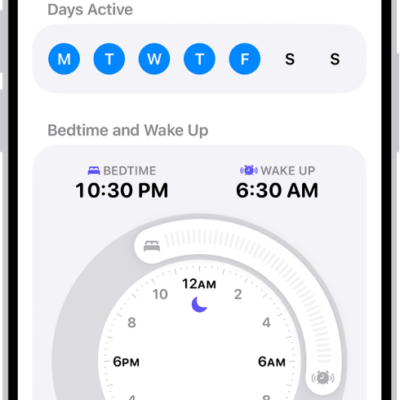
How to edit sleep schedules in Health on iPhone
You can add and change sleep schedules in Health on iPhone, set different ones for weekdays and weekends, and adjust wind-down and sleep goals.
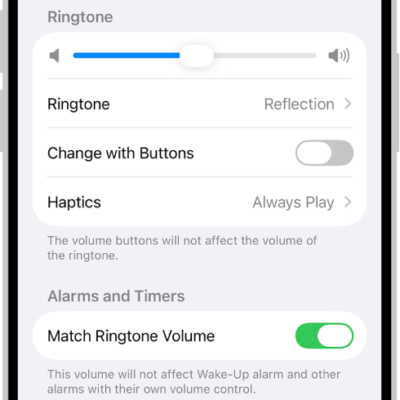
How to get ringtones, text tones, and alert tones in the iTunes Store on iPhone
You can buy ringtones, text tones, and alert tones in the iTunes Store on iPhone, and redownload tones you bought on another device.
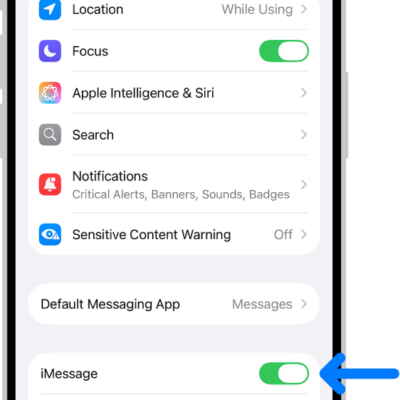
How to turn read receipts on or off in Messages on iPhone
You can turn read receipts on or off in Messages on iPhone for everyone or for one person, so senders see when you've read a text.
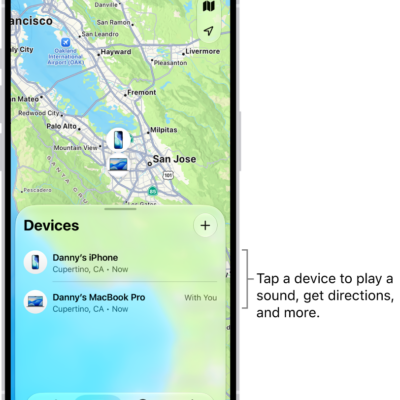
How to mark a device as lost in Find My on iPhone
You can mark a missing iPhone, iPad, Mac, Apple Watch, or AirPods as lost in Find My on iPhone and show a message with your contact info.
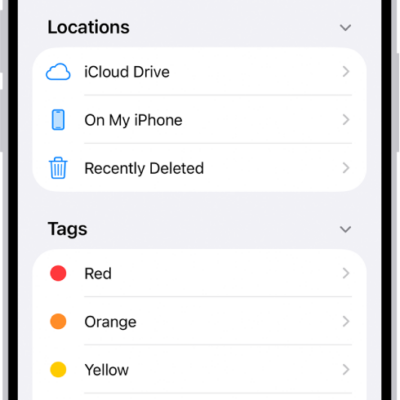
How to connect external storage devices to iPhone
You can connect external storage devices like USB drives and SD cards to iPhone, then open and manage their files in the Files app.
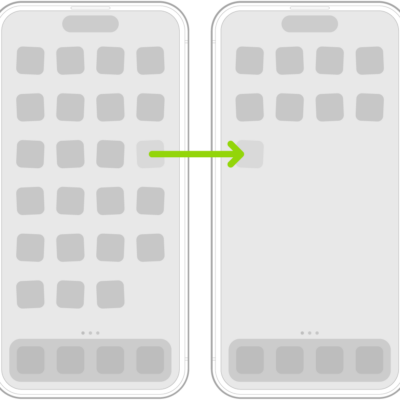
How to move apps and widgets on the iPhone Home Screen
You can move apps and widgets anywhere on the iPhone Home Screen, hide Home Screen pages, and reset the layout to the original.

How to Set Up Automatic Security Updates on Apple Devices
Apple patches most flaws before they are exploited, if you let it.
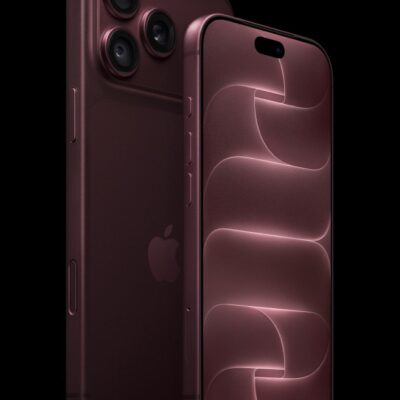
How to Use iPhone 18 Pro and iPhone 18 Pro Max: A Beginner’s Guide
Everything you need to get started with iPhone 18 Pro and iPhone 18 Pro Max

What Private Wi-Fi Address Does, and When to Change It
A hardware address that never changes lets a network recognise you for years.

How to Set Up and Disable Touch ID and Face ID
Five wrong fingers locks out Touch ID, which is useful under duress.