









Dave Johnson
Dave Johnson's Articles
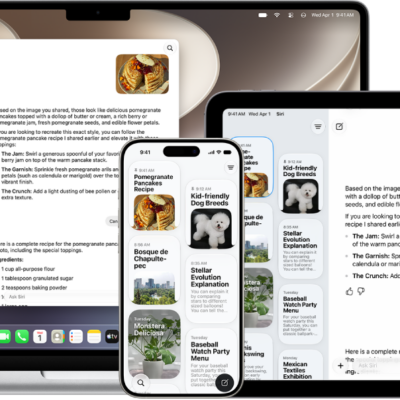
How to use the Siri app with Siri AI on iPhone
You can use the Siri app on iPhone with Siri AI (Beta) to keep all your Siri conversations in one place and pick up on other devices.
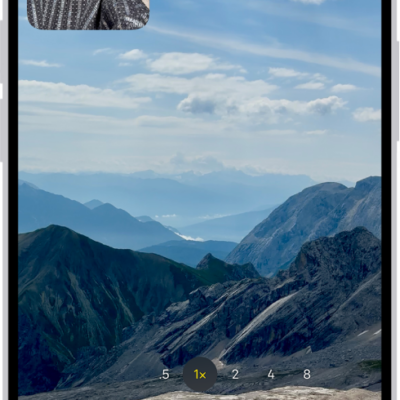
How to change sound recording options on iPhone
You can choose Spatial Audio, Stereo, or Mono for recording video sound on iPhone, and turn wind noise reduction on or off.
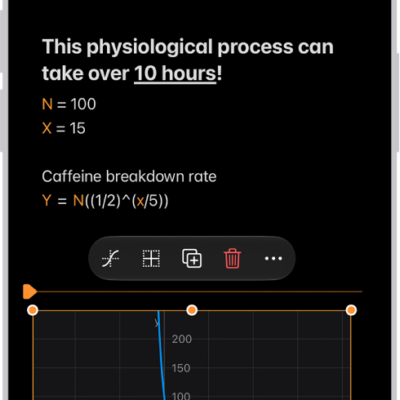
How to work with graphs in Math Notes in Calculator on iPhone
You can graph equations in two or three dimensions in Math Notes in Calculator on iPhone, overlay several graphs, and modify them.
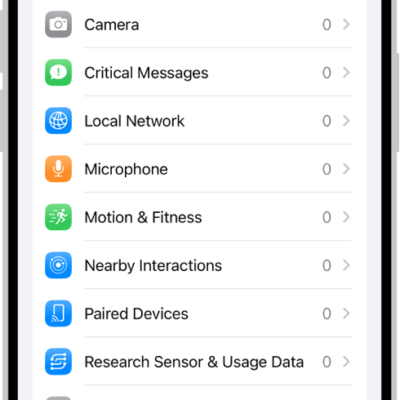
How to control access to hardware features on iPhone
You can control access to hardware features on iPhone, since apps must ask before using your camera, microphone, or Bluetooth, and change their access anytime.
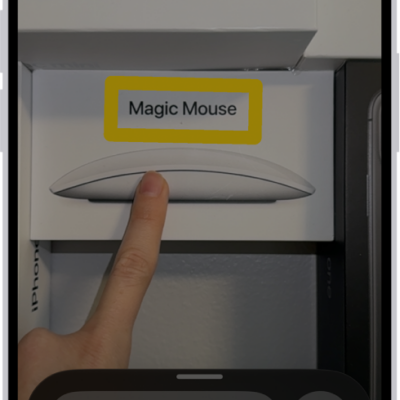
How to detect text around you and have it read out loud using Magnifier on iPhone
You can use Magnifier on iPhone to read nearby text out loud, or point at the exact text you want if you're blind or have low vision.
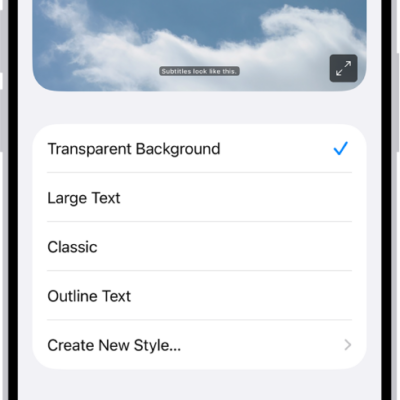
How to display subtitles and captions on iPhone
You can turn on subtitles, closed captions, and transcriptions on iPhone, including generated subtitles on supported models.
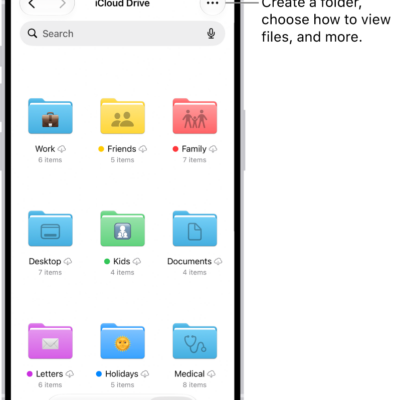
How to share files and folders in iCloud Drive on iPhone
You can share files and folders in iCloud Drive on iPhone, collaborate with others, send copies, and change sharing settings.
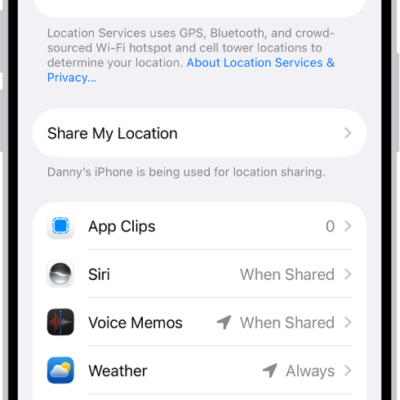
How to control the location information you share on iPhone
You can control the location information you share on iPhone, turning Location Services on or off and changing each app's access.
How to create and send Memoji in Messages on iPhone
You can design your own Memoji in Messages on iPhone, create several, and send animated Memoji that mirror your voice and expressions.

How to clean up, extend, and reframe photos on iPhone
You can use Apple Intelligence in Photos on iPhone to remove distractions, extend a photo's background, and reframe its perspective.