









Dave Johnson
Dave Johnson's Articles
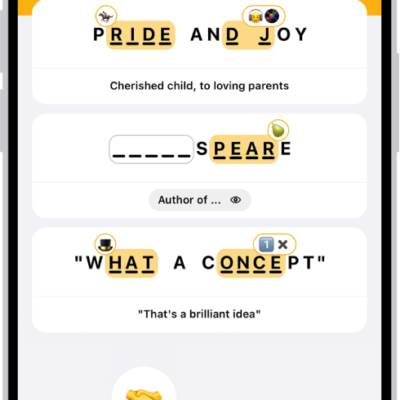
How to play Emoji Game in News on iPhone
You can play the daily Emoji Game in News on iPhone, completing phrases with emoji in as few moves as possible if you subscribe to Apple News+.

How to add backgrounds in Messages on iPhone
You can add a dynamic background, a photo, or an Image Playground image to a Messages conversation on iPhone, and remove it later.
How to sign in with Apple on iPhone
You can sign in to websites and apps with your Apple Account, without new passwords and without being tracked with Sign in with Apple on iPhone.
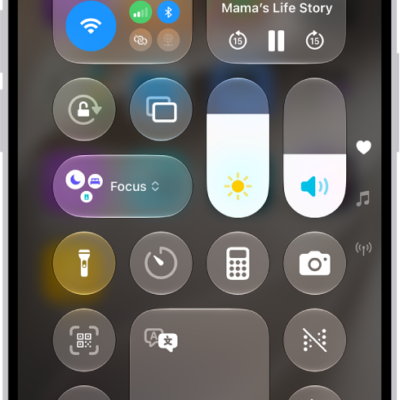
How to connect iPhone to Bluetooth accessories
You can pair your iPhone with Bluetooth accessories like headphones and keyboards, rename them, unpair them, or disconnect them all at once.
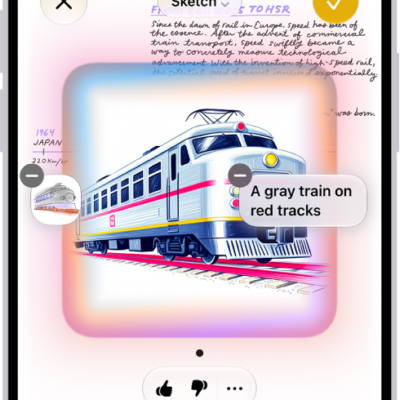
How to use Image Wand with Apple Intelligence on iPhone
You can use Image Wand in Notes on iPhone to turn rough sketches or nearby content into images, then refine them with Apple Intelligence.
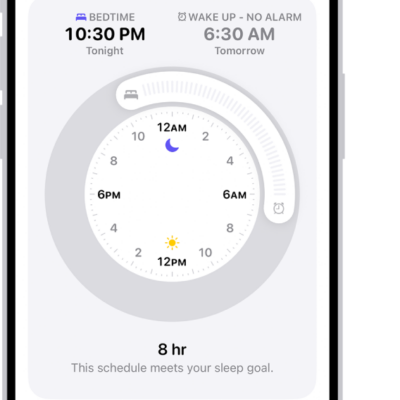
How to turn off alarms and delete sleep schedules in Health on iPhone
You can turn off your next alarm, turn off all sleep schedules, or delete a sleep schedule and its alarm in Health on iPhone.
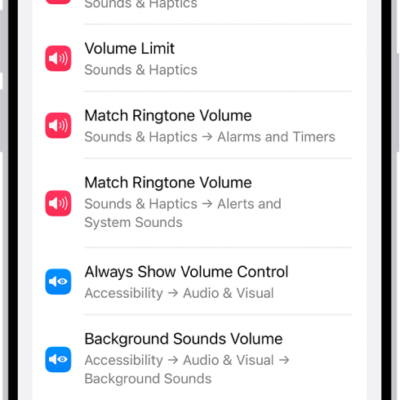
How to search with Spotlight on iPhone
You can use Spotlight on iPhone to search apps, contacts, messages, photos, and the web, and with Siri AI, start a conversation with Siri.
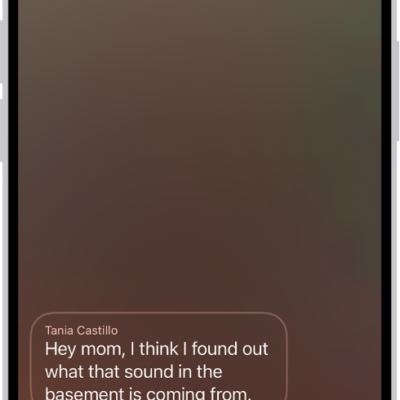
How to set up Voicemail on iPhone
You can set up Visual Voicemail on iPhone, store voicemail in iCloud, and use Live Voicemail to see a message as it's left.
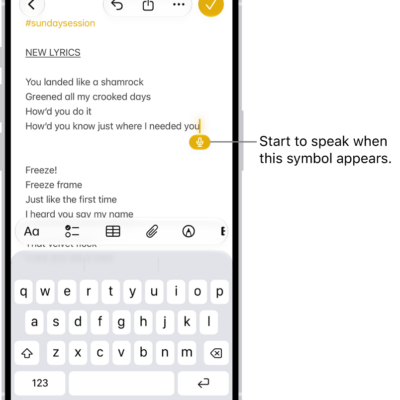
Dictation commands for punctuation, formatting, and emoji on iPhone
You can use commands while dictating text on iPhone to add punctuation, format text, change capitalization, and insert emoji with your voice.

How to use NameDrop on iPhone to share your contact info
You can use NameDrop to share new contact info between iPhones, or with a supported Apple Watch, just by holding them close.