









Dave Johnson
Dave Johnson's Articles

How to report a problem with a game in the Apple Games app on iPhone
You can report a problem with a game from the Apple Games app on iPhone, or request a refund, on the Report a Problem website.
How to use iPhone to allow calls and text messages on your iPad and Mac
You can relay phone calls and text messages from your iPhone to your iPad or Mac, so you can answer them on whichever device you're using.

How to read and share stories in News on iPhone
You can read and share stories in News on iPhone, swipe between stories, and tell News which stories you want more or less of.
How to fill out your Health Details in Health on iPhone
You can add your basic information to Health Details on iPhone, create a Medical ID for emergencies, and review the Health Checklist.
How to scan text and documents in Preview on iPhone
You can scan text or a document into a PDF with the Preview app on iPhone, then crop, rotate, or adjust each page.
How to control what you share on iPhone
You can control what you share on iPhone, from which apps use your data, location, camera, and microphone to safety protections in Privacy & Security.
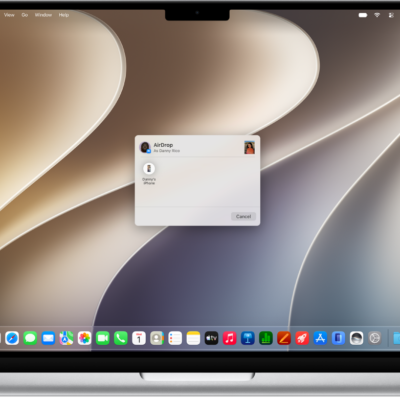
How to copy and paste between your iPhone and other Apple devices
You can copy text, images, and more on one Apple device and paste it on your iPhone, iPad, or Mac with Universal Clipboard.
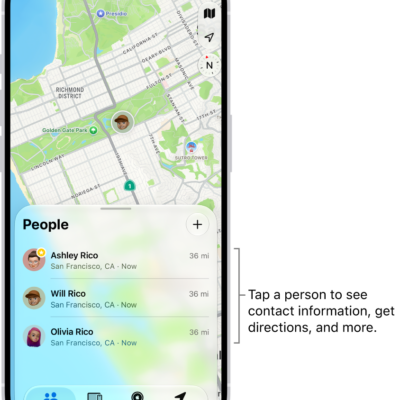
How to locate a friend in Find My on iPhone
You can find them on a map in Find My on iPhone, contact them, get directions, and label their location when a friend shares their location.
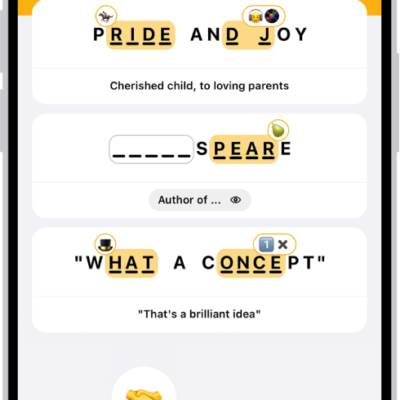
How to play Emoji Game in News on iPhone
You can play the daily Emoji Game in News on iPhone, completing phrases with emoji in as few moves as possible if you subscribe to Apple News+.

How to add backgrounds in Messages on iPhone
You can add a dynamic background, a photo, or an Image Playground image to a Messages conversation on iPhone, and remove it later.