









Dave Johnson
Dave Johnson's Articles
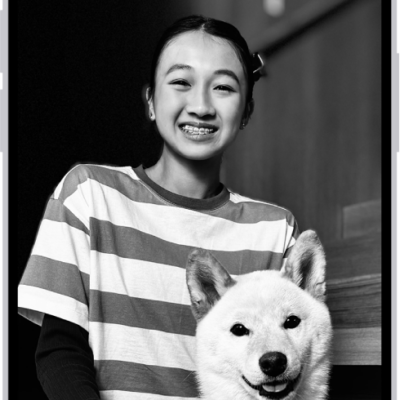
How to create a custom iPhone Lock Screen
You can create a custom iPhone Lock Screen with your own wallpaper, photo, font, and widgets, make several, and link one to a Focus.
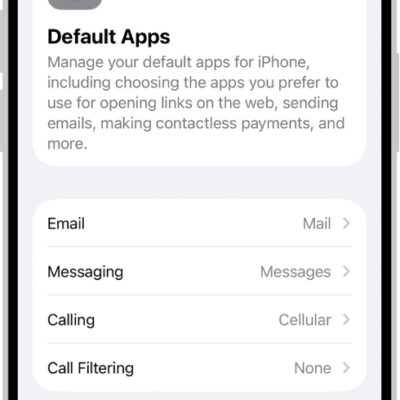
How to change the default apps on iPhone
You can set third-party apps as your defaults on iPhone for email, messaging, calling, web browsing, passwords, keyboards, and more.
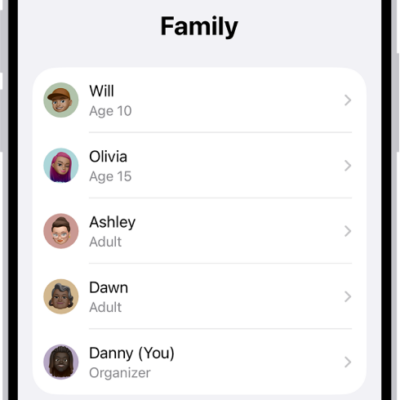
How to set up Family Sharing on iPhone
You can set up Family Sharing on iPhone so you and up to five family members can share Apple services, purchases, and iCloud+ storage.
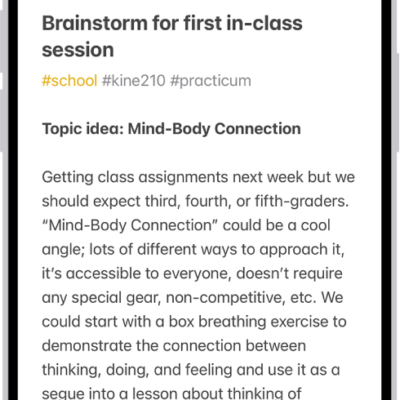
How to delete and recover notes in Notes on iPhone
You can delete notes on iPhone and recover them from the Recently Deleted folder within 30 days, or delete them for good.
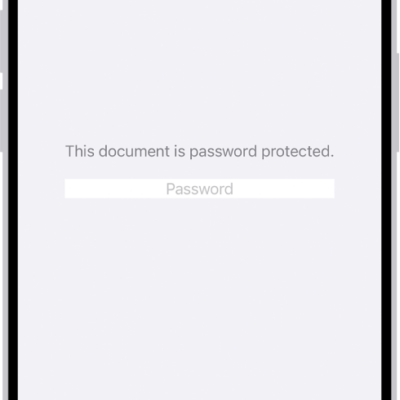
How to lock PDFs in Preview on iPhone
You can lock a PDF with a password in Preview on iPhone to stop others from editing or deleting it, and keep an unlocked copy.
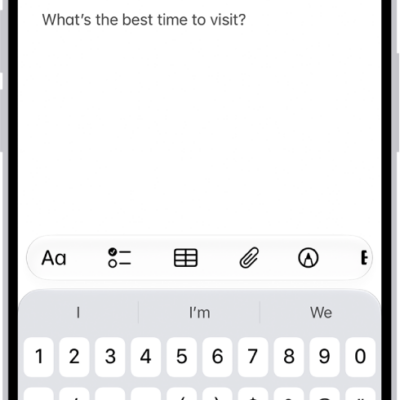
How to search through your notes on iPhone
You can search all your notes on iPhone for typed and handwritten text, tags, objects in images, and text in scanned documents.
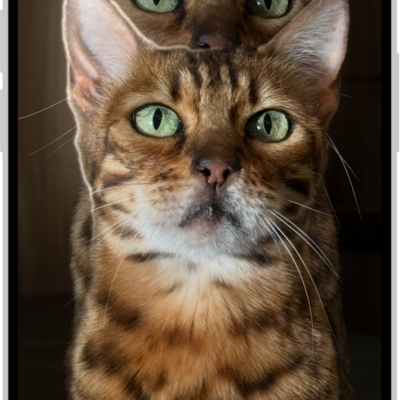
How to interact with content in a photo or video on iPhone
You can copy, translate, and look up text in photos and videos, and use quick actions to call or convert currencies with Live Text on iPhone.
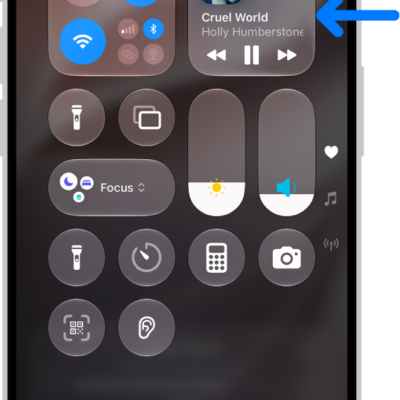
How to play music on iPhone as taps, textures, and more
You can feel music as taps, textures, and vibrations synced to the song with Music Haptics on supported iPhone models.
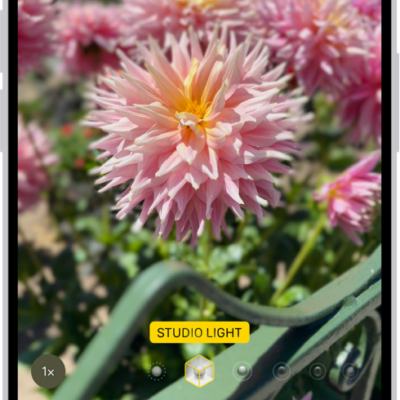
How to take portraits with your iPhone camera
You can take portraits with your iPhone camera that keep the subject sharp and blur the background, then adjust the blur and lighting.
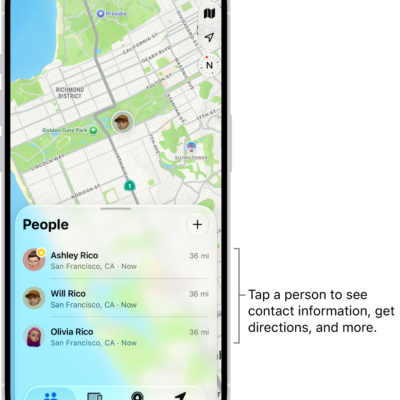
How to share your location in Find My on iPhone
You can set up location sharing in Find My on iPhone, share your location with friends, label it, and pause or stop sharing.