









Dave Johnson
Dave Johnson's Articles
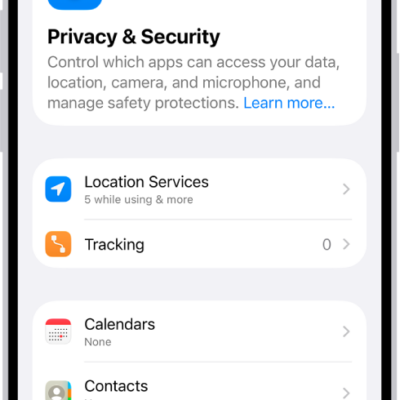
How to receive warnings about sensitive content on iPhone
You can turn on Sensitive Content Warning so your iPhone, or a family member's, warns you before you view sensitive images.
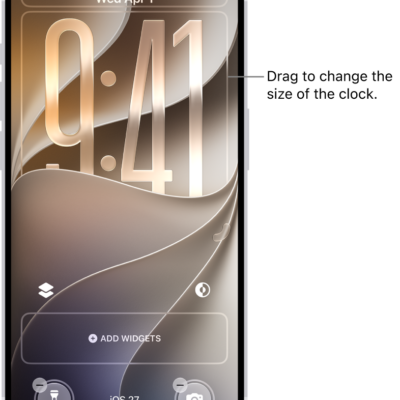
How to turn on Lock Screen features on iPhone
You can allow access to features like Control Center, widgets, and media controls on the iPhone Lock Screen.
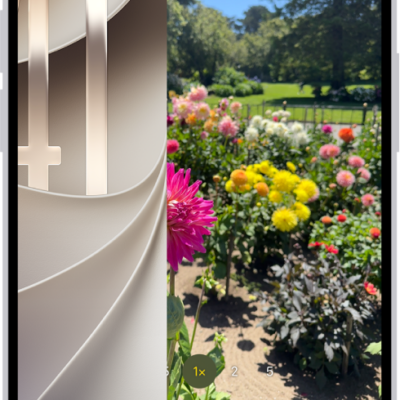
How to take great photos and videos
You can take great photos and videos with iPhone, from opening Camera on the Lock Screen to low-light shots and editing.
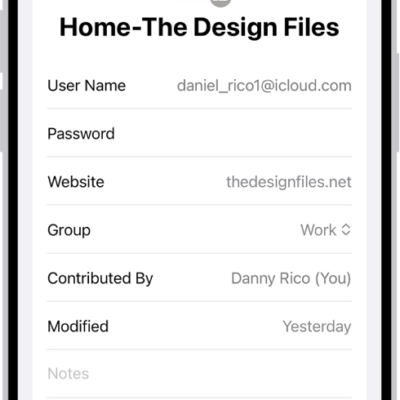
How to view your password history for a website or app on iPhone
You can see the previous versions of a password on iPhone, with the dates they changed, and clear the history.
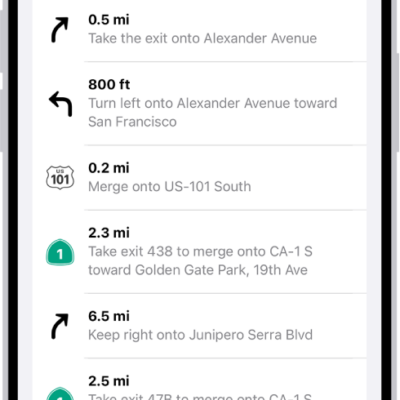
How to view a route overview or a list of turns in Maps on iPhone
You can see an overview of your whole route, a list of turns, and share a route while following directions in Maps on iPhone.
How to connect iPhone to a display with a cable
You can connect iPhone to a display like a monitor, TV, or projector using the right adapter and an HDMI or VGA cable.
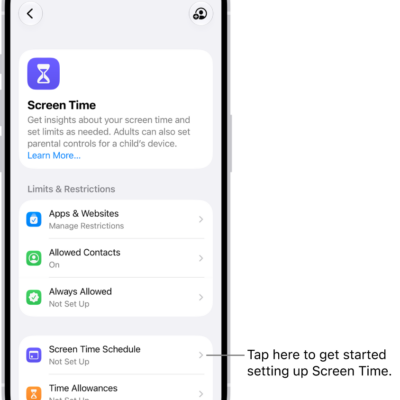
How to set up Screen Time for yourself on iPhone
You can set up Screen Time on iPhone to see how you use your devices, set Time Allowances and schedules, and view summaries.
How to wirelessly stream videos and photos to Apple TV 4K or a smart TV from iPhone
You can stream videos and photos from iPhone to Apple TV 4K or an AirPlay 2 smart TV, and mirror your iPhone screen.
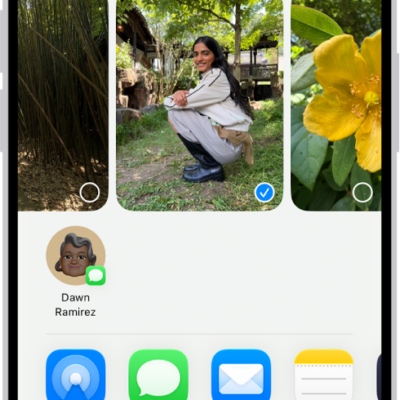
How to share photos and videos on iPhone
You can share photos and videos from iPhone in Mail, Messages, and other apps, use AirDrop, and choose what information you share.
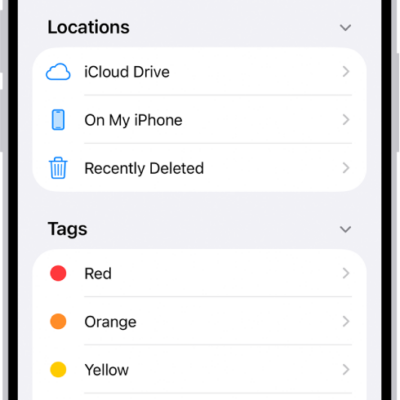
Files app basics on iPhone: find, organize, and share files
You can use the Files app on iPhone to find, view, organize, compress, and share your files, and move them to and from iCloud Drive.