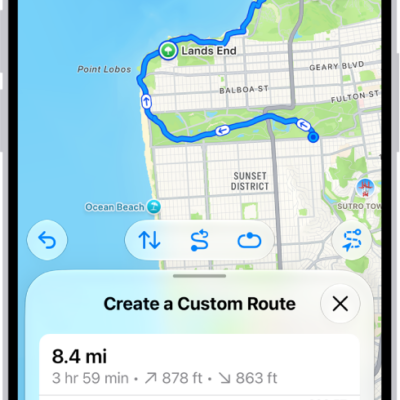
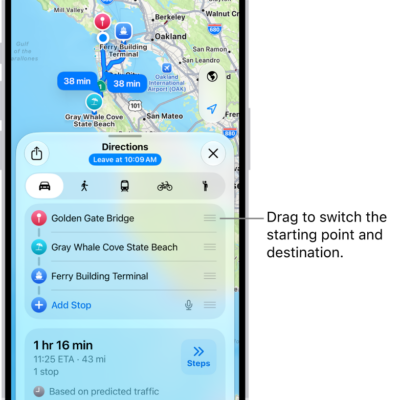
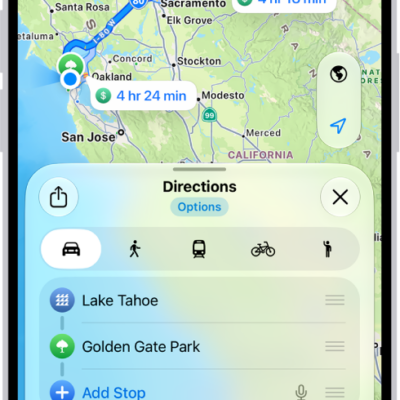
In Maps, while following driving, cycling, transit, and walking directions, you can zoom out to see your entire route on the screen, start to finish. You can also view a list of upcoming directions, and share a route with someone, too.
- While following driving, cycling, transit, and walking directions, you can get an overview of your route and a list of upcoming turns.
Get an overview of your route
You can zoom out to see your entire route onscreen, from the starting point to the destination.
- Open the Maps app on your iPhone.
Get directions.
- Tap the Overview Mode button.
- To return to turn-by-turn directions, tap the Turn-by-Turn Mode button.
View a list of upcoming directions
- Open the Maps app on your iPhone.
Get directions.
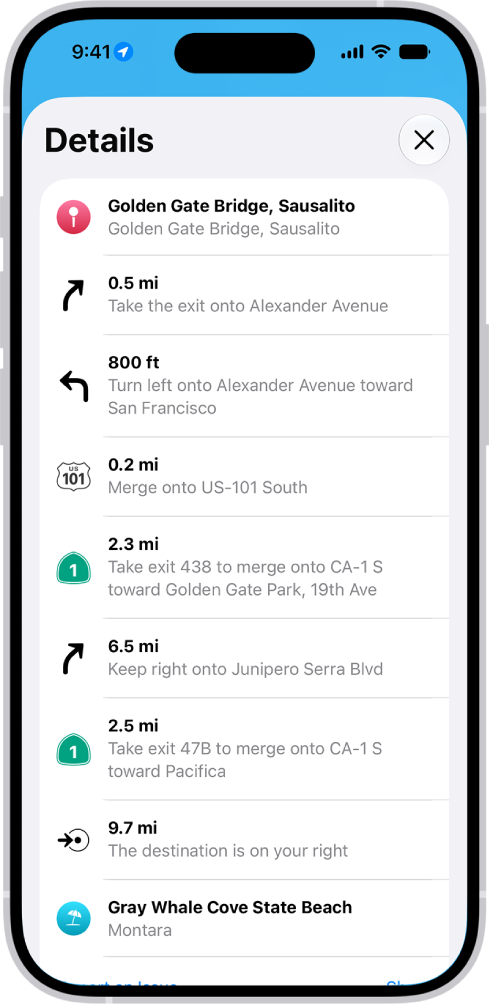
- Tap anywhere on the route card except the Go button.
- Scroll down to see more directions.
When finished, tap the Close button.
Share a route with someone
- Open the Maps app on your iPhone.
Get directions.
- Tap anywhere on the route card except the Go button.
- Scroll to the bottom of the card and tap Share. Then choose a way to share the route.
Tag: Maps