Got a tip for us?

Dave Johnson

Dave Johnson is the editor-in-chief at GeeksModo where he oversees all of site’s evergreen content to ensure it’s up to date with the latest information. Hailing from New Jersey in the US, he has over seven years of experience in the tech journalism space and holds a degree in English Literature. In his spare time, Dave can found checking out the latest video games, immersing himself in his favorite sporting pastime of football, and petting every dog he comes across in the outside world.

Dave Johnson's Articles

A news story in the News app. In the tabs across the bottom, Today is selected.

How to read local news in News on iPhone

You can set up a local news feed in News on iPhone for news, events, and weather where you live, and follow local publishers in the U.S..
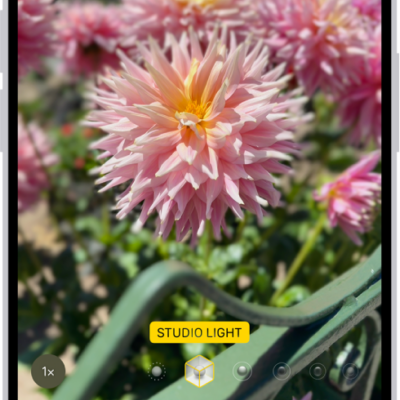
The Camera screen in Portrait mode; in the viewfinder, the subject is sharp and the background is blurred. The dial to select Portrait Lighting is open in the bottom of the frame and Studio Light is selected.

How to record video in Cinematic mode with your iPhone camera

You can record video in Cinematic mode on supported iPhone models, keeping your subject sharp with a blurred background, and change the focus later.
The iPhone Lock Screen showing the time and date near the top and icons for the Flashlight and Camera near the bottom.

How to turn the iPhone flashlight on or off

You can turn the iPhone flashlight on or off from Control Center, the Lock Screen, Siri, or the Action button.
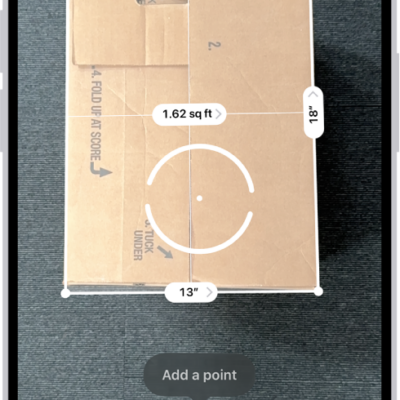
A screen showing the measurement of the dimensions of a box in the Measure app. The area of the box is calculated from the measurements of the dimensions.

How to measure dimensions with iPhone

You can measure objects with your iPhone camera in the Measure app, detect rectangles automatically, and use edge guides and Ruler view.
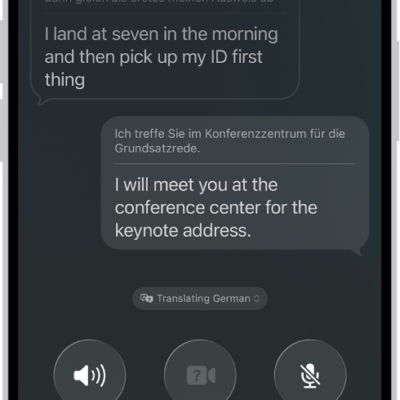
A phone call in the Phone app showing a conversation translated from German to English.

How to translate in-person conversations with iPhone

You can translate in-person conversations with the Translate app on iPhone, in a face-to-face view or in your ears with AirPods.
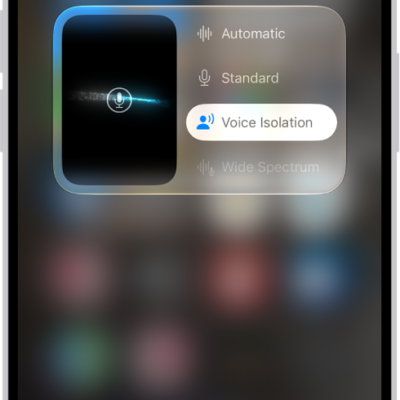
The Control Center settings for FaceTime calls, showing the audio settings Automatic, Standard, Voice Isolation, and Wide Spectrum.

How to use audio call tools in FaceTime on iPhone

You can use audio call tools in FaceTime on iPhone, like Hold Assist, which tells you when a live agent is available, and call recording in some regions.
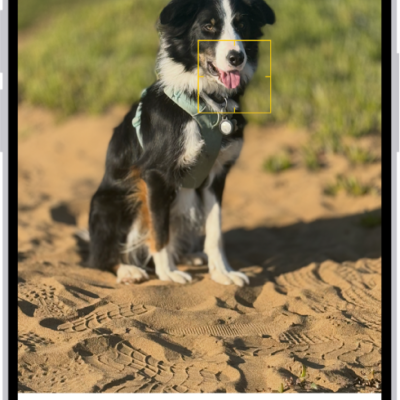
The Edit screen in the Photos app with a portrait in the center. Below the photo is a slider to adjust the Depth Adjustment setting. Below the slider, from left to right, are the Style, Portrait, Adjust, Filters, Crop, and Clean Up buttons. The Portrait button is selected.

How to edit Cinematic mode videos on iPhone

You can adjust or remove Cinematic mode effects in Photos, change the focus, and add the effect to regular videos on supported iPhone models.
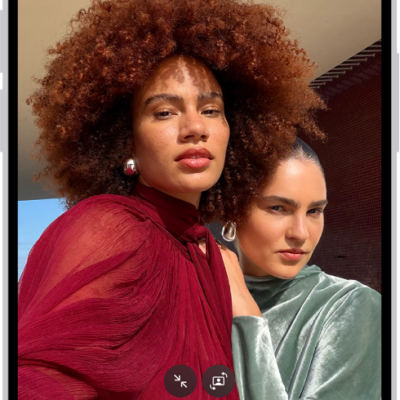
The Camera screen in Photo mode. Within the camera frame, the subjects are taking a selfie.

How to take spatial photos and record spatial videos for Apple Vision Pro with your iPhone camera

You can take spatial photos and videos to relive in three dimensions on Apple Vision Pro on supported iPhone models.
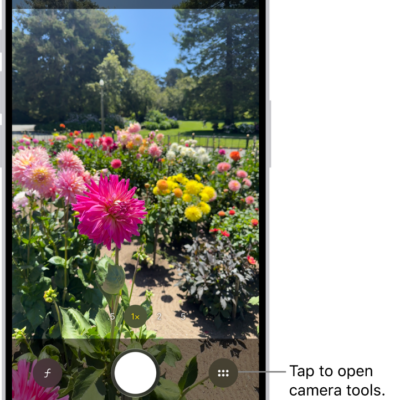
Camera is open in Photo mode. The Camera Controls button is in the top-right corner. The Photo and Video Viewer button is in the bottom-left corner. The Take Picture button is at the bottom center, and the Camera Chooser Back-Facing button is in the bottom-right corner.

iPhone camera basics: open Camera, take photos, switch modes, and zoom

You can learn the iPhone camera basics: how to open Camera, take a photo, switch between modes like Portrait and Pano, and zoom in or out.
Camera is open in Photo mode. The Camera Controls button is in the top-right corner. The Photo and Video Viewer button is in the bottom-left corner. The Take Picture button is at the bottom center, and the Camera Chooser Back-Facing button is in the bottom-right corner.

How to adjust the shutter volume on your iPhone camera

You can change the iPhone camera shutter volume from Control Center, or mute the shutter sound with Silent mode where that's allowed.