









Dave Johnson
Dave Johnson's Articles
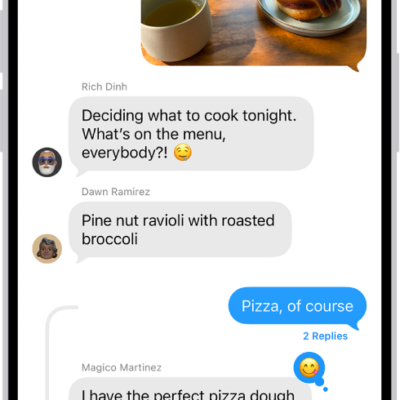
How to forward and share messages on iPhone
You can forward one or more text messages from a conversation on iPhone to a different recipient.
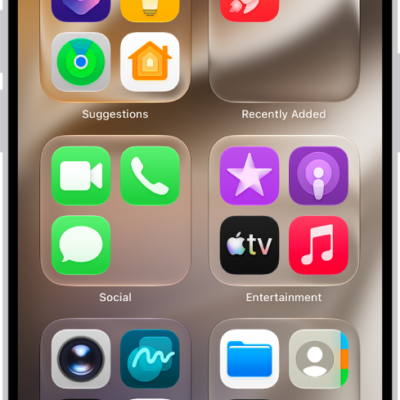
How to find and use your apps in App Library on iPhone
You can find and use your apps in App Library on iPhone, where they're sorted into categories, and search it or add apps to your Home Screen.
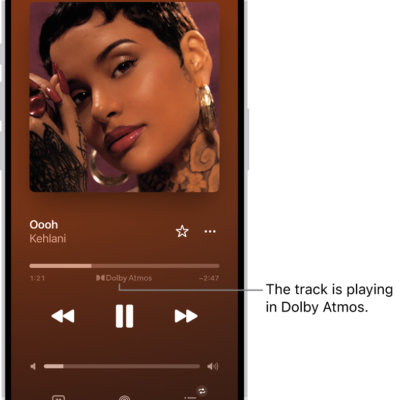
How to play music in Spatial Audio with Dolby Atmos on iPhone
You can play tracks in Dolby Atmos on iPhone for immersive Spatial Audio, and download them too if you subscribe to Apple Music.
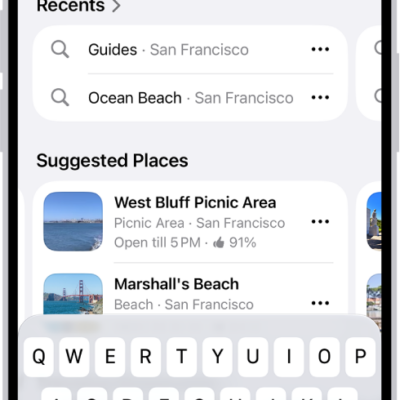
How to book rides in Maps on iPhone
You can request a ride from Maps on iPhone with a compatible ridesharing app, and stop sharing your location with those apps.
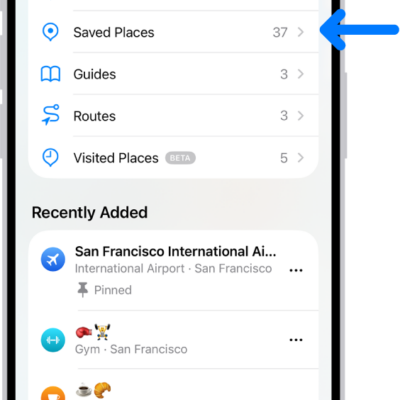
How to add places and notes to your Places in Maps on iPhone
You can save and pin places in Maps on iPhone, add personal notes that only you can see, and remove places from your Places.
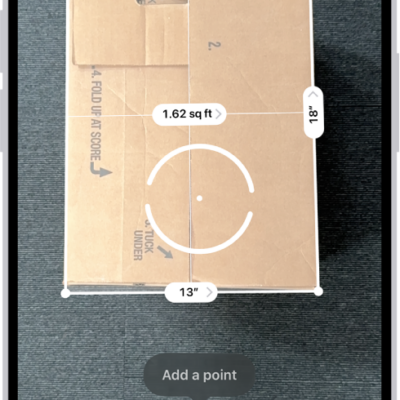
How to view and save measurements on iPhone
You can save a list of measurements from the Measure app, with screenshots, to share and view later on supported iPhone models.
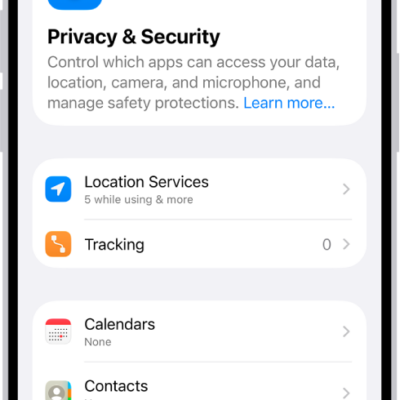
How to use Stolen Device Protection on iPhone
You can use Stolen Device Protection on iPhone to require Face ID or Touch ID, and a Security Delay, for sensitive changes if someone knows your passcode.
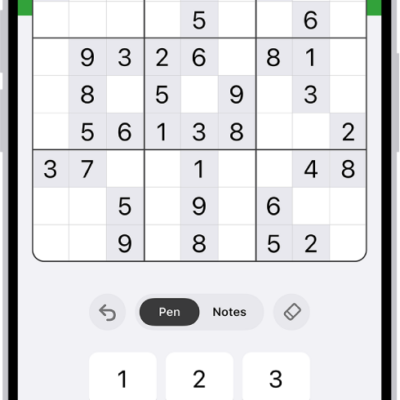
How to solve sudoku puzzles in News on iPhone
You can solve new sudoku puzzles in News on iPhone every day, in easy, moderate, and challenging levels if you subscribe to Apple News+.
How to scan a QR code with your iPhone camera
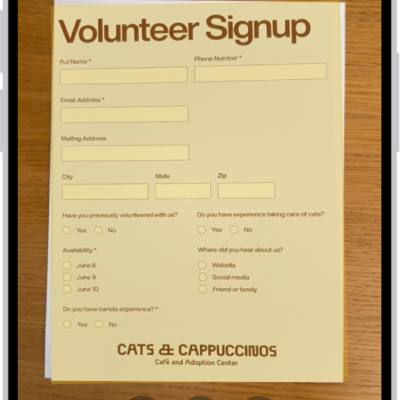
You can scan QR codes for websites, apps, coupons, and tickets with the iPhone Camera or the Scan Code control in Control Center.
How to listen to a webpage in Safari on iPhone
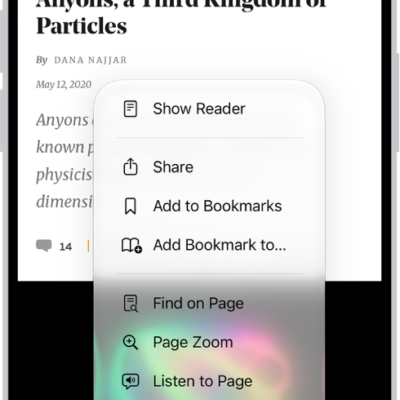
You can have Safari on iPhone read supported webpages aloud with Listen to Page, and pause or resume whenever you like.