









Dave Johnson
Dave Johnson's Articles
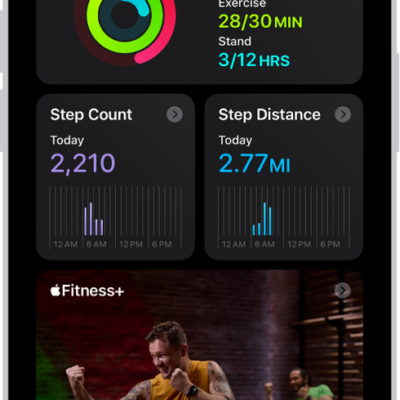
How to get started with Fitness on iPhone
You can use the Fitness app on iPhone to track your Activity rings and workouts, change your goals, and share your activity.
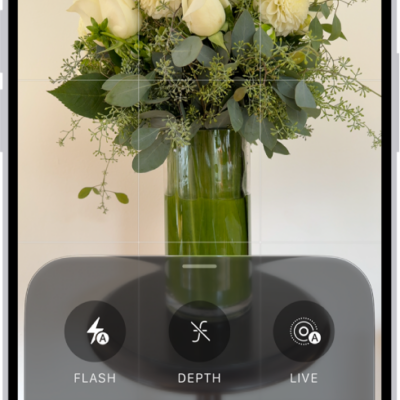
How to take Apple ProRAW photos with your iPhone camera
You can take Apple ProRAW photos for more control over exposure, color, and white balance when editing on supported iPhone models.
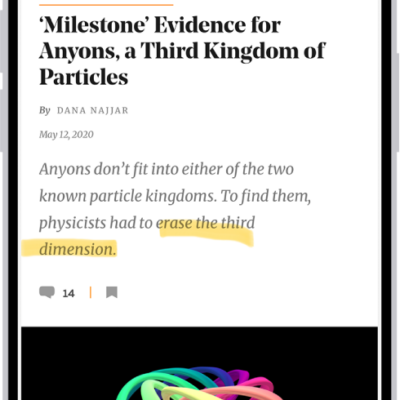
How to annotate and save a webpage as a PDF in Safari on iPhone
You can mark up a webpage in Safari on iPhone with Markup, then save the annotated page as a PDF in Files or share it.
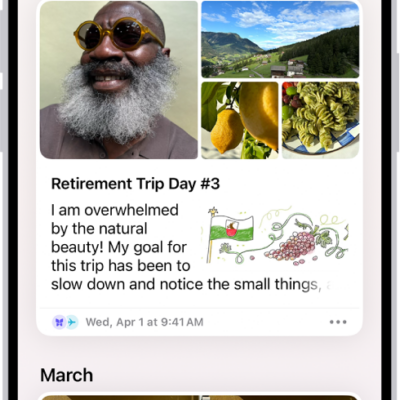
How to print and export entries in Journal on iPhone
You can print or export a single journal entry or many at once as PDF files in the Journal app on iPhone.
How to set up shortcuts for Live Recognition on iPhone
You can set up a shortcut on iPhone to quickly start Live Recognition with VoiceOver, using a gesture or a triple-click.
How to explore airports or malls in Maps on iPhone
You can use indoor maps in Maps on iPhone to find gates, restrooms, food, and other services in large airports and shopping malls.
How to view health records in Health on iPhone
You can view health records downloaded from your providers in Health on iPhone, pin lab results, and share records with other apps.
How to print a Freeform board on iPhone
You can print a Freeform board on iPhone as a single page, or one scene per page if you saved scenes.
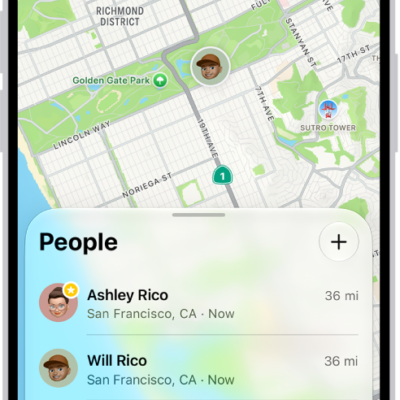
How to adjust map settings in Find My on iPhone
You can change the map type, switch between 2D and 3D views, and change the distance units used in Find My on iPhone.
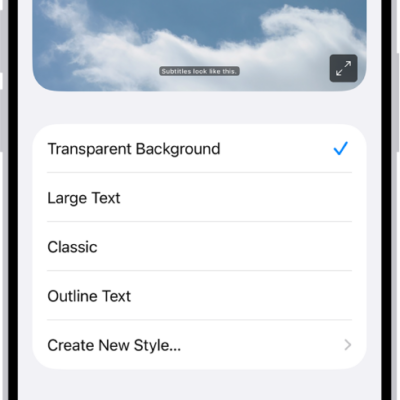
How to get live captions of spoken audio on iPhone
You can get a real-time transcription of audio in apps like FaceTime and of conversations around you with Live Captions on iPhone.