









Dave Johnson
Dave Johnson's Articles
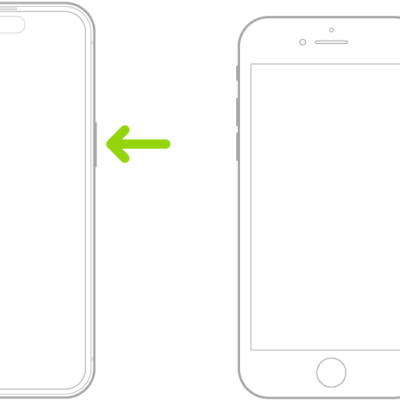
How to quickly turn accessibility features on or off on iPhone
You can quickly turn accessibility features on or off on iPhone with a triple-click, the Action button, Back Tap, Control Center, or Siri.
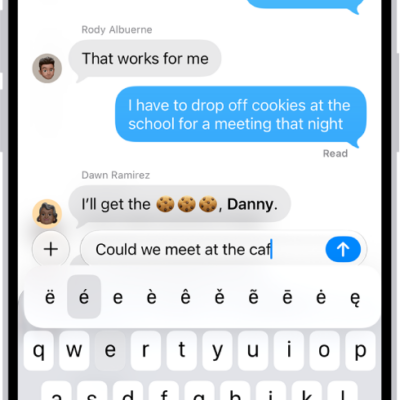
How to enter characters with diacritical marks while using Magic Keyboard with iPhone
You can type accents and other diacritical marks with Magic Keyboard on iPhone, using the Option key or the onscreen keyboard.
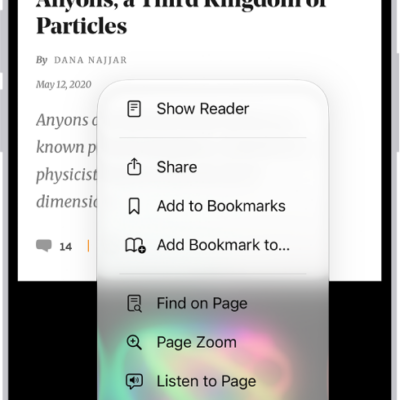
How to hide distractions when browsing webpages in Safari on iPhone
You can use Distraction Control in Safari on iPhone to hide menus, pop-ups, and other distracting items on a webpage.
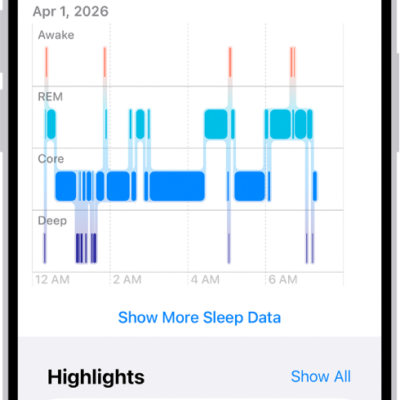
How to view your sleep history in Health on iPhone
You can view your sleep history in Health on iPhone by week or month, from a sleep tracker or data you add yourself.
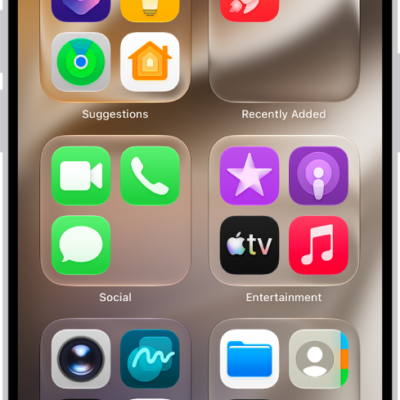
How to add an app on iPhone
You can add an app to your iPhone's Home Screen and App Library, or to App Library only, and move it to the Home Screen later.
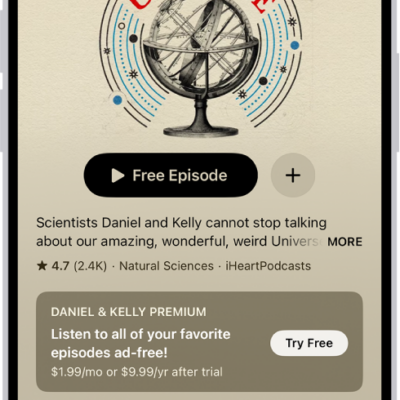
How to change your download settings for Podcasts on iPhone
You can turn automatic downloads on or off in Podcasts on iPhone, remove played episodes, and change download settings for a single show.
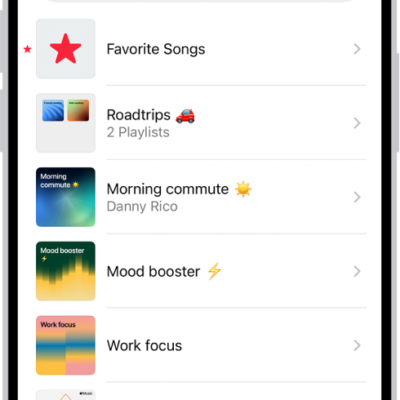
How to create, edit, and delete music playlists on iPhone
You can create, edit, and delete music playlists on iPhone, by hand or with Playlist Playground in the U.S., which builds one from a description.
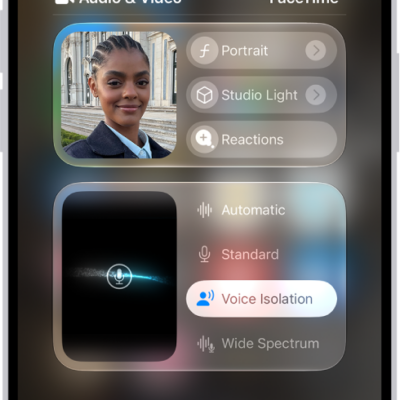
How to use video conferencing features on iPhone
You can use video effects like Center Stage and add 3D reactions with hand gestures during a FaceTime or other video call on iPhone.
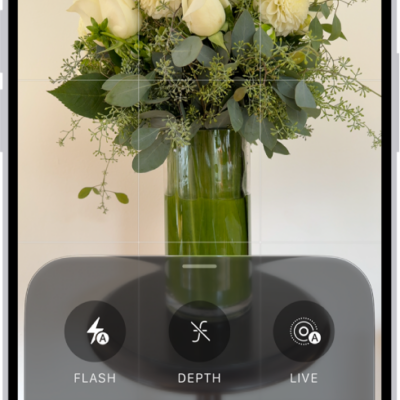
How to use advanced camera tools on iPhone
You can set the camera's aperture, shutter speed, and white balance yourself, and check exposure with a histogram on iPhone 18 Pro models.
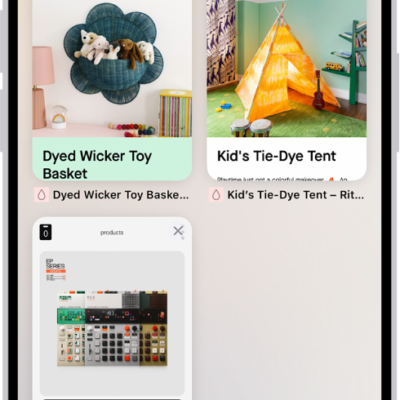
How to share Tab Groups and collaborate in Safari on iPhone
You can share a Tab Group in Safari on iPhone with people who use iCloud, add or remove collaborators, and start a call or message from Safari.