









Dave Johnson
Dave Johnson's Articles
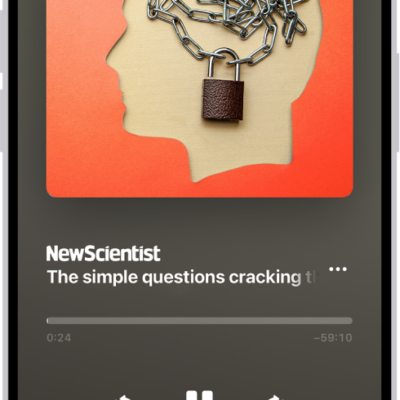
How to listen to Apple News Today on iPhone
You can listen to Apple News Today, a daily audio briefing of top stories, in the News app on iPhone and get show notes notifications.
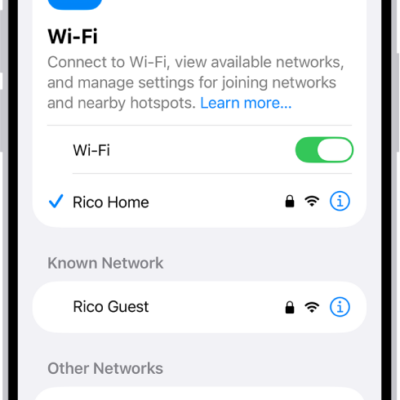
How to use a private network address on iPhone
You can use a private network address on each Wi-Fi network your iPhone joins, and turn it off for a network that can't use one.
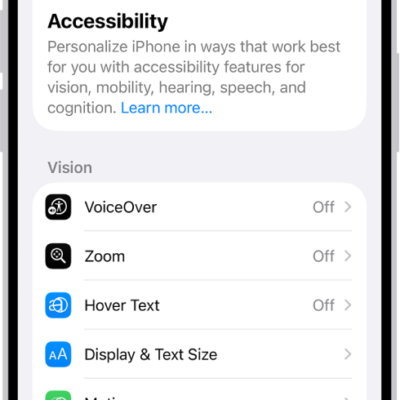
How to change display colors on iPhone to make it easier to see what’s onscreen
You can invert colors, apply color filters, reduce transparency, and tone down bright colors on iPhone to make the screen easier to see.

How to use Apple Intelligence to express yourself creatively on iPhone
You can edit photos with Clean Up, create images with Image Playground, and make your own Genmoji with Apple Intelligence on iPhone.
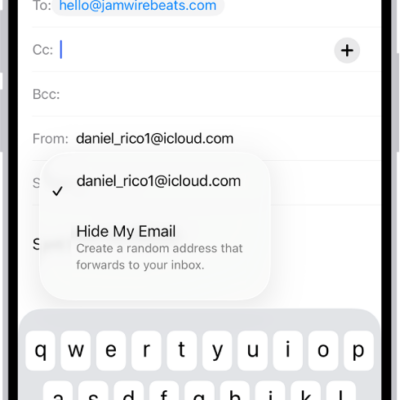
How to use Hide My Email in Mail on iPhone
You can use Hide My Email in Mail on iPhone to send and reply to email without sharing your real address with iCloud+.
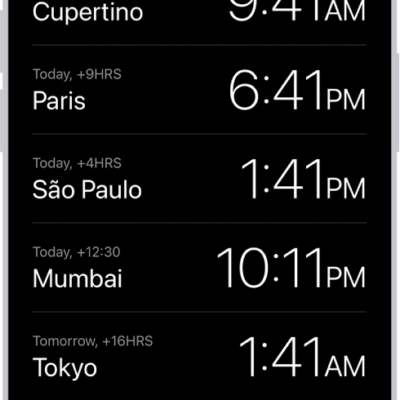
How to see the time worldwide in Clock on iPhone
You can see the local time in cities around the world with World Clock in the Clock app on iPhone, and add, delete, or reorder cities.
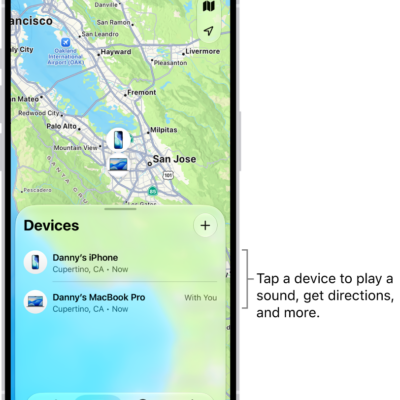
How to remove a device from Find My on iPhone
You can remove a device from Find My on iPhone and turn off Activation Lock, whether or not you still have the device.
How to get started with Apple Intelligence on your iPhone
You can get started with Apple Intelligence on iPhone with iOS 27 to write, create images, and get things done across your apps, privately.
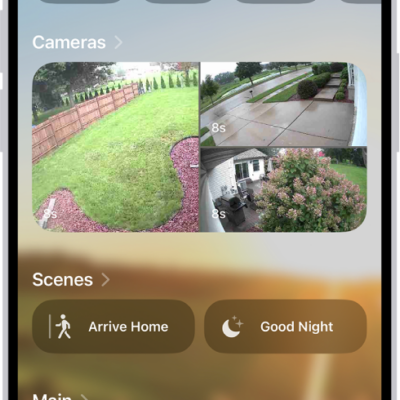
How to set up HomePod in Home on iPhone
You can set up HomePod in the Home app on iPhone, send Intercom messages, add alarms and timers, and change HomePod settings.
How to use Siri to find information and get things done on iPhone
You can use Siri on iPhone to call, text, and email, play music, get directions, find information, and control your smart home.