









Emily Long
Emily Long's Articles
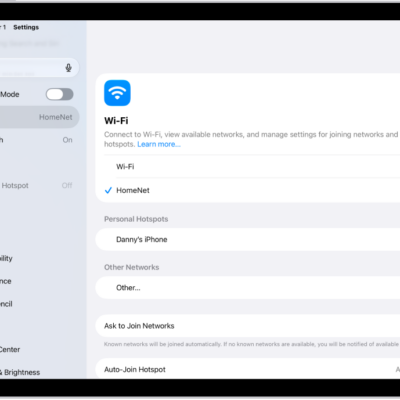
How to connect iPad to the internet
You can connect iPad to the internet with Wi-Fi, a Personal Hotspot, or a cellular network on Wi-Fi + Cellular models.
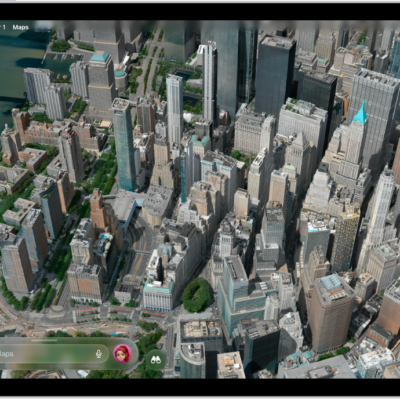
How to explore maps with immersive views on iPad
You can explore maps with immersive views on iPad, see cities in 3D detail, and look around locations with 360-degree views.
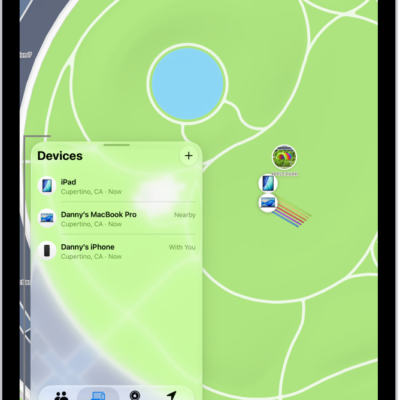
How to adjust map settings in Find My on iPad
You can adjust map settings in Find My on iPad, switch between explore and satellite views, use 2D or 3D, and change distance units.
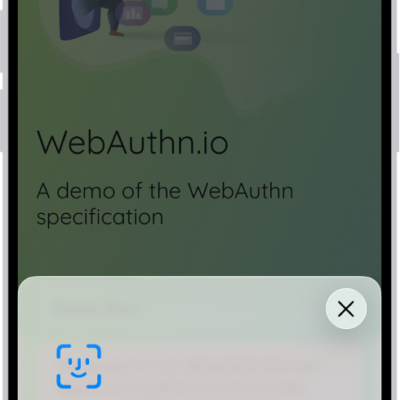
How to use passkeys to sign in to websites and apps on iPad
You can use passkeys to sign in to websites and apps on iPad, replacing passwords with more secure, uniquely generated keys.
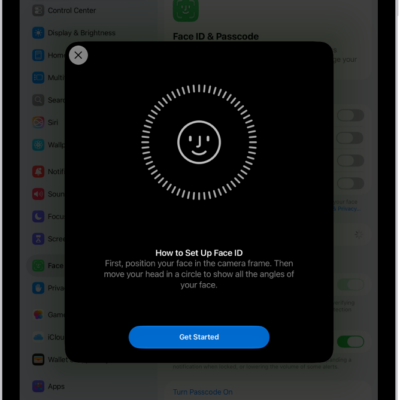
How to set up Face ID on iPad
You can set up Face ID on iPad to unlock it, authorize purchases, and sign in to apps, and add an alternate appearance.
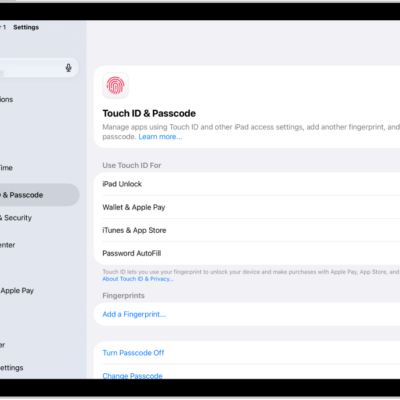
How to set up Touch ID on iPad
You can set up Touch ID on iPad to unlock it, authorize purchases, and sign in to apps, and add or delete fingerprints.
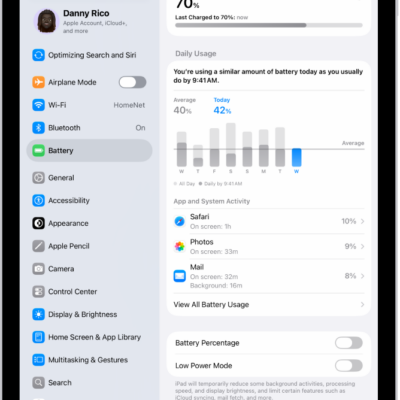
How to use Low Power Mode to save battery life on iPad
You can use Low Power Mode to save battery life on iPad, reducing the power your iPad uses when the battery gets low.
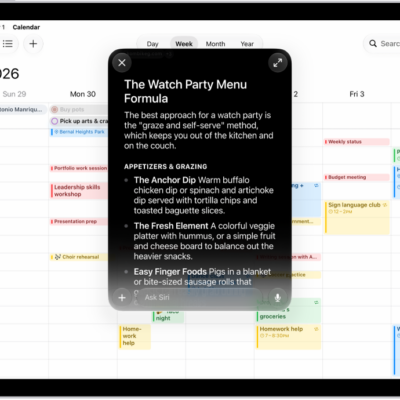
How to change Siri settings on iPad
You can change Siri settings on iPad, customize how you activate Siri, and change Siri's language, voice, and responses.
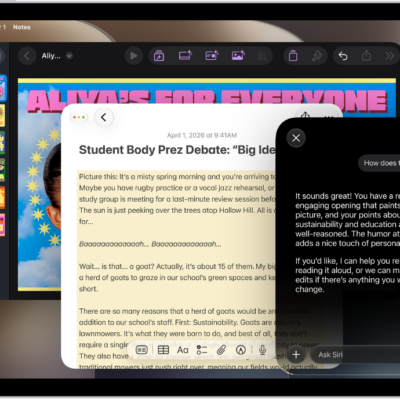
How to write and edit text with Siri AI on iPad
You can write with Siri on iPad when Siri AI is on, to compose drafts, proofread, rewrite, get feedback, and summarize text.
How to get started with Apple Intelligence on your iPad
You can get started with Apple Intelligence on iPad, try Siri AI (Beta), get writing help, and make your photos frame-worthy.