









Emily Long
Emily Long's Articles
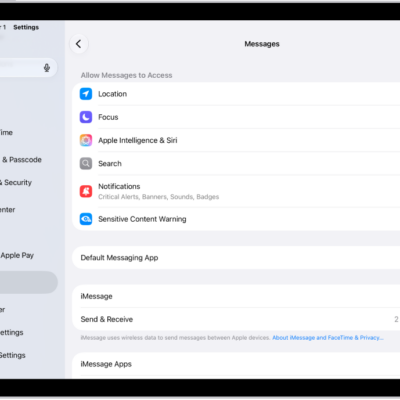
How to set up Messages on iPad
You can set up Messages on iPad, turn on iMessage, sync messages across devices, and share your name and photo.
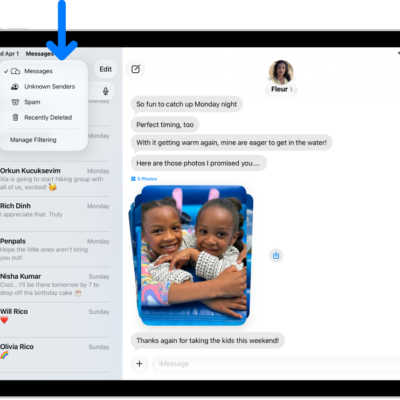
How to screen and filter text messages on iPad
You can screen and filter text messages on iPad from unknown senders, review filtered messages, and turn off business alerts.
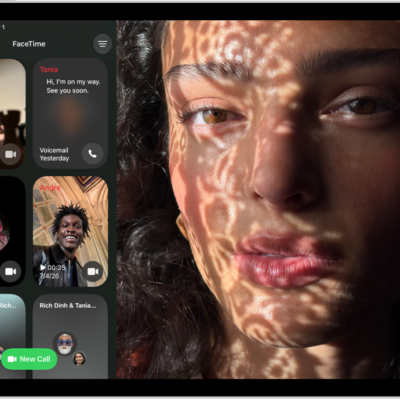
How to receive FaceTime calls on iPad
You can receive FaceTime calls on iPad, answer or decline them, view video messages, and listen to voicemails.

How to add or remove accounts in Reminders on iPad
You can add or remove accounts in Reminders on iPad, keep reminders up to date with iCloud, and update older reminders.
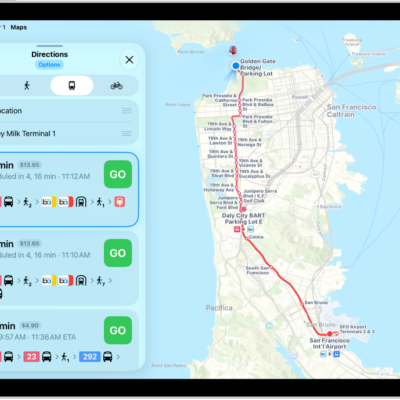
How to get transit directions in Maps on iPad
You can get transit directions in Maps on iPad with departure times, connections, and fares, and plan for a future trip.
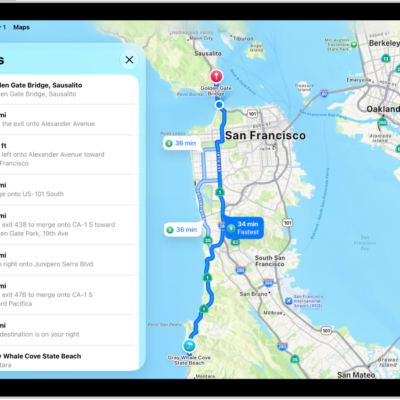
How to view a route overview or a list of turns in Maps on iPad
You can view a route overview or a list of turns in Maps on iPad while following directions, and share a route with someone.
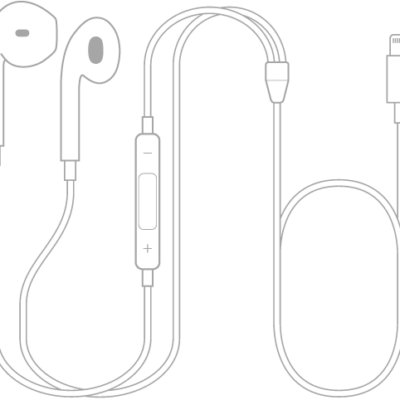
How to use EarPods with Lightning Connector on iPad
You can use EarPods with Lightning Connector on iPad to listen to music and videos, make calls, and use Siri.
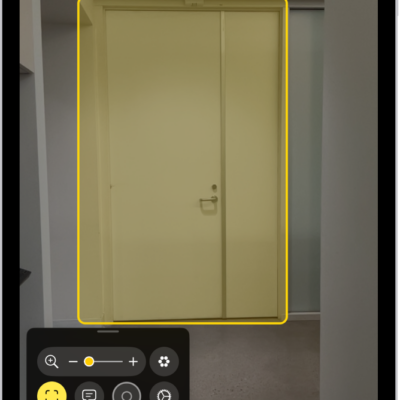
How to detect doors, people, and furniture around you using Magnifier on iPad
You can detect doors, people, and furniture around you using Magnifier on iPad, and customize how detection works.
How to subscribe to iCloud+ on iPad
You can subscribe to iCloud+ on iPad, or to Apple One, for more storage plus premium features like iCloud Private Relay and Hide My Email.
How to create and manage Hide My Email addresses in Settings on iPad
You can create and manage Hide My Email addresses in Settings on iPad, deactivate them, and choose where they forward.