









Emily Long
Emily Long's Articles

How to pair and charge Apple Pencil (1st generation) with iPad
You can pair and charge Apple Pencil (1st generation) with iPad through the Lightning or USB-C connector.

Which Apple Pencil works with your iPad
You can check Apple Pencil compatibility with iPad models, from Apple Pencil (1st generation) to Apple Pencil Pro.
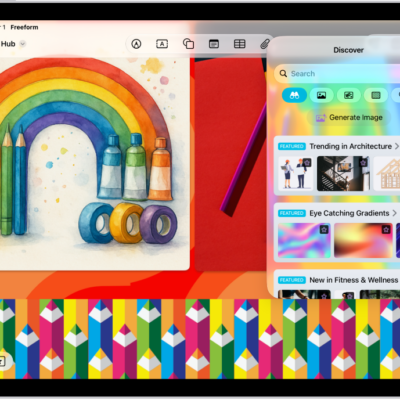
How to add images, scans, links, and other files to a Freeform board on iPad
You can add images, scans, links, and other files to a Freeform board on iPad, and create original images with Image Playground.
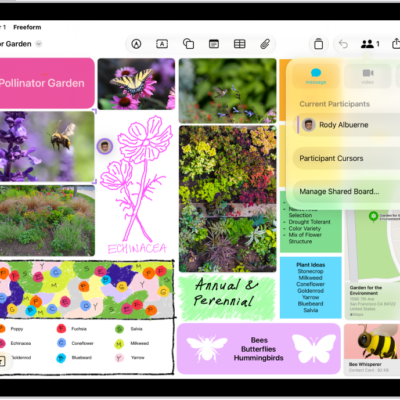
How to collaborate in Freeform boards and folders on iPad
You can collaborate in Freeform boards and folders on iPad, invite others, see edits as they happen, and add accessibility descriptions.
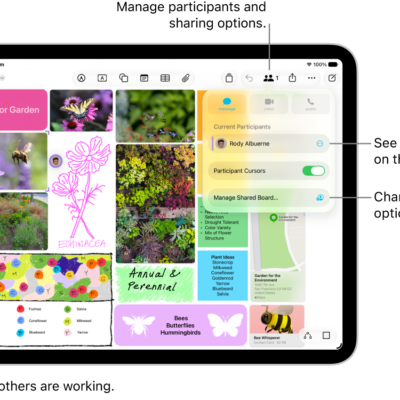
How to change your Freeform settings on iPad
You can change your Freeform settings on iPad, manage access and permissions for boards, change a board's background, and align items.
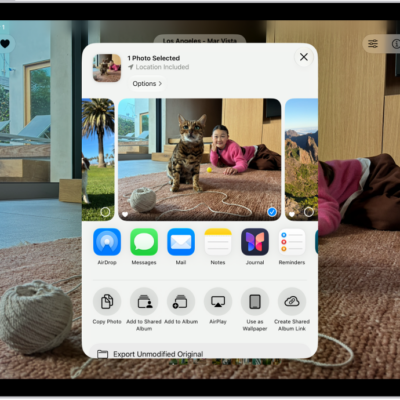
How to contribute to a shared album on iPad
You can contribute to a shared album on iPad, add or delete photos and videos, comment and react, and view shared album activity.
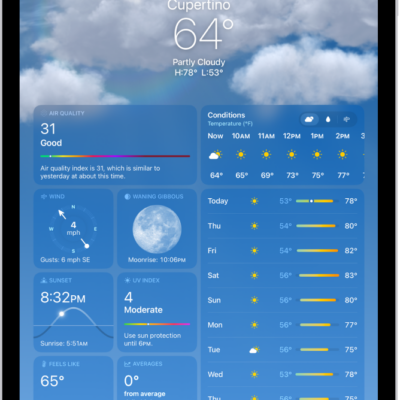
How to get weather info in Maps on iPad
You can get weather info in Maps on iPad, see current conditions and the air quality index, or turn them off.
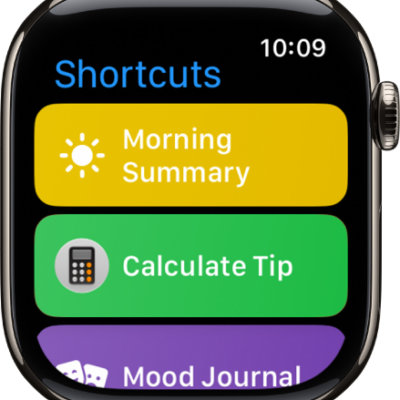
How to use Shortcuts to automate tasks on iPad
You can use Shortcuts to automate tasks on iPad with a tap or by asking Siri, using ready-made shortcuts or your own.
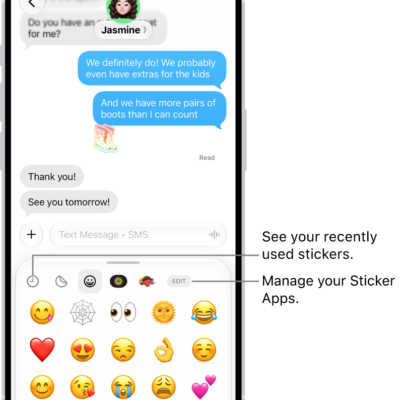
How to send stickers in Messages on iPad
You can send stickers in Messages on iPad, including Live Stickers, Memoji, and stickers from other creators, and place them on a conversation.

How to take and edit photos or videos in Messages on iPad
You can take and edit photos or videos in Messages on iPad, then mark them up or add effects before you send them.