









Emily Long
Emily Long's Articles
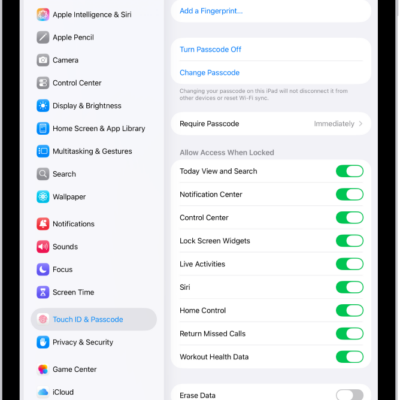
How to lock or hide an app on iPad
You can lock or hide an app on iPad so it needs Face ID, Touch ID, or your passcode to open, and find hidden apps.
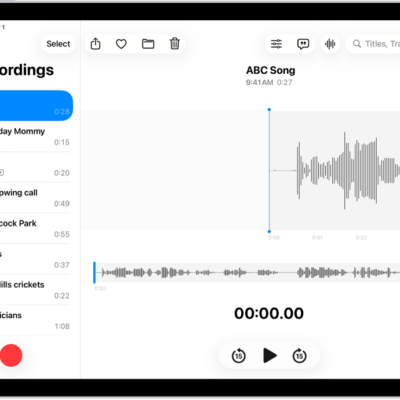
How to work with layered recordings on iPad
You can work with layered recordings on iPad, mixing or separating the vocal and instrumental layers you created on iPhone.
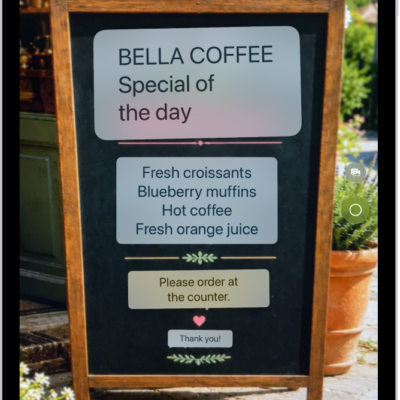
How to use Live Text with your iPad camera
You can use Live Text with your iPad camera to copy, share, look up, and translate text that appears in the camera frame.
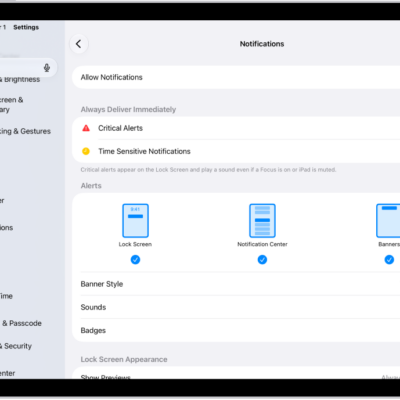
How to summarize notifications and reduce interruptions with Apple Intelligence on iPad
You can summarize notifications and reduce interruptions with Apple Intelligence on iPad, with priority notifications and the Reduce Interruptions Focus.
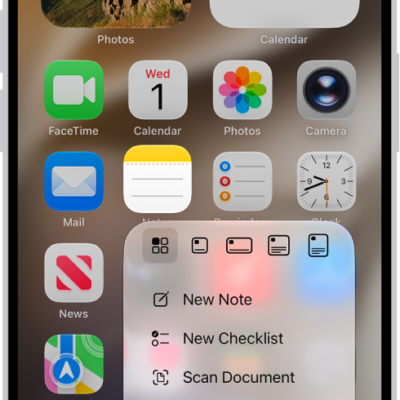
How to perform quick actions on iPad
You can perform quick actions on iPad by touching and holding items to see previews and open Quick Actions menus.
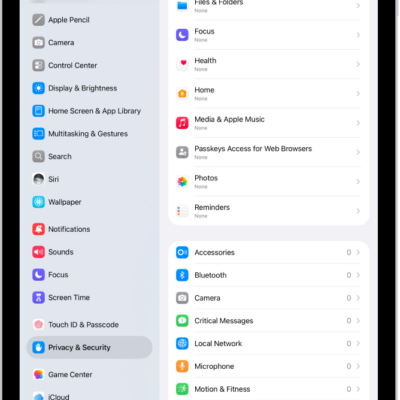
How to control access to hardware features on iPad
You can control access to hardware features on iPad, like the camera, microphone, and Bluetooth, and change which apps can use them.
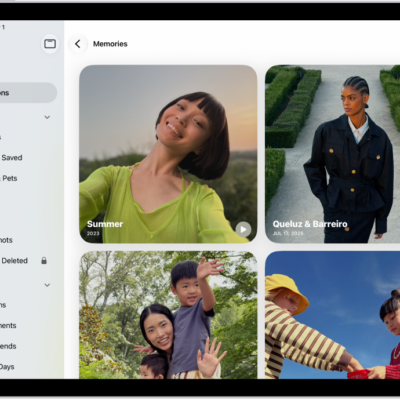
How to view your memories in Photos on iPad
You can view your memories in Photos on iPad, personalized collections of photos and videos, and add memories to Favorites.
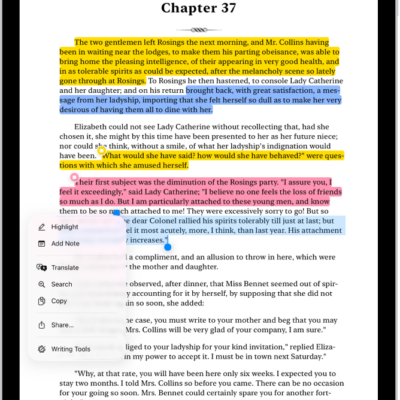
How to annotate books in the Books app on iPad
You can annotate books in the Books app on iPad, highlight or underline text, add notes, and share your highlights and notes.
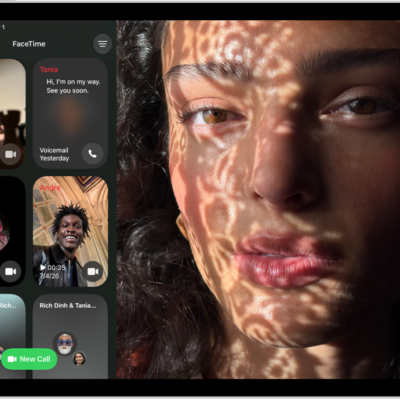
How to block a FaceTime call and report it as spam on iPad
You can block a FaceTime call and report it as spam on iPad, block unknown callers, and unblock a caller later.
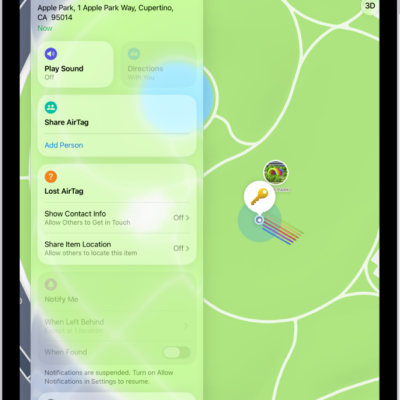
How to mark an AirTag or other item as lost in Find My on iPad
You can mark an AirTag or other item as lost in Find My on iPad, add a message and your contact info, and turn on Show Contact Info.