









Emily Long
Emily Long's Articles
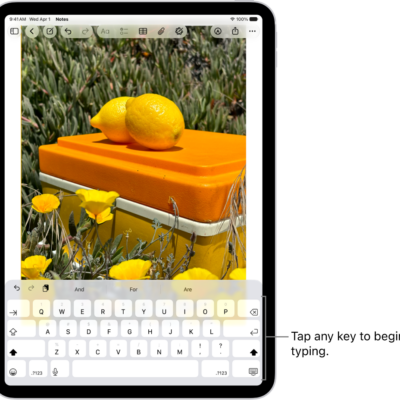
How to type with the onscreen keyboard on iPad
You can type with the onscreen keyboard on iPad to enter and edit text, by tapping keys or sliding from letter to letter.
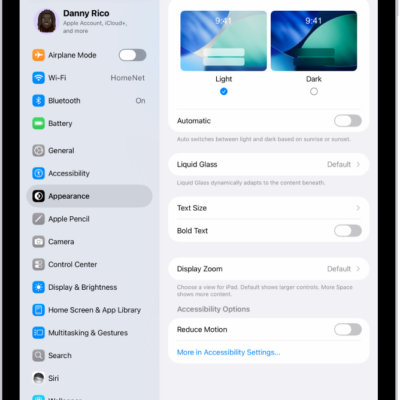
How to adjust iPad display and text settings
You can adjust iPad display and text settings, change text size, make text bold, choose a Liquid Glass look, and use Display Zoom.
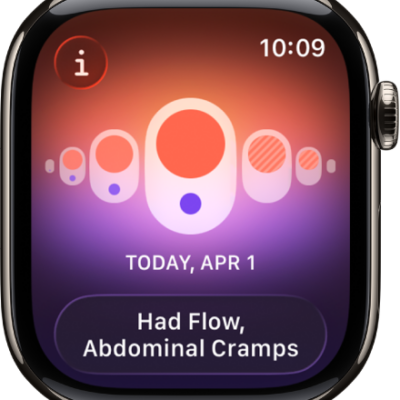
How to track menopause stages with Apple Watch
You can track menopause stages with Apple Watch, log perimenopause or menopause and related symptoms, and log bleeding after menopause.
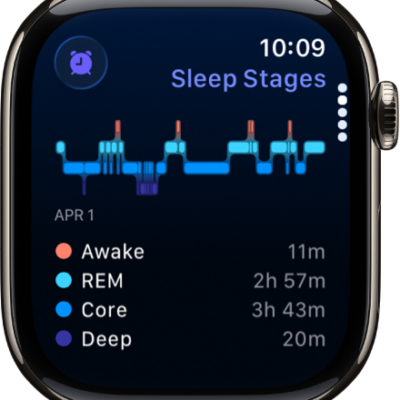
How to track your sleep on Apple Watch
You can track your sleep on Apple Watch, see time in each sleep stage and your sleep score, and review your sleeping respiratory rate.

How to manage storage on iPhone
You can check available storage on iPhone, remove items you no longer need, and offload unused apps automatically.
How to get started with Reminders on iPhone
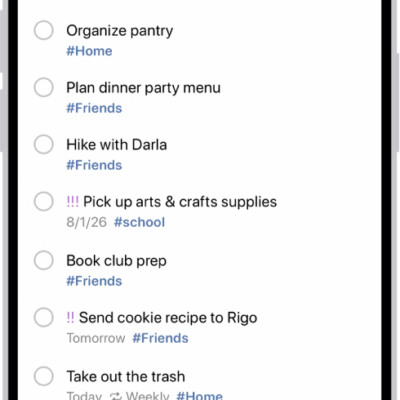
You can use Reminders on iPhone to set reminders, make grocery lists that sort themselves, create project checklists, and share lists.
How to use the Accessibility Shortcut on Apple Watch
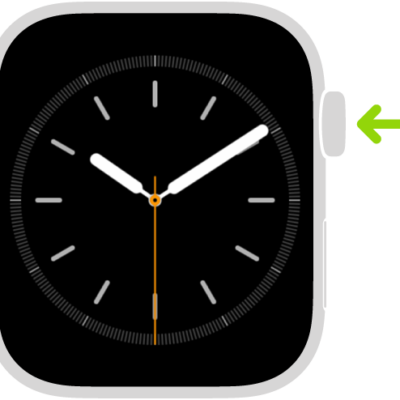
You can use the Accessibility Shortcut on Apple Watch to turn features like VoiceOver, Zoom, and AssistiveTouch on or off with a triple click.
How to tell time with haptic feedback on Apple Watch
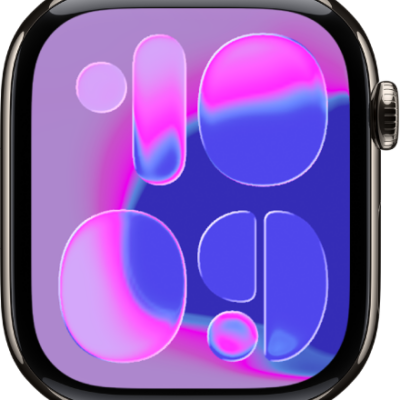
You can tell time with haptic feedback on Apple Watch using Taptic Time, with taps on your wrist in Digits, Terse, or Morse Code.
How to adjust motor skills settings on Apple Watch
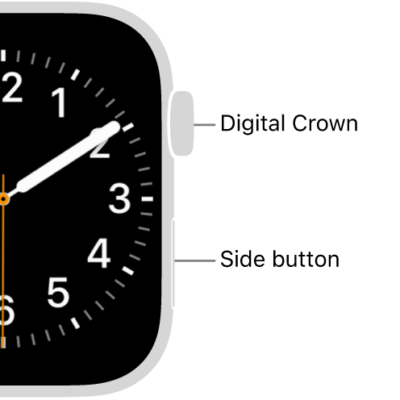
You can adjust motor skills settings on Apple Watch, like button click speed and Touch Accommodations, to change how the screen responds.
How to use the Contacts app on Apple Watch
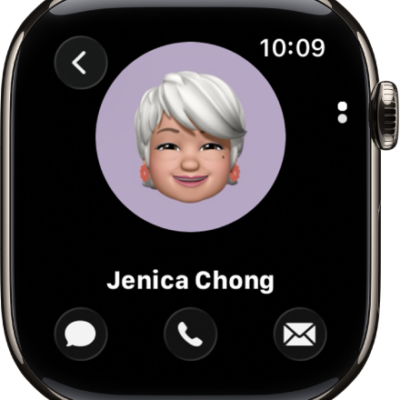
You can use the Contacts app on Apple Watch to create, view, edit, and share contacts, and exchange contact info with NameDrop.