Got a tip for us?

Emily Long

Emily is a staff writer at GeeksModo, and is interested in all things Apple. This includes its best products such as the iPad, iPhone, Mac, AirPods, and Apple Watch. When she’s not tinkering with the latest Apple gear, you’ll find her watching movies, taking pictures on her Sony A7 and exploring the great outdoors.

Emily Long's Articles

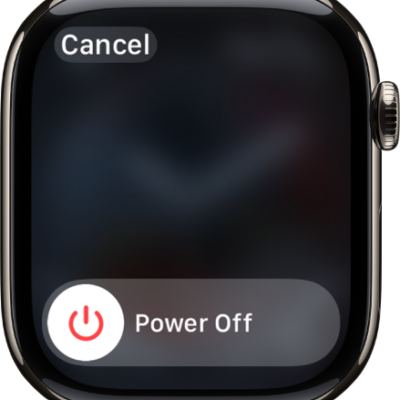
The Apple Watch screen showing the Power Off slider. Drag the slider to turn off Apple Watch.

How to turn Apple Watch on or off

You can turn Apple Watch on with the side button, or turn it off with the Power Off slider after you disconnect it from the charger.
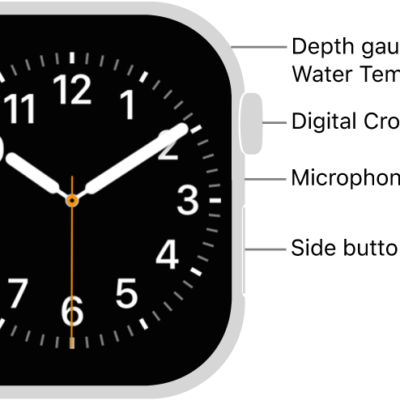
The front of Apple Watch Series 12, with the display showing the watch face, and the Digital Crown, microphone, and side button from top to bottom on the side of the watch.

How to wake and unlock Apple Watch

You can wake and unlock Apple Watch, change when it locks automatically, unlock it with your iPhone, and lock it manually.
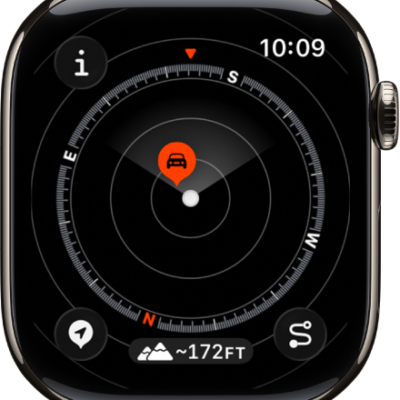
The Compass app showing a waypoint within a dial. The Info button is at the top left, the Waypoints button is at the bottom left, the Elevation button is at the middle bottom, and the Backtrack button is at the bottom right.

How to view and add waypoints in Compass on Apple Watch

You can view and add waypoints in Compass on Apple Watch, see automatic cellular and emergency call waypoints, and create your own.
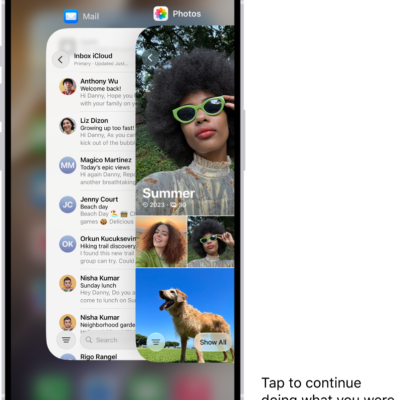
The App Switcher on iPhone showing a handoff notification at the bottom of the screen.

How to hand off tasks from Apple Watch

You can hand off tasks from Apple Watch to your iPhone with Handoff, then continue them from the App Switcher, like replying to email.
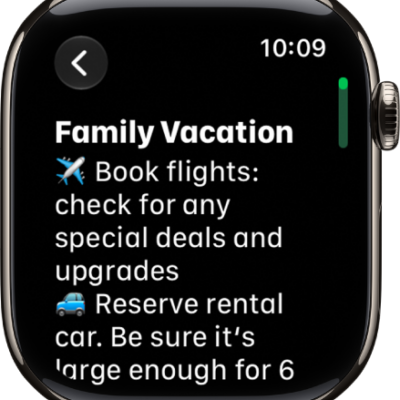
A note for a family vacation.

How to take notes on Apple Watch

You can take notes on Apple Watch, create, view, pin, and delete them, and keep them up to date on all your devices with iCloud.
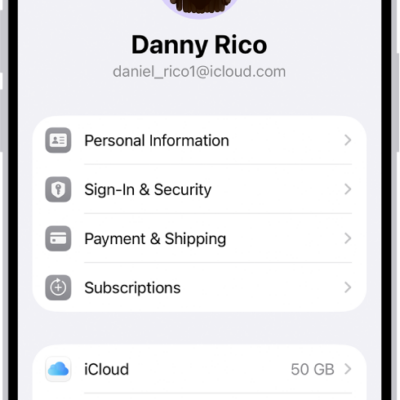
The Apple Account Settings shown with a list of options including personal information, subscriptions, Find My, and more.

How to update your Apple Account settings on Apple Watch

You can update your Apple Account settings on Apple Watch, edit personal information, change your password, and manage subscriptions and devices.
The front of Apple Watch Series 12, with the display showing the watch face, and the Digital Crown, microphone, and side button from top to bottom on the side of the watch.

How to unlock your Mac with Apple Watch

You can unlock your Mac with Apple Watch by turning on Auto Unlock, as long as both are signed in to the same Apple Account.
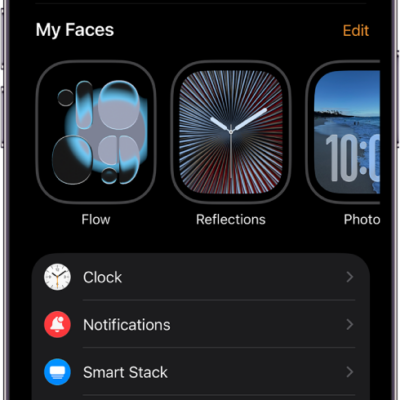
The Apple Watch app on iPhone open to the My Watch screen, which shows your watch faces near the top and settings below. There are three tabs at the bottom of the Apple Watch app screen: the left tab is My Watch, where you go for Apple Watch settings; next is the Face Gallery, where you can explore available watch faces and complications; then Discover, where you can learn more about Apple Watch.

How to change the settings on Apple Watch

You can change the settings on Apple Watch in the Apple Watch app on iPhone, the Settings app, or Control Center, and they stay in sync.
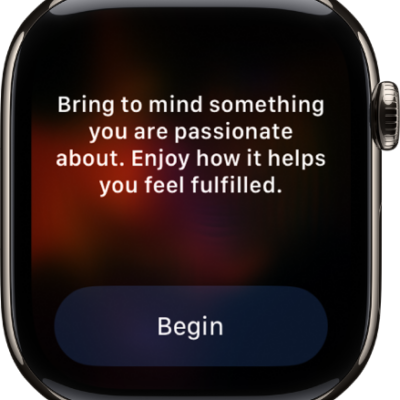
The Mindfulness app showing a thought you can reflect on. A Begin button is below.

How to start a Reflect or Breathe session on Apple Watch

You can start a Reflect or Breathe session on Apple Watch in the Mindfulness app, set its duration, and see your heart rate during it.
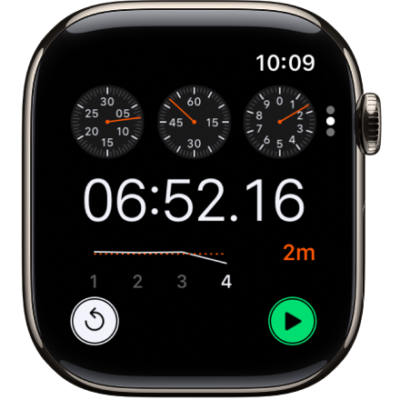
Three kinds of stopwatches in the Stopwatch app: An analog stopwatch, a hybrid stopwatch that shows time in both analog and digital forms, and a digital stopwatch with a lap counter. Each watch has start and reset buttons.

How to time events with a stopwatch on Apple Watch

You can time events with a stopwatch on Apple Watch, record laps and splits, and see results as a list, a graph, or on your watch face.