









Emily Long
Emily Long's Articles

How to choose an audio destination on Apple Watch
You can choose an audio destination on Apple Watch, like your iPhone, Bluetooth headphones, or the watch speaker, with the AirPlay button.
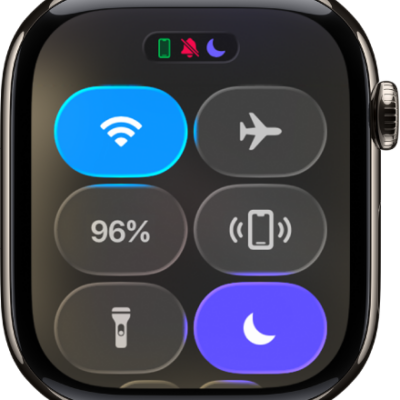
How to connect Apple Watch to a Wi-Fi network
You can connect Apple Watch to a compatible Wi-Fi network, use a private network address, and disconnect from Wi-Fi.
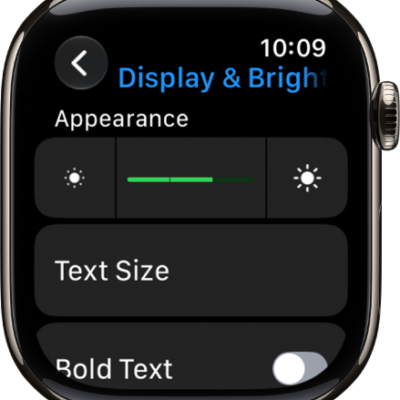
How to adjust the display settings on Apple Watch
You can adjust the display settings on Apple Watch, including brightness, text size, wake settings, and the Always On display.
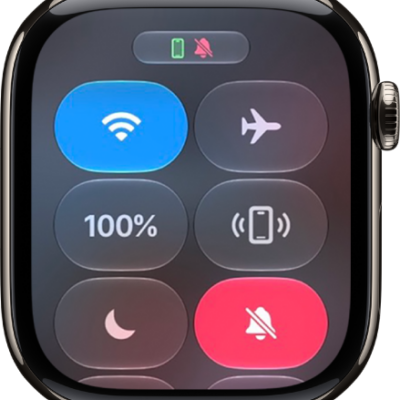
How to adjust volume and haptics on Apple Watch
You can adjust volume and haptics on Apple Watch for alerts, alarms, Siri, and media, and change the strength of haptic feedback.
How to take action with Siri on Apple Watch
You can take action with Siri on Apple Watch to complete everyday tasks and shortcuts in apps, and get more done with Siri AI.
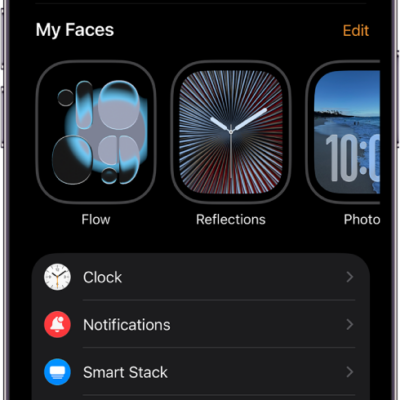
How to change notification settings on Apple Watch
You can change notification settings on Apple Watch, customize how apps send notifications, and choose what shows on the Lock Screen.
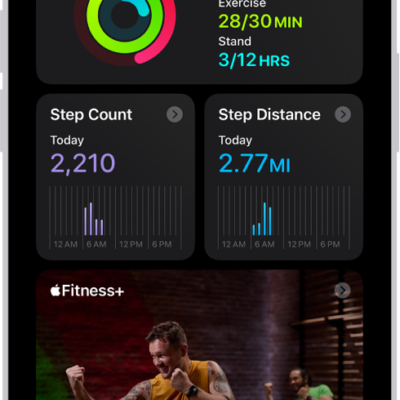
How to use Apple Watch with Fitness+ workouts on iPad
You can use Apple Watch with Fitness+ on iPad to follow trainer-led workouts and see your heart rate and calories on screen.
How to adjust HDR camera settings on iPad
You can adjust HDR camera settings on iPad, turn off automatic HDR, and choose whether to save the non-HDR version of a photo.
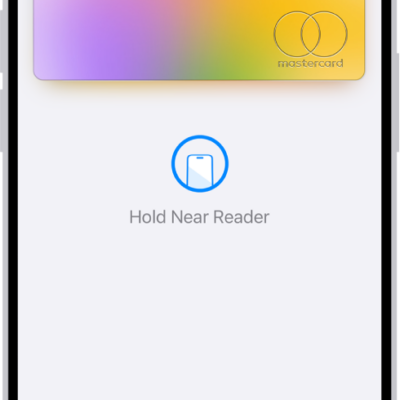
How to make purchases with Apple Pay on iPhone
You can use Apple Pay on iPhone in stores, online, and in apps, and your actual card number is never shared with merchants.
How to use Hide My Email in Safari on iPhone
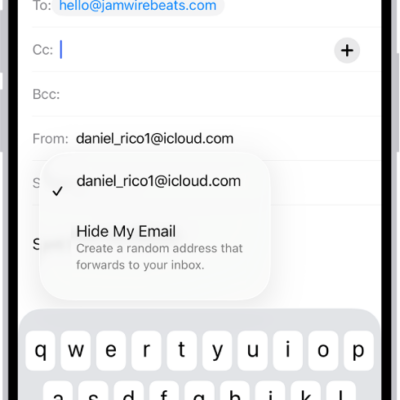
You can use Hide My Email in Safari on iPhone to fill in forms with a random address that forwards to your real one with iCloud+.