









Emily Long
Emily Long's Articles
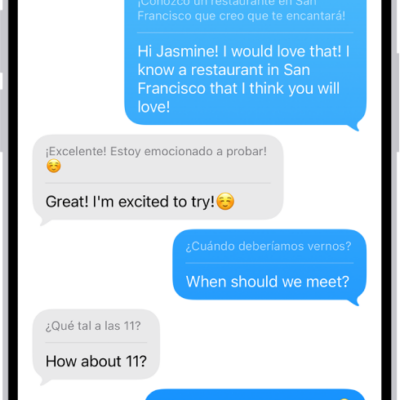
How to translate text in Messages on iPhone
You can translate text in Messages on iPhone with Live Translation and Apple Intelligence, which translates incoming texts on device and privately.
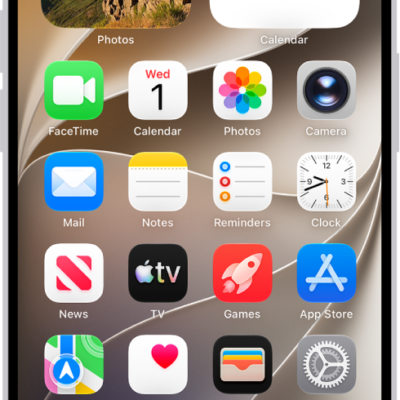
How to open apps on iPhone
You can open apps on iPhone from any Home Screen page or from App Library, where your apps are organized by category.
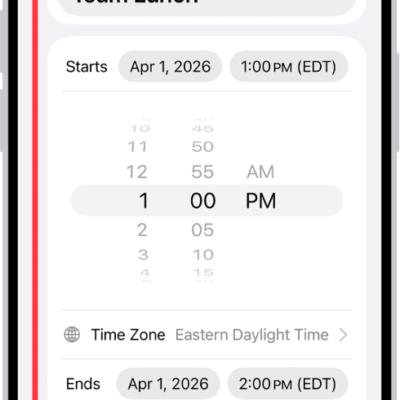
How to reply to invitations in Calendar on iPhone
You can accept, decline, or reply Maybe to Calendar invitations on iPhone, add comments for the organizer, and suggest a new time.
How to read business news in Stocks on iPhone
You can read business news in the Stocks app on iPhone, including stories from Apple News editors, and listen to stories.
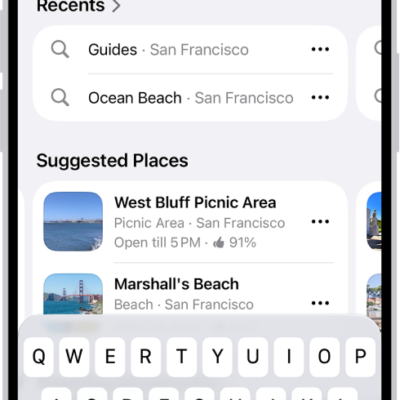
How to find nearby attractions, restaurants, and services in Maps on iPhone
You can find nearby attractions, restaurants, and services in Maps on iPhone by category, search, or Local Lists in select U.S. cities.
How to leave a FaceTime call or switch to Messages on iPhone
You can leave a FaceTime call on iPhone at any time, or switch the conversation to a Messages thread with everyone on the call.
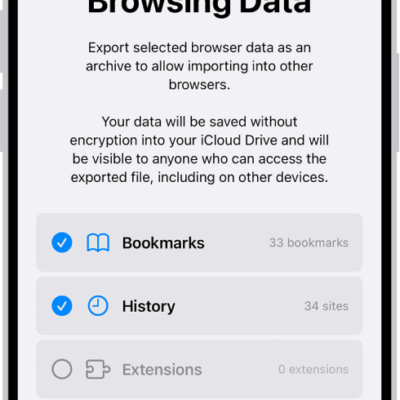
How to export Safari data to another browser on iPhone
You can export your Safari bookmarks, history, extensions, credit cards, and passwords from iPhone and import them into another browser.
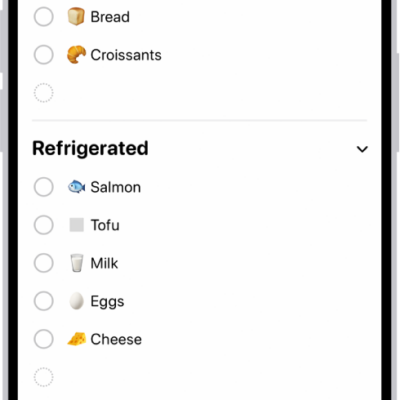
How to complete items in Reminders on iPhone
You can check off items in Reminders on iPhone, show or clear completed items, and complete items from the Reminders widget.

How to view electricity usage and rates on iPhone (participating U.S. providers only)
You can see your home electricity usage and rates in the Home app on iPhone with a participating U.S. utility.
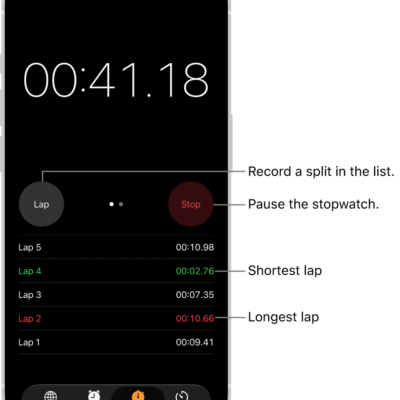
How to track time with the stopwatch in Clock on iPhone
You can use the stopwatch in the Clock app on iPhone to time an event and record laps or splits.