Got a tip for us?

Kevin Hollington

Kevin Hollington is a seasoned tech journalist based in Los Angeles with a penchant for all things Apple. He started writing about Apple products in 2007 and it’s been a love affair ever since. He has spent over a decade testing and writing about iPhones, iPads, Macs, and other Apple products. In his spare time, he likes nothing more than catching up with the latest news and sports podcasts on the beach.

Kevin Hollington's Articles

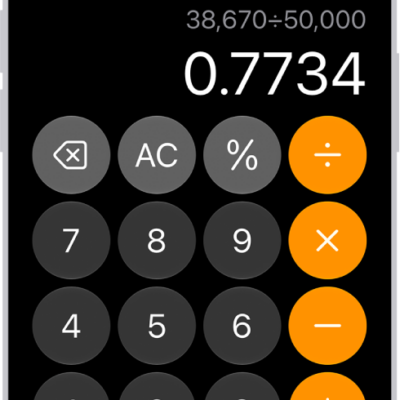
The basic calculator on iPhone.

How to use the basic calculator on iPhone

You can do arithmetic with the basic calculator on iPhone, clear digits or the display, copy results, and repeat the last operation.
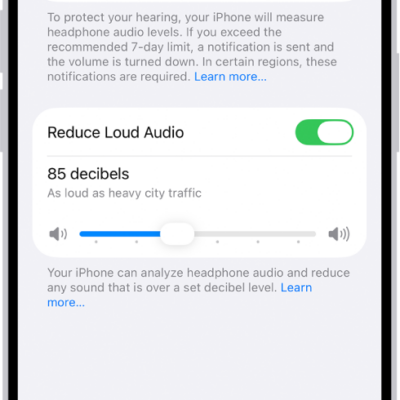
The Headphone Safety screen, showing the number of headphone notifications sent in the last 6 months, the Reduce Loud Audio option, a slider for changing the maximum decibel level, and the selected decibel limit of 85 decibels.

How to adjust the accessibility settings for AirPods on iPhone

You can adjust AirPods accessibility settings on iPhone, including press speed, hold duration, noise cancellation with one AirPod, and tone volume.
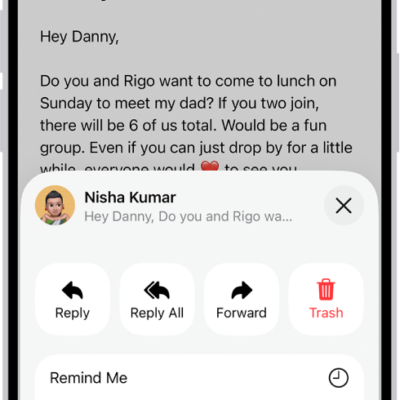
An email showing reply options. Across the middle of the screen, from left to right, are Reply, Reply All, Forward, and Trash.

How to reply to and forward emails in Mail on iPhone

You can reply to and forward emails in Mail on iPhone, quote text, follow up, set an automatic reply, and use Smart Reply.
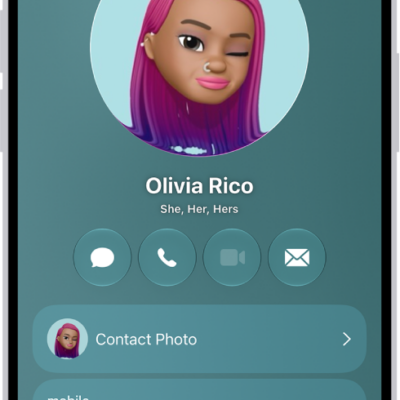
A contact named Olivia Rico with She, Her, and Hers pronouns below the contact photo. Below her name are buttons to send a message, call, mail, and use Apple Pay. At the bottom of the screen are the contact's mobile number and email address.

How to edit contacts on iPhone

You can edit contacts on iPhone, add a photo, pronunciation, pronouns, or birthday, and choose a preferred line on Dual SIM models.
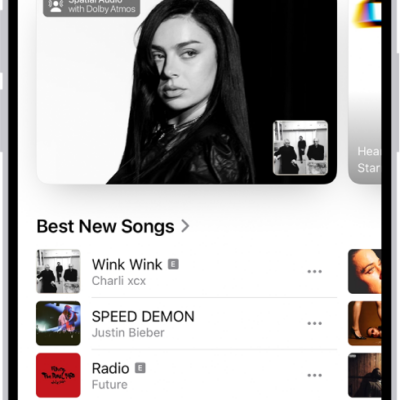
The New tab showing a new album at the top. You can swipe left to see more featured music and videos. The Best New Songs section appears below. You can swipe up on the screen to explore new and recommended music.

How to subscribe to Apple Music on iPhone

You can subscribe to Apple Music or Apple One on iPhone for ad-free streaming, lossless and Dolby Atmos music, and offline listening.
The iPhone Lock Screen showing the time and date near the top and icons for the Flashlight and Camera near the bottom.

How to set a passcode on iPhone

You can set or change your iPhone passcode, which also turns on data protection, and choose when iPhone locks automatically.
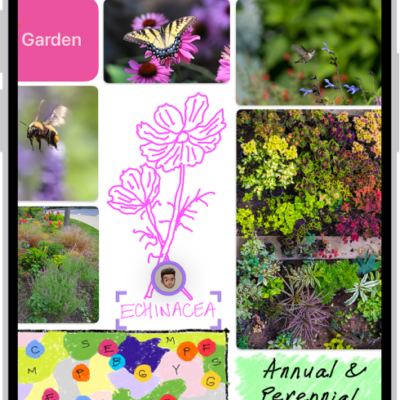
An iPhone with the Freeform app open. The board includes handwriting, text, drawings, shapes, photos, videos, sticky notes, links, and other files.

How to add images, scans, links, and other files to a Freeform board on iPhone

You can add photos, videos, files, links, scans, and generated images to a Freeform board on iPhone, then format or edit them.
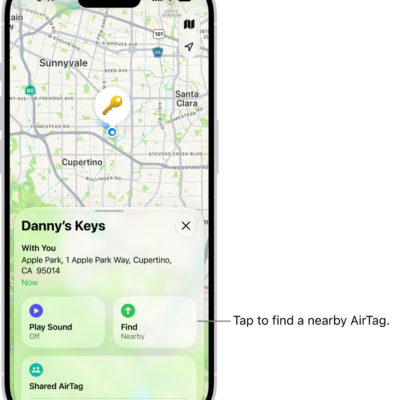
The Find My app open, showing Danny's keys in Golden Gate Park. Tap the Find button to locate a nearby AirTag.

How to remove an AirTag or other item from Find My on iPhone

You can remove an AirTag or other item from your Apple Account in Find My on iPhone so someone else can register it.
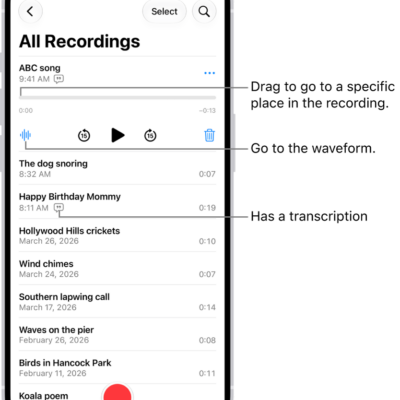
The Voice Memos list screen with a selected recording at the top. The recording timeline has a playhead, which you can drag to go to a specific place in the recording. The play controls are below the timeline.

How to share a recording in Voice Memos on iPhone

You can share Voice Memos recordings from iPhone with AirDrop, Mail, Messages, and more, one at a time or several at once.
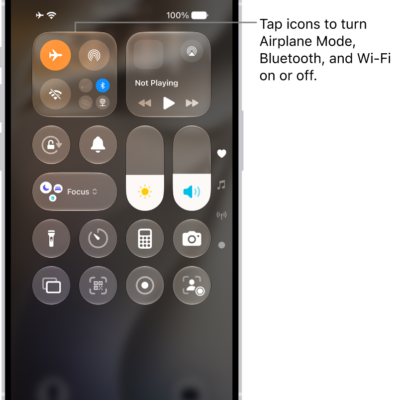
The Control Center screen showing that tapping the top-left button turns on Airplane Mode.

How to choose iPhone settings for travel

You can turn on Airplane Mode on iPhone when you travel, then turn Wi-Fi, Bluetooth, or cellular back on if your airline allows it.