









Kevin Hollington
Kevin Hollington's Articles
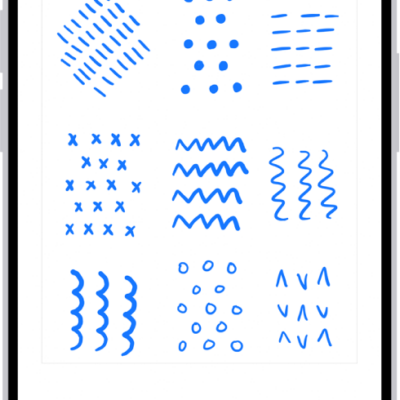
How to draw and handwrite with Markup on iPhone
You can draw, sketch, and handwrite with Markup in apps like Notes and Photos on iPhone, and annotate screenshots and PDFs.
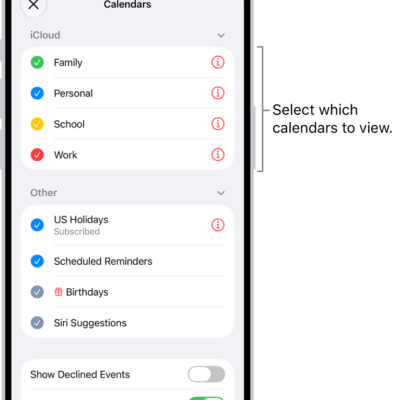
How to use the Holidays calendar on iPhone
You can use the Holidays calendar in Calendar on iPhone to see holidays for your region, show or hide them, or add another region's holidays.
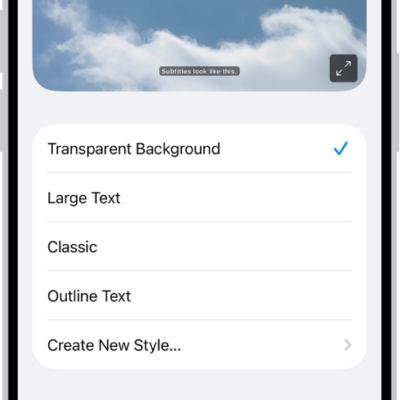
iPhone hearing accessibility features: Live Captions, Sound Recognition, and more
You can use hearing accessibility features on iPhone, including Live Captions, Sound Recognition, hearing devices, Live Listen, and audio adjustments.
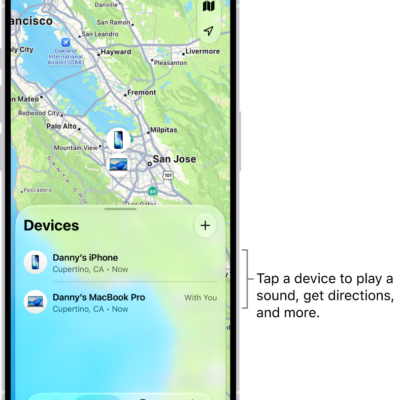
How to erase a device in Find My on iPhone
You can remotely erase a lost iPhone, iPad, Apple Watch, or Mac with Find My on iPhone, and Activation Lock still protects it.
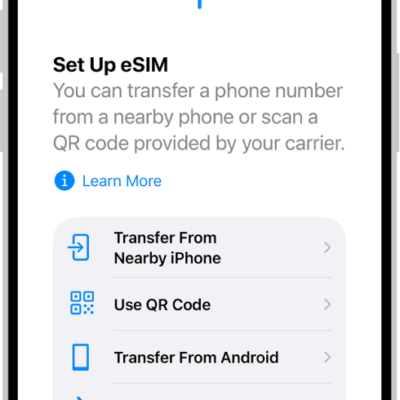
How to send your location via satellite in Find My on iPhone
You can share your location via satellite in Find My when you're outside cellular and Wi-Fi coverage on supported iPhone models.
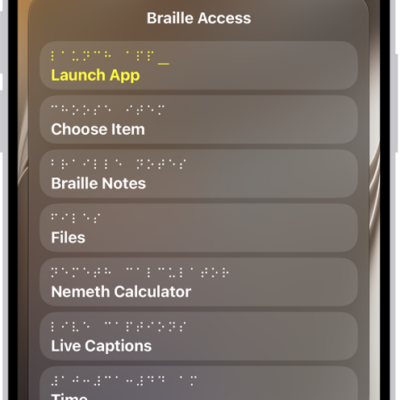
How to use Braille Access with a braille display on iPhone
You can turn iPhone into a braille notetaker with a braille display, open apps, and use BRF files and Live Captions with Braille Access.

How to play audiobooks with CarPlay
You can play the audiobooks on your iPhone with CarPlay, and control playback with your car's controls or CarPlay Dashboard.
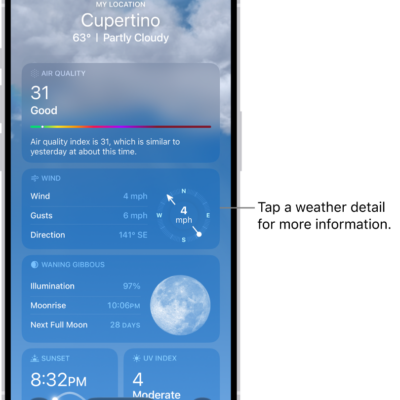
How to check the weather in other locations on iPhone
You can check the weather anywhere in the world on iPhone, save locations to your list, and switch between them with a swipe.
How to print from iPhone
You can use AirPrint to print wirelessly from iPhone in apps like Mail, Photos, and Safari, and check the status of a print job.
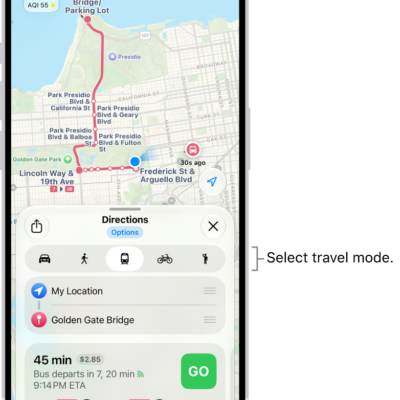
How to choose a default travel mode and Maps units on iPhone
You can choose a default travel mode in Maps on iPhone, such as driving, walking, transit, or cycling, and change the units Maps uses.