Got a tip for us?

Kevin Hollington

Kevin Hollington is a seasoned tech journalist based in Los Angeles with a penchant for all things Apple. He started writing about Apple products in 2007 and it’s been a love affair ever since. He has spent over a decade testing and writing about iPhones, iPads, Macs, and other Apple products. In his spare time, he likes nothing more than catching up with the latest news and sports podcasts on the beach.

Kevin Hollington's Articles

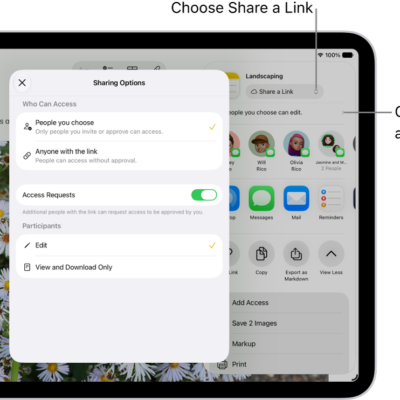
A collaboration invitation to a brainstorm in Notes, showing Share a Link for the share option and "People you choose can edit" as the access and permission setting. Four possible recipients, including a group, form a row below that. The next row offers different ways to share the note: AirDrop, Messages, Mail, and Reminders. The last row contains buttons to copy, export, and save the note.

How to share files and folders in iCloud Drive on iPad

You can share files and folders in iCloud Drive on iPad, collaborate with others, send a copy, and invite more people.
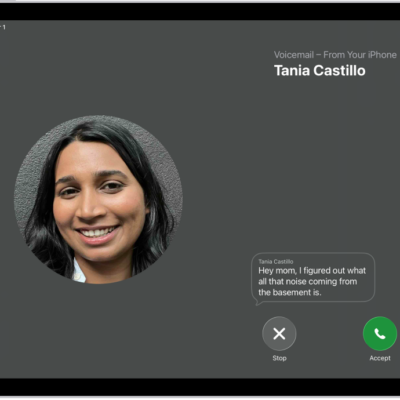
A call screen showing a Live Voicemail from a contact. Below the transcribed text are Stop and Accept buttons for the call.

How to check your voicemail on iPad

You can check your voicemail on iPad in the Phone app, play, share, or delete messages, and read a transcript.
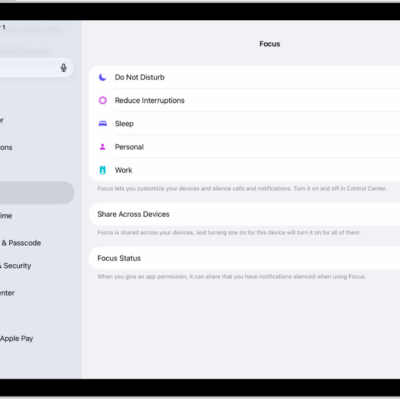
A screen showing six provided Focus options—Do Not Disturb, Driving, No messages during calls, Sleep, Personal, and Work. The Share Across Devices button is on, which allows the same Focus settings to be used across your Apple devices.

How to set up a Focus on iPad

You can set up a Focus on iPad to silence notifications, allow only the ones you choose, and create a custom Focus.
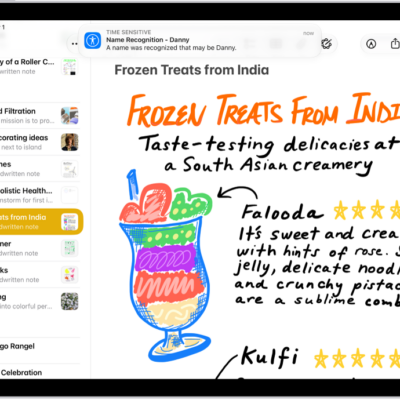
A notification is shown on iPad that Name Recognition recognized a sound that may be a name.

How to have iPad notify you when your name is called

You can have iPad notify you when your name is called with Name Recognition, and record how your name is said.

The Home Screen for the Passwords app, with buttons for All, Passkeys, Verification Codes, W-Fi, Security, and Deleted, along with a list of Shared Groups.

How to recover a password you deleted from your iPad

You can recover a password you deleted from your iPad within 30 days from Deleted in the Passwords app.
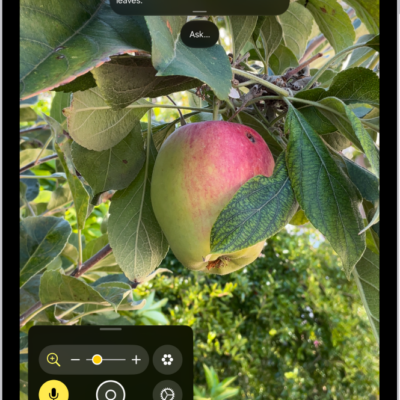
The Magnifier app showing a close-up of an unripe apple.

How to customize controls in Magnifier on iPad

You can customize controls in Magnifier on iPad, choose primary controls, set up activities, and adjust live scene descriptions.
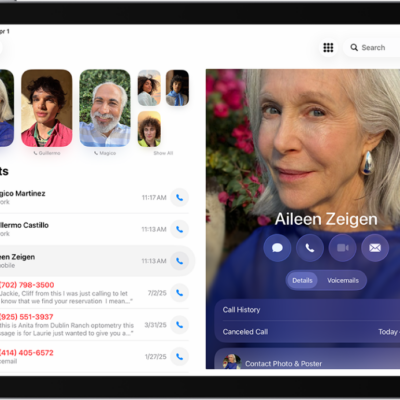
The Phone app, with Favorite contacts on the left side of the screen. Below the Favorites is a list of recent calls and voicemail. The contact information appears on the right side of the screen, with the Keypad button in the top right of the screen.

How to use iPhone to allow calls and text messages on your iPad

You can use iPhone to allow calls and text messages on your iPad, relaying them through your iPhone when you're signed in to the same Apple Account.
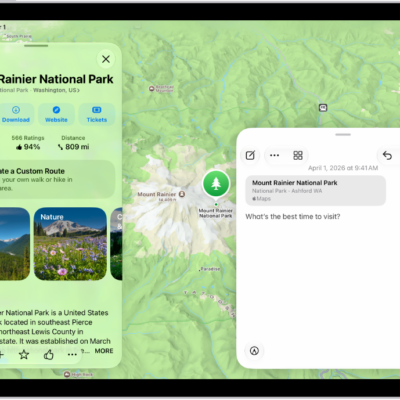
A Quick Note in a window overlay over a map of Mount Rainier National Park. The note has a link to the map, a photo, and text.

How to add photos, video, and more to notes on iPad

You can add photos, video, and more to notes on iPad, attach info from other apps, and change the preview size of attachments.
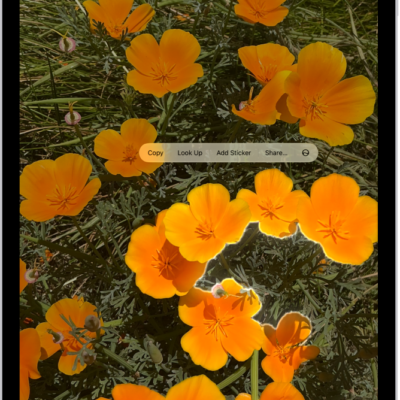
A photo is open in the Photos app library. The subject in the center of the photo is outlined and the Copy, Look Up, Add Sticker, and Share buttons appear above it.

How to lift a subject from the photo or video background on iPad

You can lift a subject from the photo or video background on iPad and copy, share, or drag it into other apps.
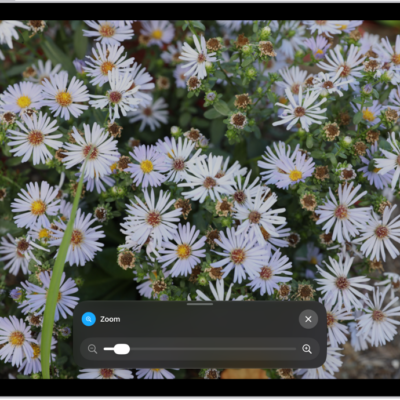
An iPad showing a zoomed in image of white flowers.

How to zoom in on the iPad screen

You can zoom in on the iPad screen with Full Screen Zoom, Window Zoom, or Pinned Zoom, and use Zoom with VoiceOver.