









Kevin Hollington
Kevin Hollington's Articles
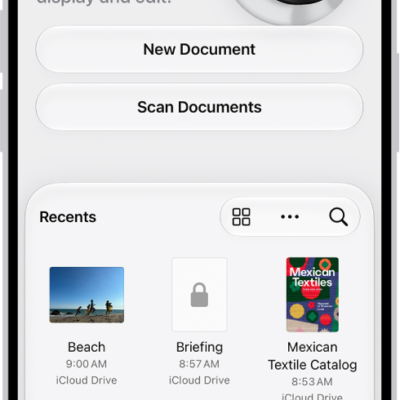
How to export or compress PDFs and images in Preview on iPhone
You can export a PDF or image in Preview on iPhone as HEIC, JPEG, PDF, PNG, or TIFF, and compress it to a smaller file.

How to use Apple Intelligence to communicate with ease on iPhone
You can write with Siri, translate across languages, and see relevant information during calls with Apple Intelligence on iPhone.
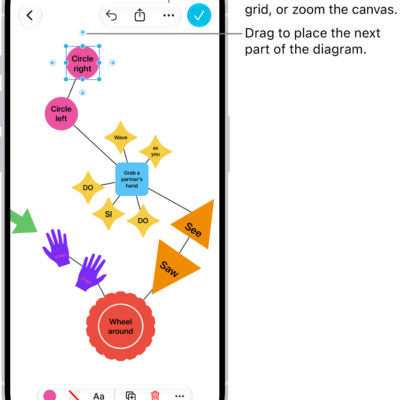
How to add shapes, lines, and arrows to a Freeform board on iPhone
You can add shapes, lines, and arrows to a Freeform board on iPhone, change how they look, and combine or split shapes.

How to share long videos on iPhone
You can send long videos from iPhone that are too big for a text message, using AirDrop, iCloud, or Mail Drop.

What iPhone status icons mean
You can learn the meaning of the status icons in the iPhone status bar and Control Center, from privacy indicators and battery to connectivity.
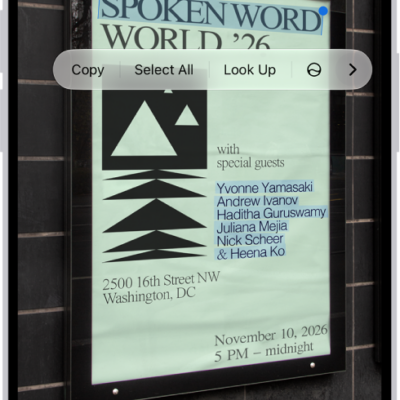
How to use Live Text with your iPhone camera
You can copy, translate, and look up text in the frame, and call numbers or visit websites with Live Text in the iPhone camera.

How to make a slideshow on iPhone
You can make a slideshow of selected photos, an album, or a collection in Photos on iPhone, and change its transitions and music.
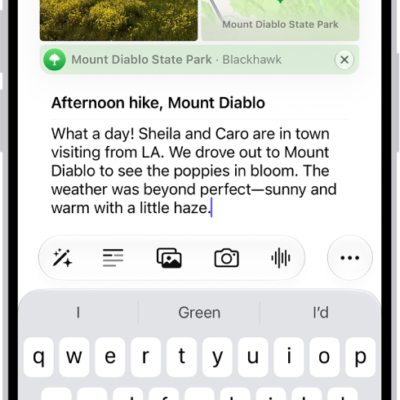
How to add formatting, photos, and more in Journal on iPhone
You can format Journal entries on iPhone and add drawings, photos, videos, locations, and audio recordings, then rearrange them inline with your text.
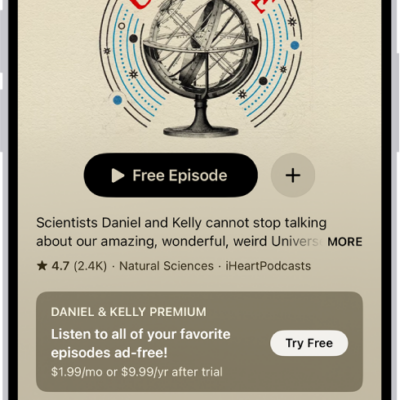
How to subscribe to a show or channel in Podcasts on iPhone
You can manage podcast subscriptions on iPhone, subscribing to shows and channels for extras like early access and ad-free listening.
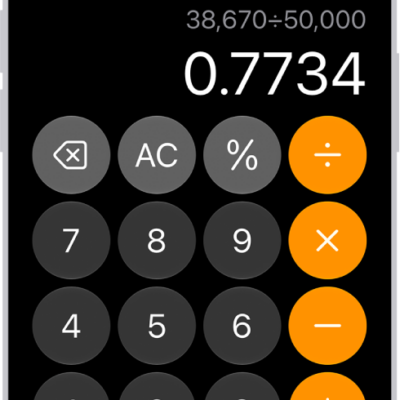
How to use the basic calculator on iPhone
You can do arithmetic with the basic calculator on iPhone, clear digits or the display, copy results, and repeat the last operation.