









Moses Johnson
Moses Johnson's Articles

How to use Switch Control on iPad to select items, perform actions, and more
You can use Switch Control on iPad to select items, perform actions, and more, with item mode, a gliding cursor, or tracking.
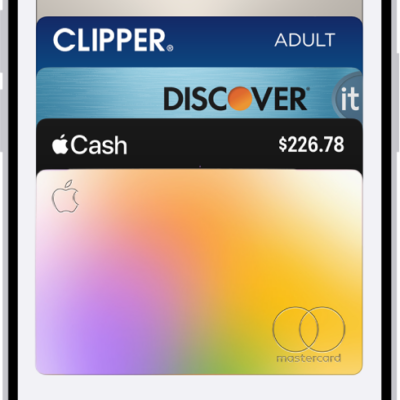
How to fill in payment information on iPad
You can fill in payment information on iPad with AutoFill using cards saved in Apple Wallet, and add, edit, or remove AutoFill cards.
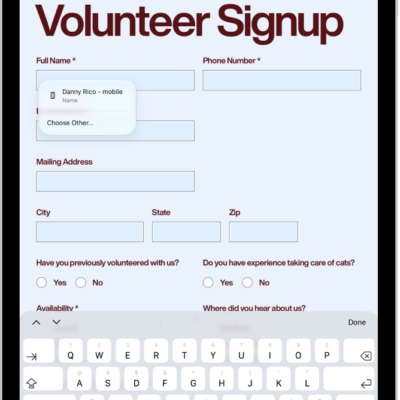
How to fill out forms, sign documents, and create signatures on iPad
You can fill out forms, sign documents, and create signatures on iPad with Markup and AutoFill, and save multiple signatures.
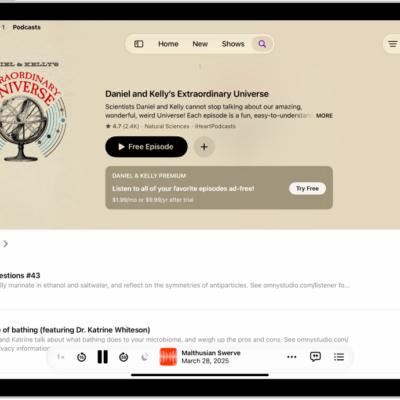
How to organize your podcast library on iPad
You can organize your podcast library on iPad, change the playback order, set download limits, and create your own stations.
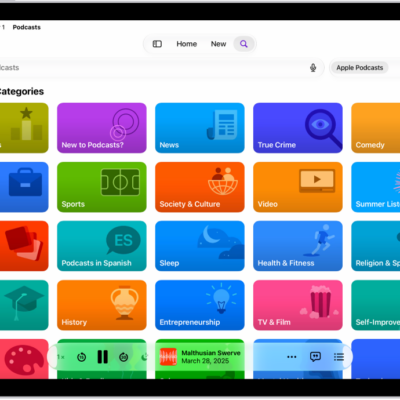
How to find podcasts on iPad
You can find podcasts on iPad by searching or browsing, follow shows, and find, filter, and sort episodes within a show.

How to route and automatically answer calls on iPad
You can route and automatically answer calls on iPad, sending call audio to the speaker, a headset, or a hearing device.

iPad cognitive accessibility features: Assistive Access, Guided Access, and more
You can use cognitive accessibility features on iPad to reduce sensory stimulus, stay focused, and adapt iPad for someone you care for.
How to get started with accessibility features on iPad
You can get started with accessibility features on iPad for vision, mobility, hearing, speech, and cognitive needs.

How to find and share your Wi-Fi password on iPad
You can find and share your Wi-Fi password on iPad, see saved networks and passwords, and share a password with someone nearby.

How to change the layout of windows on iPad
You can change the layout of windows on iPad, arrange windows with gestures or tiling, split the screen, and add a Slide Over window.