Got a tip for us?

Moses Johnson

Moses Johnson is the Editorial Director of GeeksModo.com, who has a keen eye for news, rumors, and all the unusual stuff around Apple products. Moses is commonly referred to online as The Professor, with decades of experience in tech under his belt.

Moses Johnson's Articles

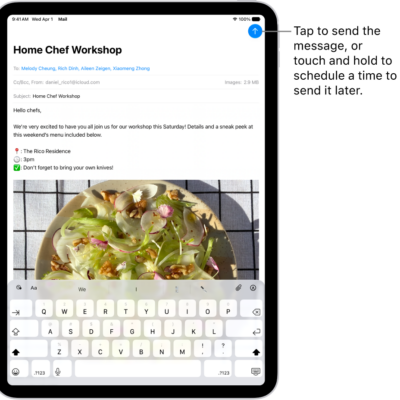
An email draft is open in the Mail app. The button to send the message is in the top-right corner. Tap to send the message, or touch and hold to schedule a time to send it later.

How to save a draft in Mail on iPad

You can save a draft in Mail on iPad to finish later, look at another message while writing, and view all your drafts.
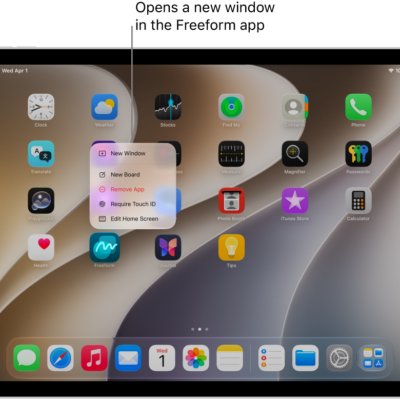
An iPad Home Screen with the Freeform app menu open, showing a list of actions you can choose—including open a new window in the app, create a new board, show all the open app windows, and others.

How to open multiple windows of an app on iPad

You can open multiple windows of an app on iPad, view an app's open windows with App Exposé, and find hidden windows.
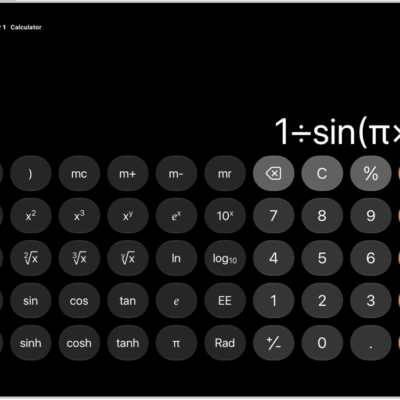
iPad showing the scientific calculator with memory, exponential, logarithmic, and trigonometric functions.

How to use the scientific calculator on iPad

You can use the scientific calculator on iPad for exponential, logarithmic, and trigonometric functions, with stored values and constants.
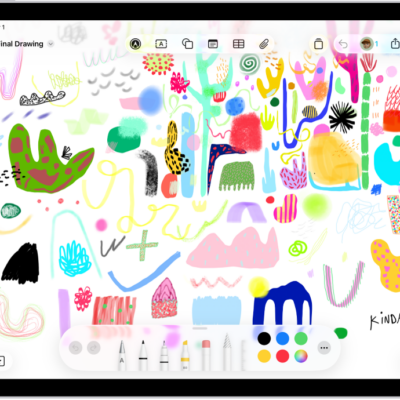
A drawing on a Freeform board with drawing tools visible.

How to draw with Apple Pencil on iPad

You can draw with Apple Pencil on iPad, apply shading by tilting it, double-tap to switch tools, and squeeze Apple Pencil Pro.
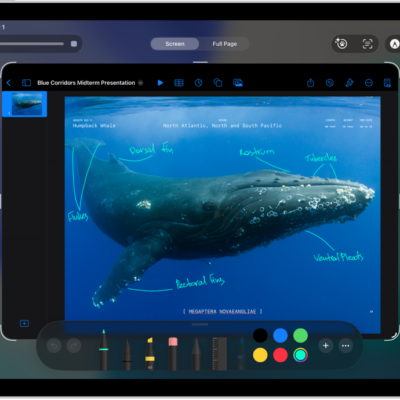
A screenshot of a Keynote document with annotated comments written using the blue marker tool.

How to take and mark up a screenshot with Apple Pencil on iPad

You can take and mark up a screenshot with Apple Pencil on iPad, then share it with others or use it in documents.
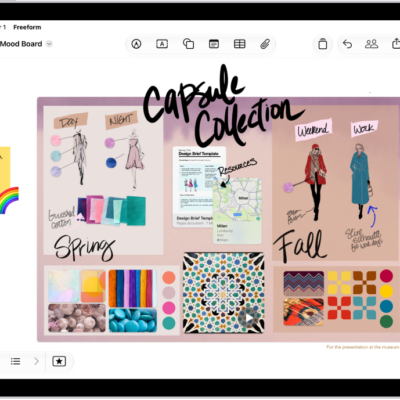
An iPad with the Freeform app open. The board includes handwriting, text, drawings, shapes, sticky notes, links, and other files.

How to add shapes, lines, and arrows to a Freeform board on iPad

You can add shapes, lines, and arrows to a Freeform board on iPad, format them, and combine or split shapes.
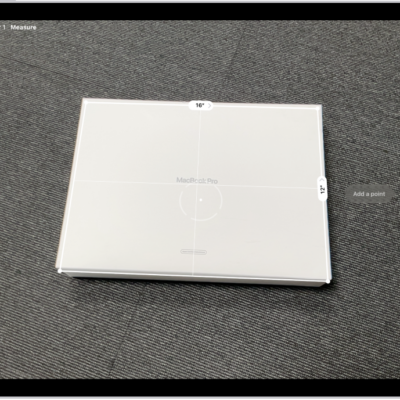
A screen showing the measurement of the dimensions of a box in the Measure app. The area of the box is calculated from the measurements of the dimensions.

How to view and save measurements on iPad

You can view and save measurements on iPad in the Measure app, with a list of your recent measurements and screenshots.
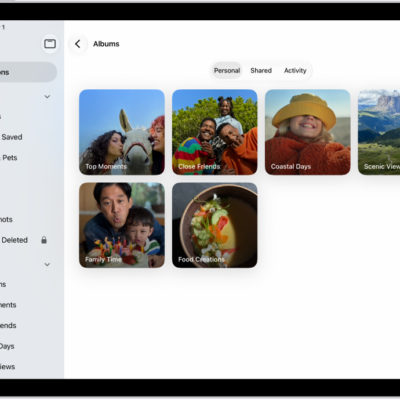
The Photos app is open to Albums. Personal is selected. The rest of the iPad screen shows thumbnails for albums in a grid.

How to add and remove people in a shared album on iPad

You can add and remove people in a shared album on iPad, manage their permissions, and turn posting for participants off and on.
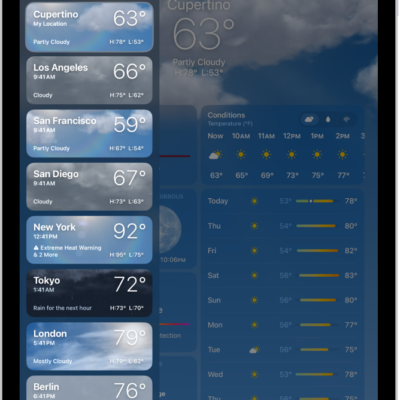
The Weather screen showing the sidebar on the left side of the screen. In the sidebar is a list of cities showing the current time, temperature, forecast, and high and low temperatures. At the top of the list, My Location is selected and on the right side of the screen are the weather forecast and conditions for that location.

How to check the weather in other locations on iPad

You can check the weather in other locations on iPad, search for a city, add locations from the weather map, and rearrange your list.
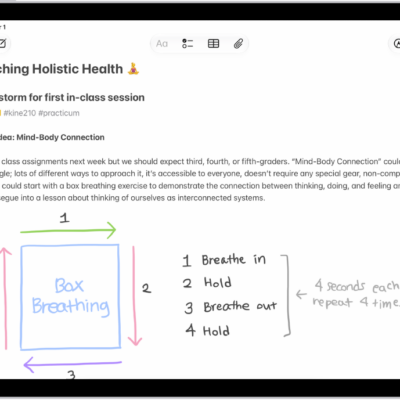
A note for a class brainstorm with tags such as #school and #kine210. The note features a hand-drawn diagram of a box breathing exercise, which illustrates a four-step breathing cycle.

How to organize your notes with Smart Folders on iPad

You can organize your notes with Smart Folders on iPad, create one from tags, convert a folder, and edit or delete a Smart Folder.