









Moses Johnson
Moses Johnson's Articles
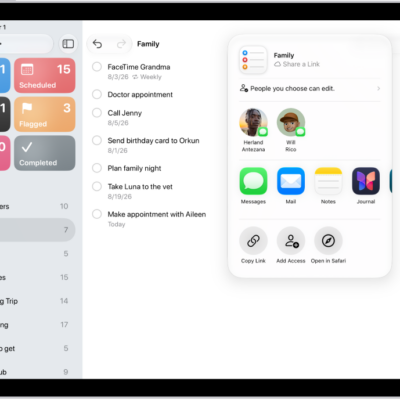
How to share lists and collaborate in Reminders on iPad
You can share lists and collaborate in Reminders on iPad with iCloud, assign reminders, and turn notifications on or off.
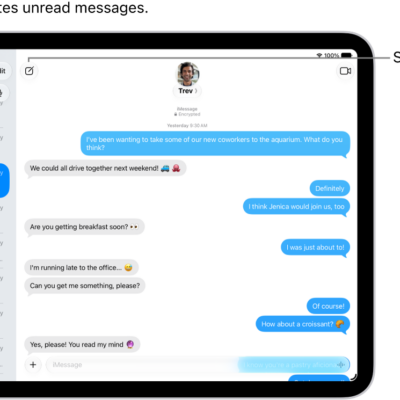
How to send and reply to messages on iPad
You can send and reply to messages on iPad, start a conversation, reply inline to a specific message, and use Siri.
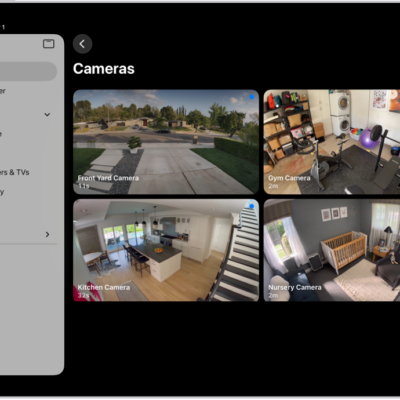
How to set up security cameras in Home on iPad
You can set up security cameras in Home on iPad, view video streams, set up notifications, and create Activity Zones.
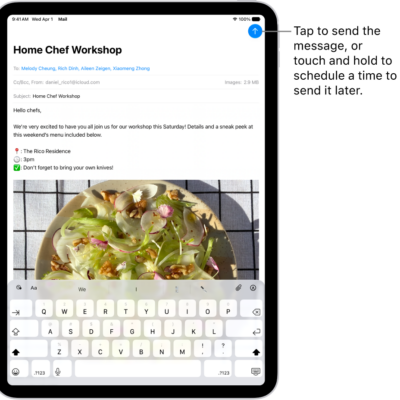
How to send email in Mail on iPad
You can send email in Mail on iPad, add recipients and hyperlinks, format text, and schedule messages from any account.
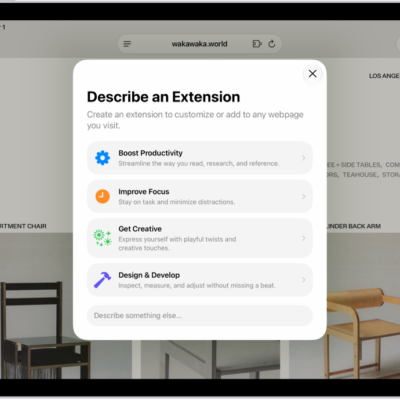
How to get extensions to customize Safari on iPad
You can get extensions to customize Safari on iPad, add and manage them, and create your own extension with Apple Intelligence.

How to connect iPad to Bluetooth accessories
You can connect iPad to Bluetooth accessories, pair and rename them, and unpair or disconnect an accessory.

How to hear iPad speak the screen, selected text, and typing feedback
You can hear iPad speak the screen, selected text, and typing feedback, use Accessibility Reader, and change how spoken content sounds.
iPad vision accessibility features: VoiceOver, Zoom, and more
You can use accessibility features for vision on iPad to hear what's on the screen, make text larger, and get descriptions of your surroundings.
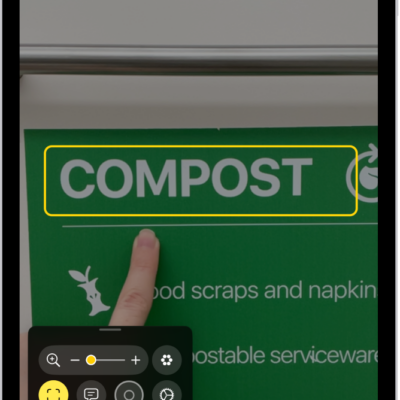
How to detect text around you and have it read out loud using Magnifier on iPad
You can detect text around you and have it read out loud using Magnifier on iPad, or point your finger at text to hear it.
How to use Hide My Email in Mail on iPad
You can use Hide My Email in Mail on iPad with iCloud+ to send and reply to email while keeping your real address private.