Got a tip for us?

Moses Johnson

Moses Johnson is the Editorial Director of GeeksModo.com, who has a keen eye for news, rumors, and all the unusual stuff around Apple products. Moses is commonly referred to online as The Professor, with decades of experience in tech under his belt.

Moses Johnson's Articles

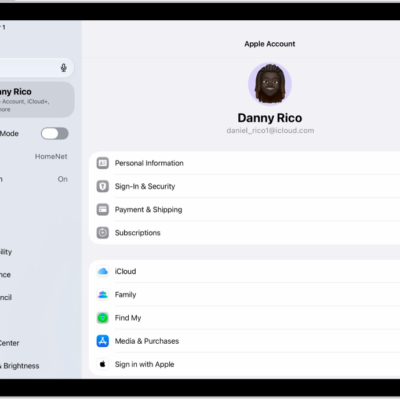
The Apple Account Settings shown with a list of options including—personal information, subscriptions, Find My, and more.

How to sign in and manage your Apple Account on iPad

You can sign in and manage your Apple Account on iPad, change your account settings, and add or update a payment method.
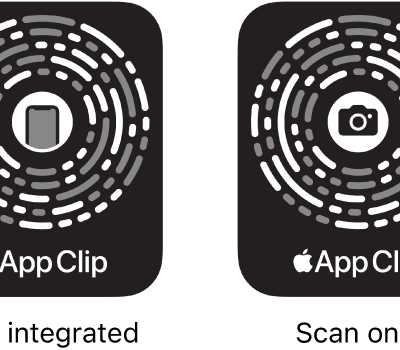
On the left, an NFC-integrated App Clip Code with an iPhone icon in the center. On the right, a scan-only App Clip Code with a camera icon in the center.

How to use App Clips on iPad

You can use App Clips on iPad to do a task quickly, like rent a bike, pay for parking, or order food.
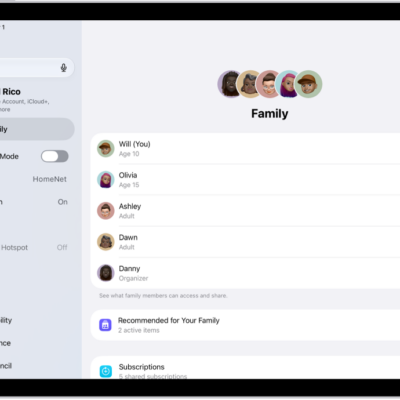
The Family screen in Settings. Up to five family members are listed above the features that are shared.

How to share App Store, Apple TV, and Apple Books purchases with Family Sharing on iPad

You can share App Store, Apple TV, and Apple Books purchases with Family Sharing on iPad, and turn Purchase Sharing on or off.
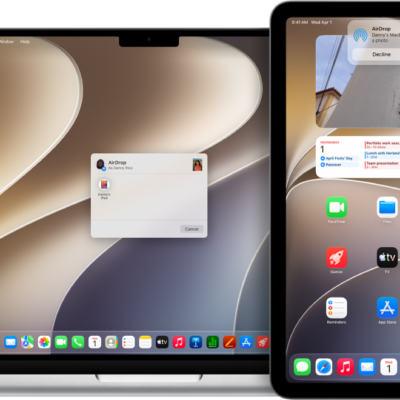
A Mac is next to an iPad. The AirDrop dialog is open on the Mac desktop, ready to share a document with the iPad. The iPad screen has a notification about receiving the document.

How to use AirDrop on iPad to send items to nearby Apple devices

You can use AirDrop on iPad to wirelessly send photos, videos, documents, and more to nearby Apple devices.
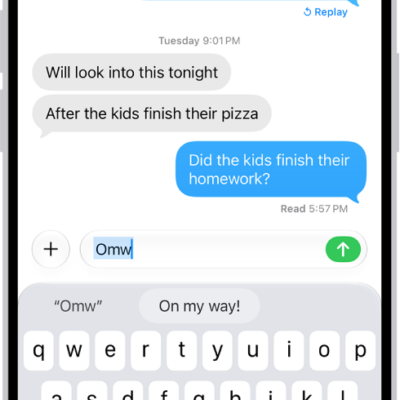
A message with the text shortcut "Omw" typed and the phrase "On my way!" suggested below as replacement text.

How to set up shorthand for frequently used text on iPad

You can set up shorthand for frequently used text on iPad with text replacements, so a few keys enter a full phrase.
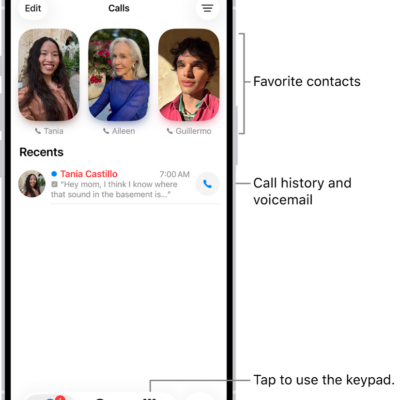
The Calls tab in the Phone app in Unified layout. Favorite contacts appear at the top. Below the Favorites is a list of recent calls and voicemail. Buttons to view the Calls, Contacts, and Keypad tabs appear at the bottom. The Search button is in the bottom-right corner.

How to screen and block calls on iPad

You can screen and block calls on iPad, turn on call identification, screen or silence unknown numbers, and filter spam calls.
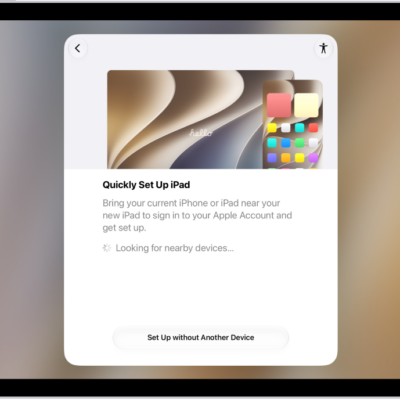
The set up screen that appears after you first turn on your iPad.

How to change the language and region on iPad

You can change the language and region on iPad, add or remove a language, and change regional settings like the measurement system.
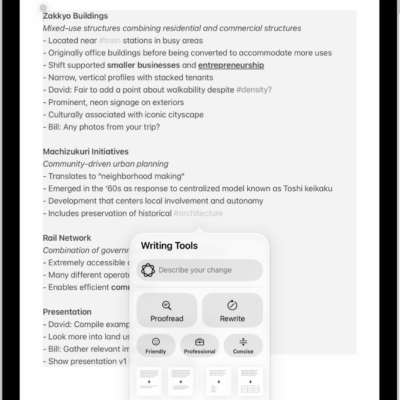
An iPad showing text in the Notes app. The Writing Tools window appears at the bottom of the screen.

How to use Writing Tools to write, improve, and summarize content on iPad

You can use Writing Tools to write, improve, and summarize content on iPad with Apple Intelligence, in most places you write.
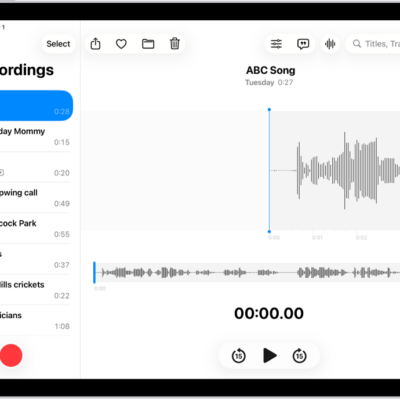
A Voice Memo recording, showing a waveform of the recording that's in progress, along with a time indicator, a button to pause the recording, and a button to view the transcription.

How to view a Voice Memos transcription on iPad

You can view a Voice Memos transcription on iPad while you're recording or after, and search for text in transcriptions.
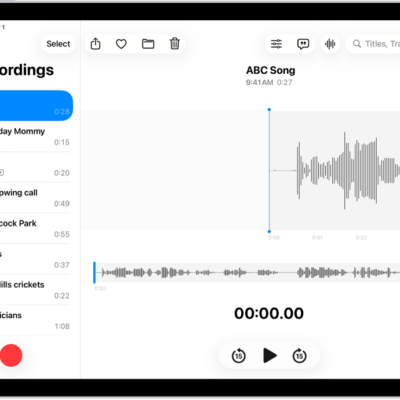
A recording made in Voice Memos. The list of recordings is on the left, with a selected recording at the top. On the right, the waveform has a playhead, which you can drag to go to a specific place in the recording. Above the waveform are the Share, Favorite, Move, Delete, Playback Options, Transcription, and Edit buttons. Below the timeline are the Playback controls.

How to get started with Voice Memos on iPad

You can get started with Voice Memos on iPad to record lectures and ideas, fine-tune recordings, and view audio transcripts.