Got a tip for us?

Moses Johnson

Moses Johnson is the Editorial Director of GeeksModo.com, who has a keen eye for news, rumors, and all the unusual stuff around Apple products. Moses is commonly referred to online as The Professor, with decades of experience in tech under his belt.

Moses Johnson's Articles

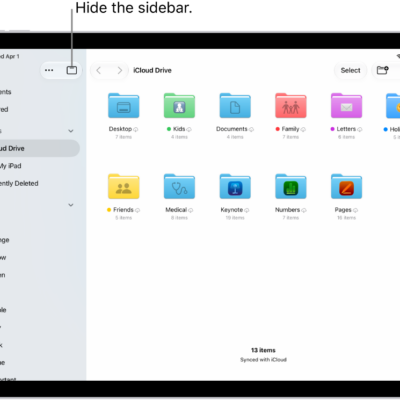
The Files app showing the files and folders in your iCloud Drive. At the top of the screen are buttons for selecting items, creating a new folder, changing the view (List, Icons, Columns), and Search.

How to organize files and folders in Files on iPad

You can organize files and folders in Files on iPad, create folders, and copy, compress, rename, or move files.
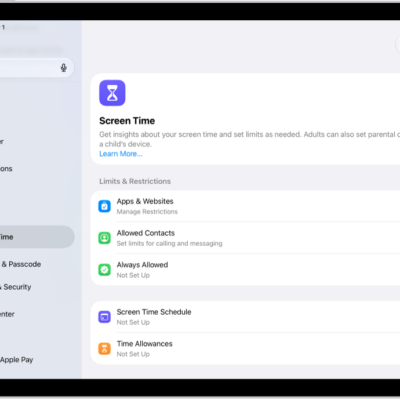
An image of Screen Time in Settings with options for Screen Time Schedules, Time Allowances, and more.

How to create, change, or remove a Screen Time passcode on iPad

You can create, change, or remove a Screen Time passcode on iPad, and set up Screen Time Passcode Recovery.
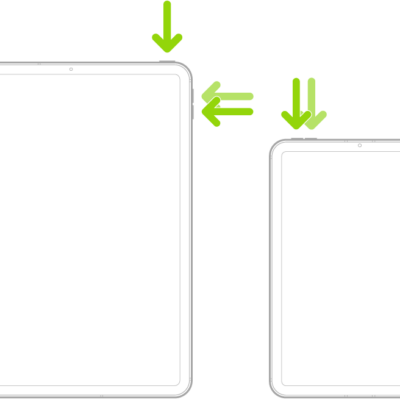
Two iPad models, each with a top button. One model has volume buttons on the side; the other has volume buttons at the top.

How to force restart iPad

You can force restart iPad when it isn't responding, using the steps for models with or without a Home button.
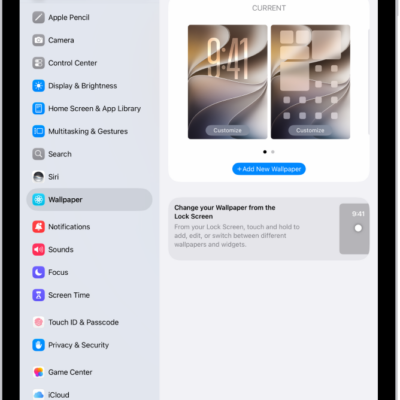
The Wallpaper Settings screen, with the button for choosing a new wallpaper at the top and images of the Lock Screen and Home Screen with the current wallpaper.

How to change the wallpaper on iPad

You can change the wallpaper on iPad for the Lock Screen or Home Screen with dynamic or still images, photos, or featured sets.
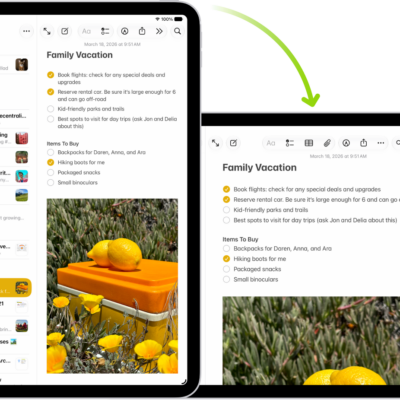
In the background, iPad displays a Notes screen in portrait orientation; in the foreground, iPad is rotated and shows the Notes screen in landscape orientation.

How to rotate your iPad screen

You can rotate your iPad screen to change the view, and lock or unlock your screen orientation in Control Center.
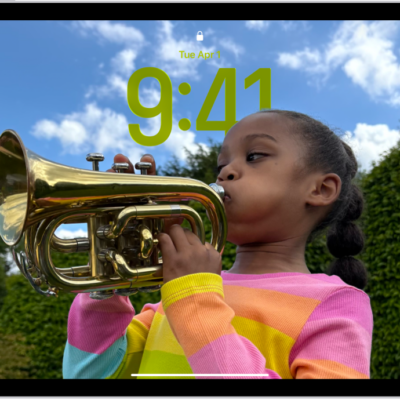
The iPad Lock Screen with a custom photo that fills the screen.

How to create a custom iPad Lock Screen

You can create a custom iPad Lock Screen with a wallpaper, photo, font, and widgets, link it to a Focus, and switch between Lock Screens.
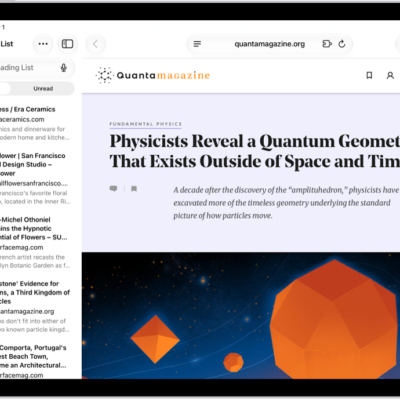
In Safari, the Reading List is open in the sidebar on the left and displays a list of websites saved to the Reading List.

How to save webpages to read later in Safari on iPad

You can save webpages to read later in Safari on iPad with Reading List, download items to read offline, and view your list.
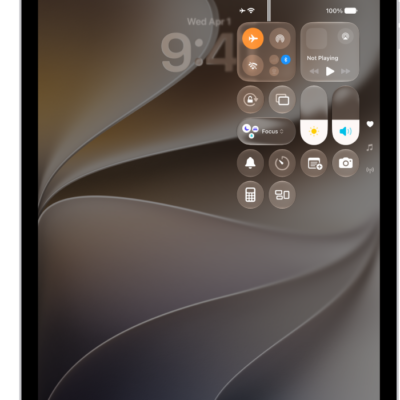
The Control Center screen showing that tapping the top-left button turns on Airplane Mode.

How to choose iPad settings for travel

You can choose iPad settings for travel, turn on Airplane Mode, and turn Wi-Fi or Bluetooth back on when your airline allows it.
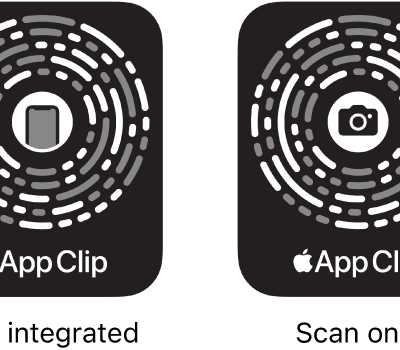
On the left, an NFC-integrated App Clip Code with an iPhone icon in the center. On the right, a scan-only App Clip Code with a camera icon in the center.

How to scan a QR code with your iPad camera

You can scan a QR code with your iPad camera or from Control Center for websites, apps, coupons, and tickets.
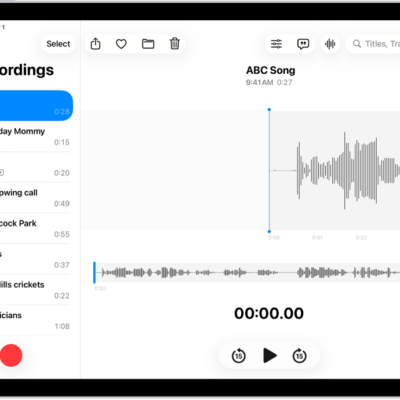
A recording made in Voice Memos. The list of recordings is on the left, with a selected recording at the top. On the right, the waveform has a playhead, which you can drag to go to a specific place in the recording. Above the waveform are the Share, Favorite, Move, Delete, Playback Options, Transcription, and Edit buttons. Below the timeline are the Playback controls.

How to organize recordings in Voice Memos on iPad

You can organize recordings in Voice Memos on iPad, mark recordings as favorites, and sort them into folders.