









Moses Johnson
Moses Johnson's Articles
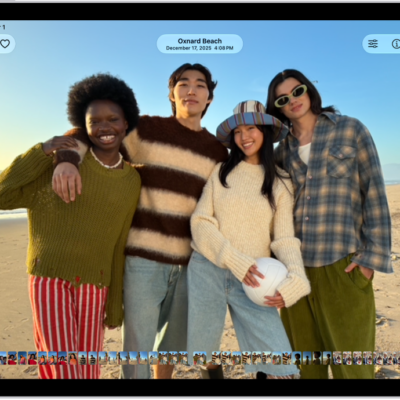
How to view photos and videos on iPad
You can view photos and videos on iPad in the Photos app, play videos, and view photos with a 3D effect on supported models.

How to adjust the sound quality in Music on iPad
You can adjust the sound quality in Music on iPad with an EQ setting and Sound Check to normalize the volume level of your audio.
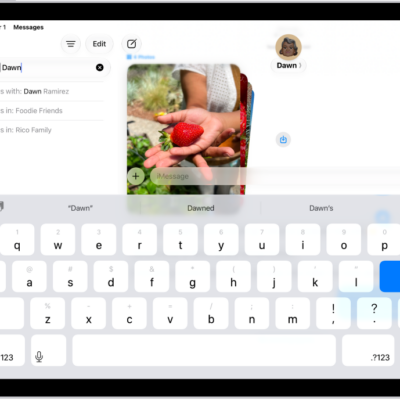
How to search in Messages on iPad
You can search in Messages on iPad for text messages and attachments, and filter your results by person or type.

How to take a Live Photo during a FaceTime call on iPad
You can take a Live Photo during a FaceTime call on iPad to capture a moment of your conversation, including the audio.
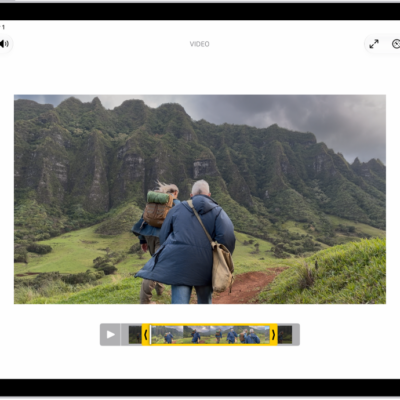
How to trim video length, adjust speed, and edit audio on iPad
You can trim video length, adjust speed, and edit audio on iPad in the Photos app, including slow-motion sections and Spatial Audio.
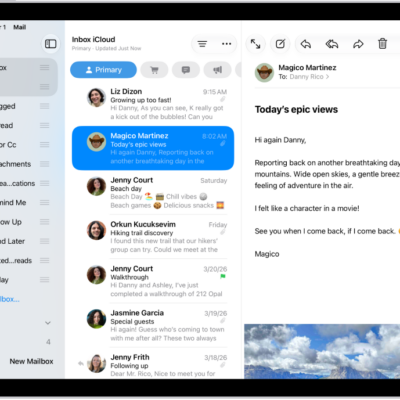
How to organize email in mailboxes on iPad
You can organize email in mailboxes on iPad, manage an email with a swipe, and move emails to a mailbox.

How to filter emails in Mail on iPad
You can filter emails in Mail on iPad, match a mail account to a Focus, and view Priority Messages at the top of your inbox.
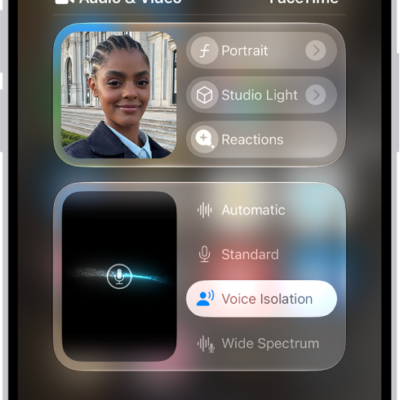
How to use video conferencing features on iPad
You can use video conferencing features on iPad, like video effects and reactions, in FaceTime and third-party apps.
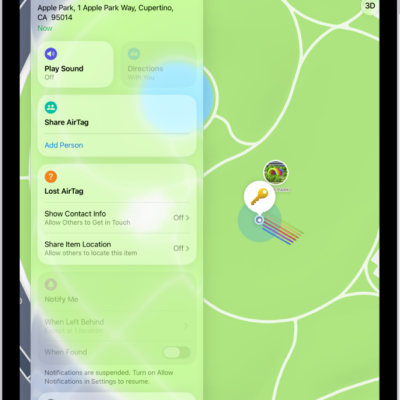
How to add or update a third-party item in Find My on iPad
You can add or update a third-party item in Find My on iPad, locate it if it's lost, change its name or emoji, and keep it up to date.
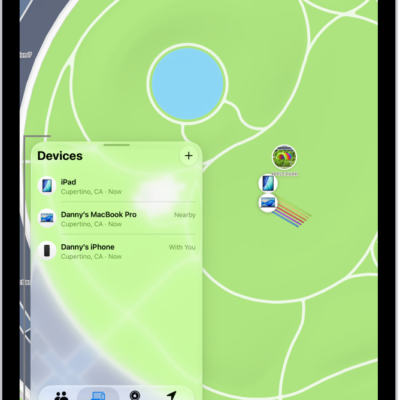
How to set separation alerts in case you leave a device behind in Find My on iPad
You can set separation alerts in Find My on iPad so you don't leave a device behind, and set Trusted Locations.