Got a tip for us?

Moses Johnson

Moses Johnson is the Editorial Director of GeeksModo.com, who has a keen eye for news, rumors, and all the unusual stuff around Apple products. Moses is commonly referred to online as The Professor, with decades of experience in tech under his belt.

Moses Johnson's Articles

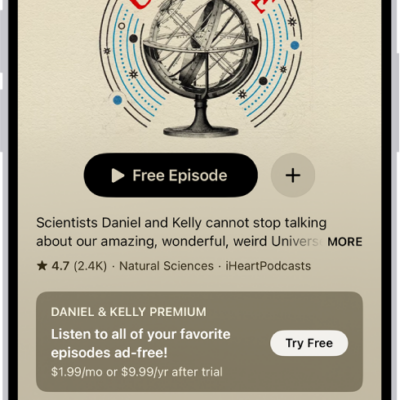
A show page in the Podcasts app showing an episode list. At the top of the screen are the Back, Follow, and More buttons. Toward the bottom of the screen is the MiniPlayer. Below that are the Home, New, Library, and Search buttons.

How to get started with Podcasts on iPhone

You can get started with Podcasts on iPhone and stream or download millions of shows, find them by category, and follow them.
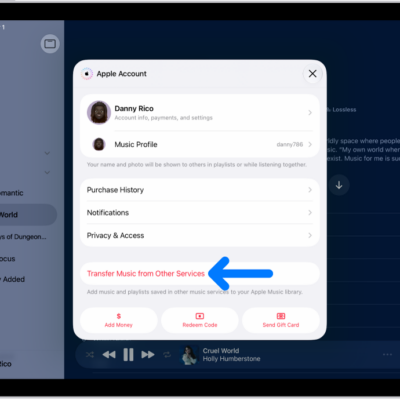
The Transfer Music from Other Services button on the Apple Account screen in Apple Music.

How to get music on iPad

You can get music on iPad by subscribing to Apple Music, transferring music from other services, or buying music.
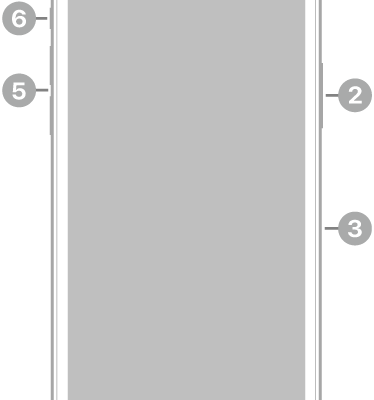
The front view of iPhone 11 Pro. The front camera is at the top center. On the right side, from top to bottom, are the side button and the SIM tray. The Lightning connector is on the bottom. On the left side, from bottom to top, are the volume buttons and the Ring/Silent switch.

iPhone 11 Pro hardware: buttons, cameras, and ports

You can find the cameras, buttons, and other essential hardware features on iPhone 11 Pro, plus links to help you get started.
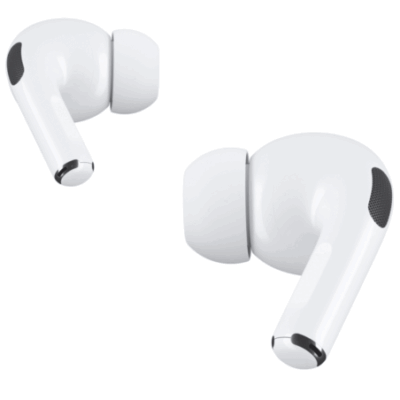
AirPods Pro are shown. One of the AirPods is being pinched on the stem.

How to use AirPods with supported camera apps on iPhone or iPad

You can use AirPods with supported camera apps on iPhone or iPad to take photos, record video, and use your AirPods as a microphone.
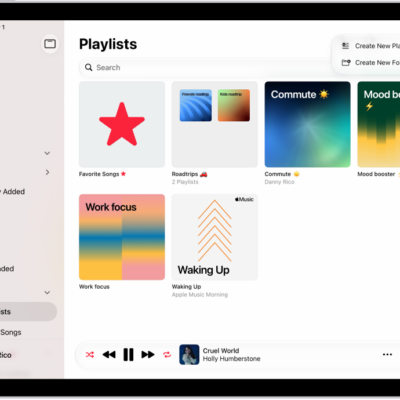
The Playlists tab showing the sidebar at the left and the list of playlists at the right. At the top are buttons to create a new playlist or create a new folder.

Understanding playlists in the Music app on iPad

You can learn about playlists in Music on iPad, from your own playlists to Favorite Songs and playlists from Apple Music.
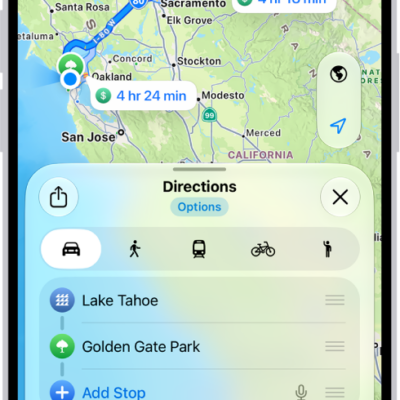
An iPhone showing a map with several driving route options to the same destination. Each route shows the estimated time and distance, and a Go button to start turn-by-turn directions. Color coding on each route indicates traffic conditions.

How to use Maps on iPhone

You can get directions with the Maps app on iPhone, the Maps widget, Siri, CarPlay, your Mac, or your Apple Watch.
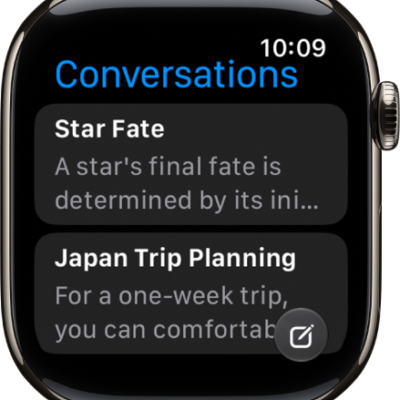
The Siri app showing two conversations. A button to start a new conversation appears at the bottom of the screen.

What’s new in watchOS 27 for Apple Watch

You can see what's new in watchOS 27 for Apple Watch, from Siri AI and Workout Buddy to Readiness, Vitals, and new watch faces.
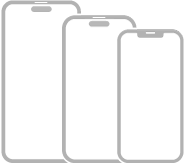
Three iPhone models with Face ID.

iPhone gestures for models with Face ID

You can learn the gestures for iPhone models with Face ID, from going Home and opening the App Switcher to switching apps and using Siri.
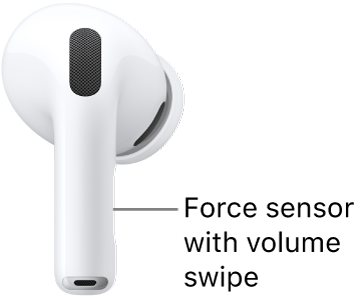
The location of the force sensor with volume swipe on AirPods Pro 3, along the stem of each of your AirPods.

How to adjust the volume of sound effects for AirPods

You can adjust the volume of sound effects for AirPods, like the sounds you hear when you put them in your ears or receive low battery alerts.
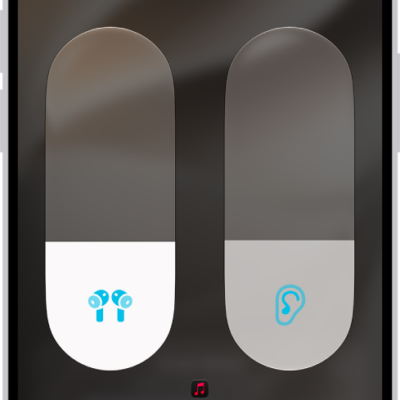
The volume screen in Control Center showing the volume level for AirPods Pro. Below the volume indicator on the left are the different listening modes—Transparency, Adaptive, and Noise Cancellation. Adaptive Audio is selected.

How to customize Transparency mode for AirPods

You can customize Transparency mode for AirPods Pro, reduce ambient noise, adjust Own Voice Amplification, and use Conversation Boost.