









Moses Johnson
Moses Johnson's Articles
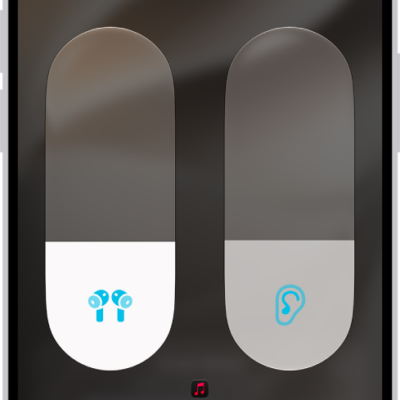
How to customize Transparency mode for AirPods
You can customize Transparency mode for AirPods Pro, reduce ambient noise, adjust Own Voice Amplification, and use Conversation Boost.

How to change advanced camera settings on your iPad
You can change advanced camera settings on iPad, adjust focus and exposure, use a grid, save camera settings, and adjust the shutter volume.
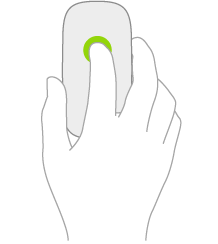
How to change mouse settings on iPad
You can change mouse settings on iPad, like tracking speed, Natural Scrolling, and secondary click.
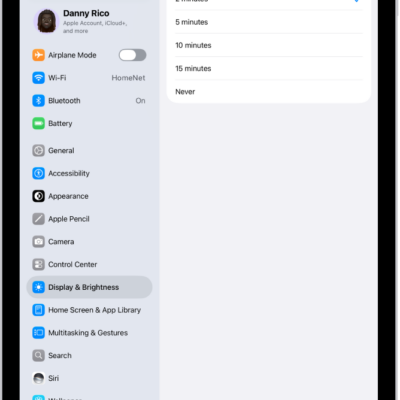
How to keep the iPad display on longer
You can keep the iPad display on longer by changing Auto-Lock, or keep it on while you use an app.
How to stream video and audio from your iPhone with AirPlay
You can stream video and audio from iPhone to a Mac or TV, or mirror your iPhone screen with AirPlay.
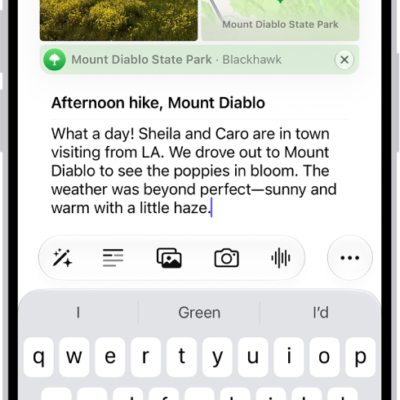
How to get started with Journal on iPhone
You can use the Journal app on iPhone to record your experiences with photos, music, drawings, audio, and your state of mind.
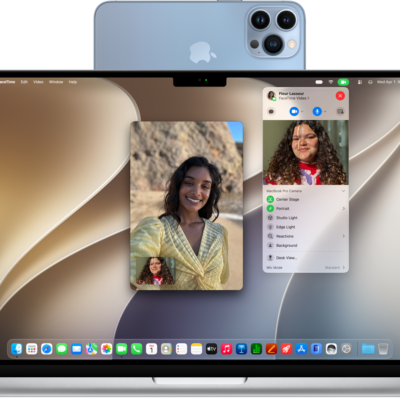
How to use your iPad as a webcam for Apple TV 4K
You can use your iPad as a webcam for Apple TV 4K with Continuity Camera, for FaceTime calls and singing along to Apple Music.
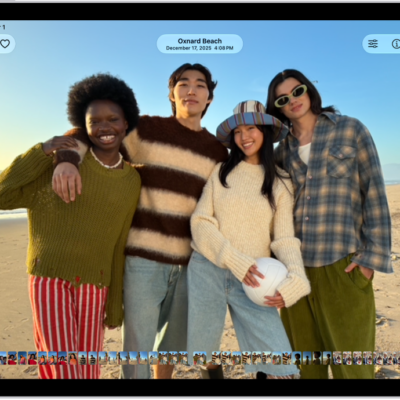
How to view reference images in Photos on iPad
You can view reference images in Photos on iPad to verify whether a photo taken in Reference mode has been altered or edited.
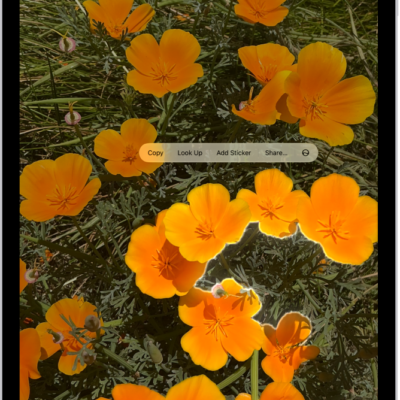
How to duplicate and copy photos and videos on iPad
You can duplicate and copy photos and videos on iPad, keep the original, and paste a copy into an email, message, or presentation.

How to make a call on iPad
You can make a call on iPad by dialing a number, using Favorites or recent calls, or calling someone in your contacts.