









Stacey Butler
Stacey Butler's Articles
How to reset privacy and security settings in an emergency
You can quickly stop sharing your location and access with others and change your passwords with Emergency Reset in Safety Check on iPhone.

How to view your passwords and related information on iPhone
You can view and copy passwords on iPhone, add notes to accounts, go to an account's website, and remove accounts from iCloud Keychain.
How to use the compass on iPhone
You can use the compass on iPhone to see which way iPhone is pointing, your coordinates, and your elevation.
How to search through all your lists in Reminders on iPhone
You can search through all your Reminders lists on iPhone at once for items that contain a word or phrase.
How to add or remove accounts in Contacts on iPhone
You can add iCloud and other contact accounts on iPhone, choose a default account, set up LDAP or CardDAV, and remove accounts you don't need.
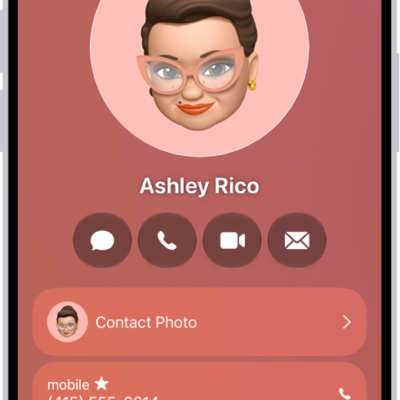
Ways to keep in touch with friends and family on iPhone
You can keep in touch with friends and family on iPhone, from a shared address book and favorites to group texts and FaceTime calls.
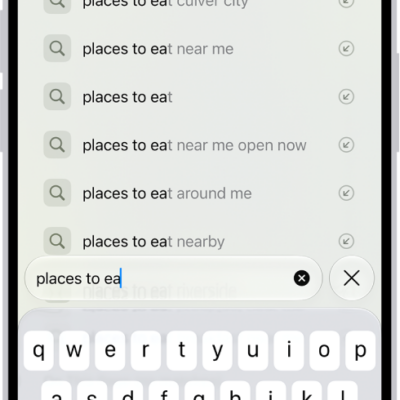
How to hide recent searches in Safari on iPhone
You can hide the recent searches that appear in the Safari search field on iPhone by turning off Show Recent Searches.
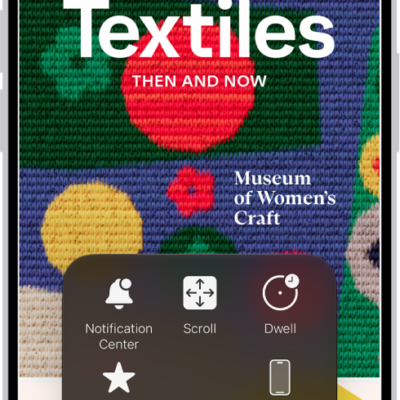
How to control iPhone with the movement of your head
You can control iPhone with the movement of your head using Head Tracking, with an onscreen pointer and dwell to perform actions like a tap.
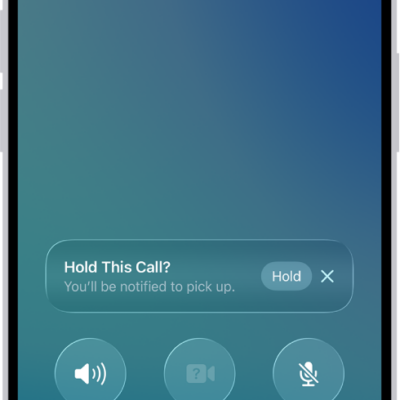
How to use Impersonation Risk Detection
You can use Impersonation Risk Detection to help protect you from scams in supported third-party apps by spotting suspicious activity in real time.
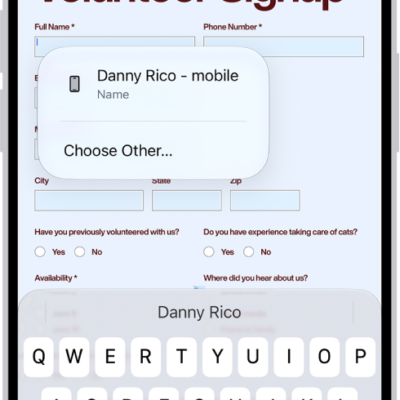
How to fill in personal information in Safari on iPhone
You can use AutoFill in Safari on iPhone to fill in your contact information, user names, and passwords from your saved contact card.