Got a tip for us?

Stacey Butler

Stacey is a senior staff writer at GeeksModo and has been writing about Apple for nearly a decade. She covers all things Apple for GeeksModo, including iPhones, iPads and Mac. Based in Honolulu, Hawaii, Stacey is often found hiking precarious landscapes or tinkering with a camera.

Stacey Butler's Articles

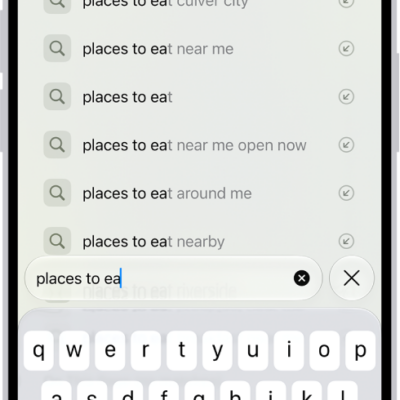
A Safari search screen, with the onscreen keyboard at the bottom of the screen. Above the keyboard, the search field contains text, and related search suggestions are listed above.

How to hide recent searches in Safari on iPhone

You can hide the recent searches that appear in the Safari search field on iPhone by turning off Show Recent Searches.
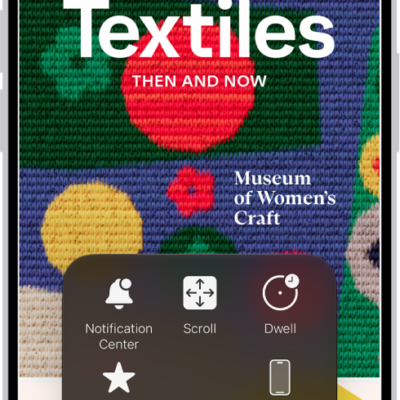
An iPhone with the AssistiveTouch menu visible, showing controls for Notification Center, Device, Control Center, Home, Gestures, and Custom.

How to control iPhone with the movement of your head

You can control iPhone with the movement of your head using Head Tracking, with an onscreen pointer and dwell to perform actions like a tap.
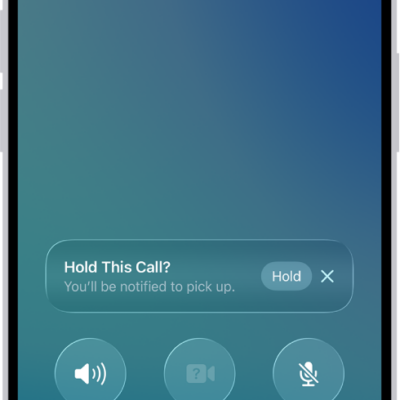
An ongoing call screen showing a banner that asks if the caller would like to use Hold Assist to receive a notification when they’re no longer on hold.

How to use Impersonation Risk Detection

You can use Impersonation Risk Detection to help protect you from scams in supported third-party apps by spotting suspicious activity in real time.
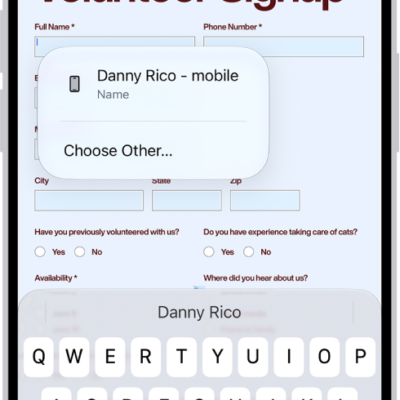
A fillable PDF form showing an AutoFill suggestion for the name and phone fields.

How to fill in personal information in Safari on iPhone

You can use AutoFill in Safari on iPhone to fill in your contact information, user names, and passwords from your saved contact card.
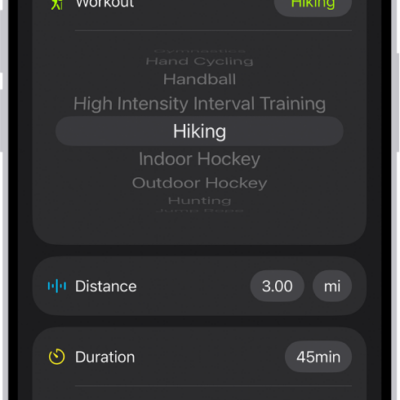
A screen in the Fitness app showing a logged workout. Metrics for the distance traveled, duration, date, and active calories burned appear below the list of workouts.

How to log a workout in Fitness on iPhone

You can log a workout you already completed in Fitness on iPhone, with its duration, distance, and calories, or delete a workout.
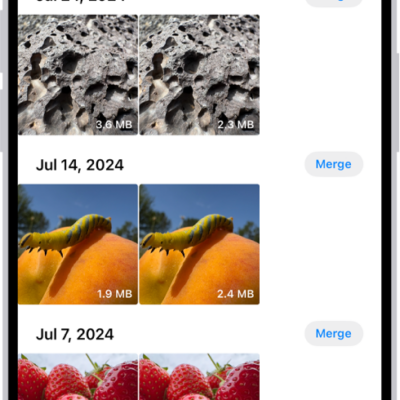
The Duplicates screen, showing duplicate photos next to each other. On the right side of the screen are Merge buttons to merge each pair of duplicate photos.

How to merge duplicate photos and videos on iPhone

You can merge duplicate photos and videos on iPhone from the Duplicates collection in Photos to save space.

The Edit screen with a photo in the center. At the bottom of the screen, from left to right, are the Portrait, Adjust, Filters, Crop, and Clean Up buttons. The Crop button is selected and there is a slider to adjust the geometry enhancements.

How to crop, rotate, flip, or straighten photos and videos on iPhone

You can crop, rotate, flip, and straighten photos and videos in the Photos app on iPhone, and your edits sync with iCloud Photos.
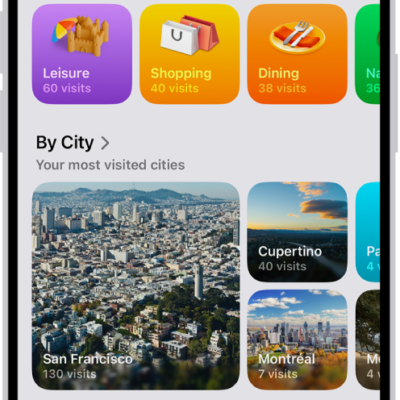
The Visited Places screen in the Maps app. Leisure, Shopping, Dining, and Nature appear as categories, each with a number indicating how many visits were made in that category.

How to clear your location history in Maps on iPhone

You can clear the significant locations Maps uses for predictive traffic routing on iPhone, on every device signed in to your Apple Account.
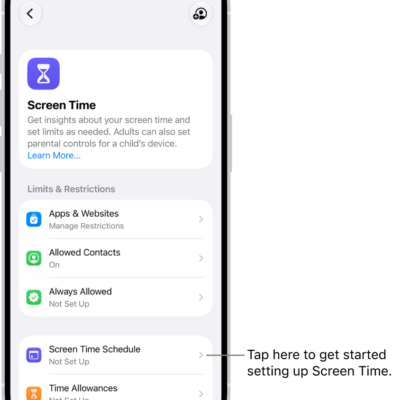
An image of Screen Time in Settings with options to set up Screen Time Schedules, Time Allowances, and more.

How to create, change, or remove a Screen Time passcode on iPhone

You can set a Screen Time passcode on iPhone to protect your Screen Time settings, change or remove it, and reset it if you forget it.
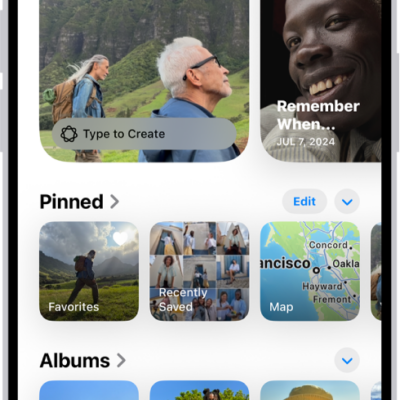
The Photos app is open and the Collections button is selected at the bottom of the screen. On the screen from top to bottom are the following Collections: Memories, Pinned, Albums, and Recent Days.

How to locate photos and videos by media type on iPhone

You can browse photos and videos by media type in Photos on iPhone, like Portrait mode or time-lapse, and reorder the list of types.