









Stacey Butler
Stacey Butler's Articles
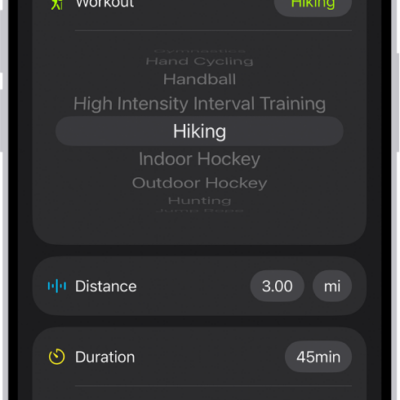
How to log a workout in Fitness on iPhone
You can log a workout you already completed in Fitness on iPhone, with its duration, distance, and calories, or delete a workout.
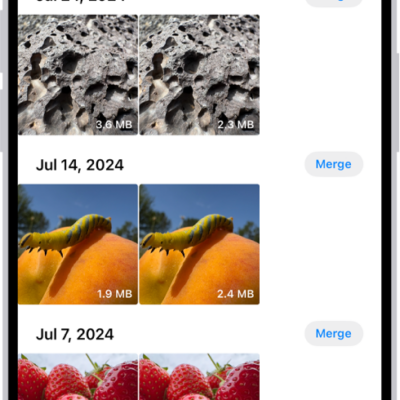
How to merge duplicate photos and videos on iPhone
You can merge duplicate photos and videos on iPhone from the Duplicates collection in Photos to save space.

How to crop, rotate, flip, or straighten photos and videos on iPhone
You can crop, rotate, flip, and straighten photos and videos in the Photos app on iPhone, and your edits sync with iCloud Photos.
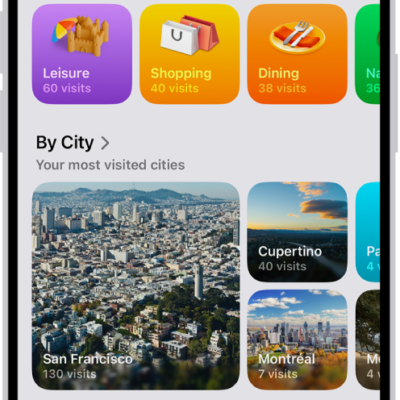
How to clear your location history in Maps on iPhone
You can clear the significant locations Maps uses for predictive traffic routing on iPhone, on every device signed in to your Apple Account.
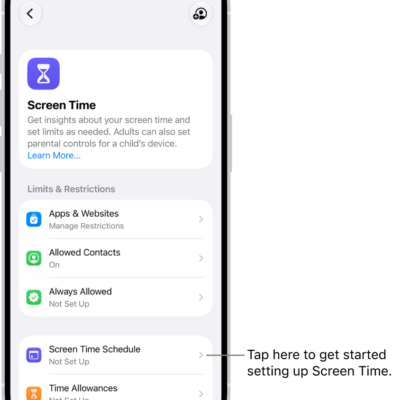
How to create, change, or remove a Screen Time passcode on iPhone
You can set a Screen Time passcode on iPhone to protect your Screen Time settings, change or remove it, and reset it if you forget it.
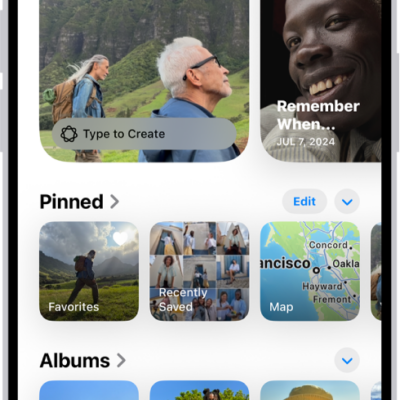
How to locate photos and videos by media type on iPhone
You can browse photos and videos by media type in Photos on iPhone, like Portrait mode or time-lapse, and reorder the list of types.
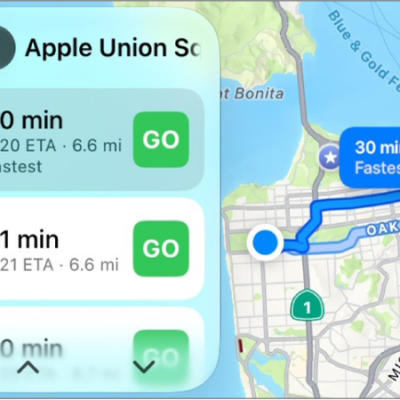
How to report traffic incidents in CarPlay
You can report traffic incidents like accidents, hazards, speed checks, and road work in CarPlay in select regions.
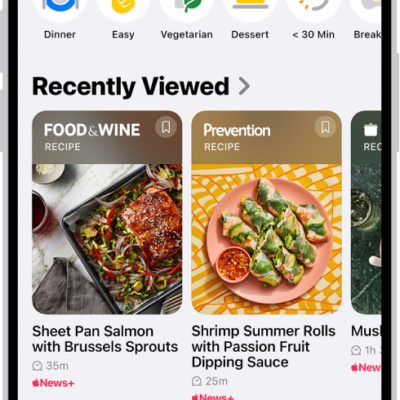
How to search for channels, topics, stories, or recipes in News on iPhone
You can search the News app on iPhone for channels, topics, stories, events, and recipes.
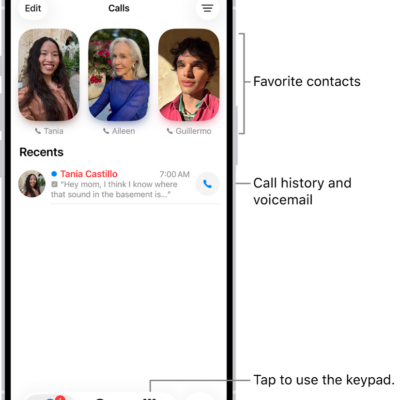
How to change your Phone settings on iPhone
You can change Phone settings on iPhone, including the app layout, Caller ID, caller identification apps, Dial Assist, and your default calling app.
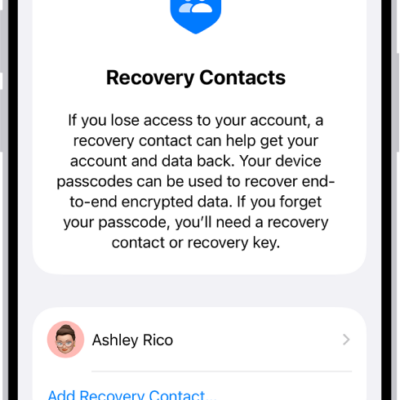
iPhone tips from Apple Support advisors: passcode, lost iPhone, photos, and battery
You can get expert advice from Apple Support advisors for iPhone, from remembering your passcode to finding a lost iPhone and saving battery.