









Stacey Butler
Stacey Butler's Articles
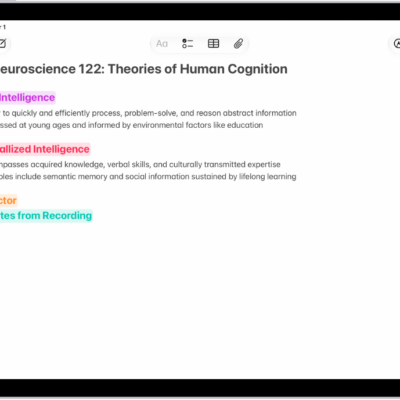
How to create and format notes on iPad
You can create and format notes on iPad, add checklists, tables, and divider lines, and organize notes with sections and headings.
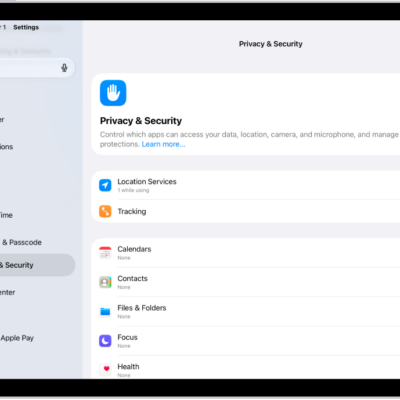
How to use Mail Privacy Protection on iPad
You can use Mail Privacy Protection on iPad to hide your IP address and keep senders from seeing if you opened their email.
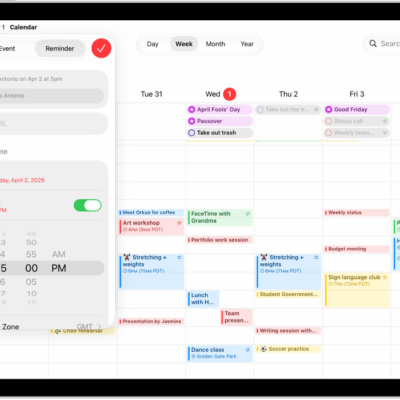
How to use reminders in Calendar on iPad
You can use reminders in Calendar on iPad to view, create, complete, and edit reminders from the Reminders app.
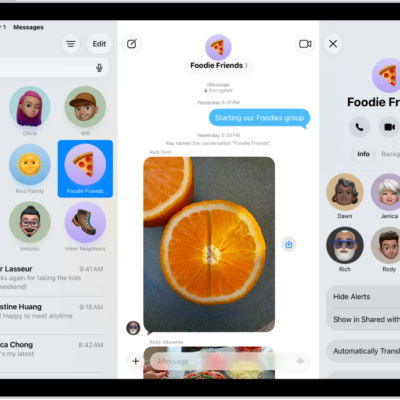
How to have a group conversation in Messages on iPad
You can have a group conversation in Messages on iPad, name it and add an icon, add or remove people, and leave a group.
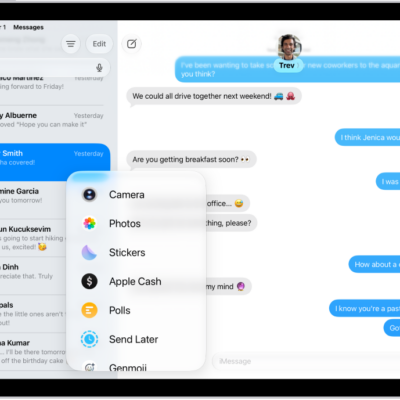
How to send and receive audio messages in Messages on iPad
You can send and receive audio messages in Messages on iPad, with transcripts, and keep audio messages instead of having them deleted.
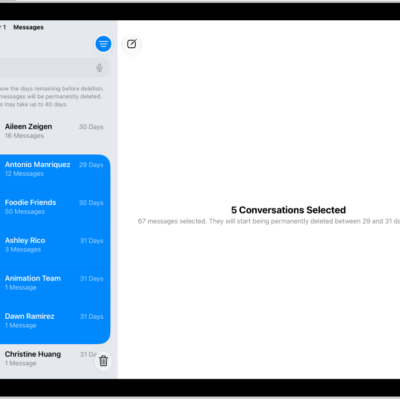
How to recover deleted messages in Messages on iPad
You can recover deleted messages in Messages on iPad for up to 30 days from Recently Deleted.
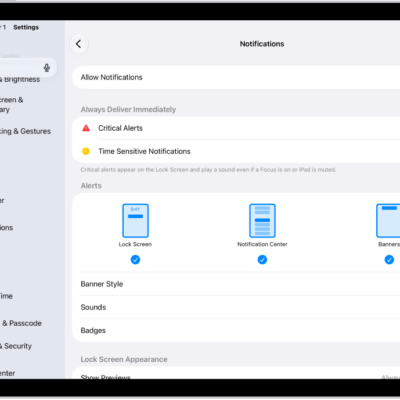
How to stop, mute, and change message notifications on iPad
You can stop, mute, and change message notifications on iPad, including how they appear or sound and who can see your Focus status.
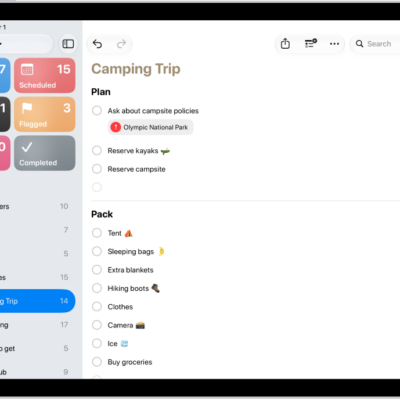
How to edit and organize a list in Reminders on iPad
You can edit and organize a list in Reminders on iPad with sections, subtasks, and columns, and sort or recategorize items.
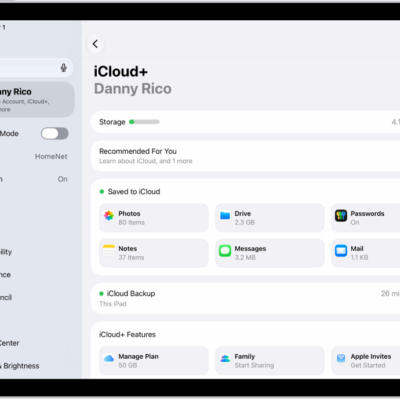
How to use iCloud on iPad
You can use iCloud on iPad to store your photos, videos, documents, and backups and keep them updated across all your devices.
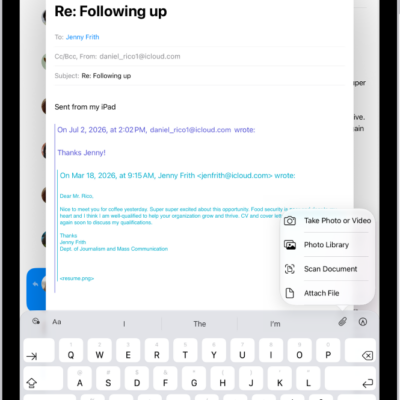
How to add email attachments in Mail on iPad
You can add email attachments in Mail on iPad, from photos, videos, and documents to scanned PDFs and drawings.