Got a tip for us?

Stacey Butler

Stacey is a senior staff writer at GeeksModo and has been writing about Apple for nearly a decade. She covers all things Apple for GeeksModo, including iPhones, iPads and Mac. Based in Honolulu, Hawaii, Stacey is often found hiking precarious landscapes or tinkering with a camera.

Stacey Butler's Articles

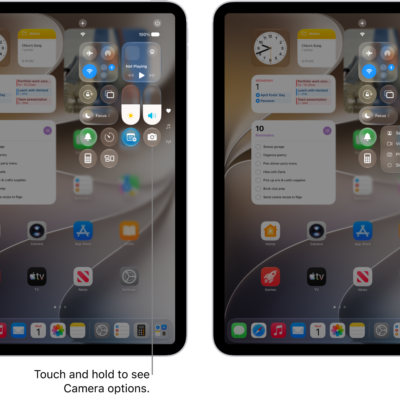
The iPad Control Center. Controls for Airplane Mode, cellular data, Wi-Fi, and Bluetooth are in the top-left group in Control Center for Wi-Fi + Cellular iPad models. The Camera control is at the bottom right of Control Center. The screen on the right shows the quick menu of options that appear when you touch and hold the Camera control.

How to use iPad as a remote microphone with Live Listen

You can use iPad as a remote microphone with Live Listen to stream sound to your MFi hearing devices, AirPods, or Beats.
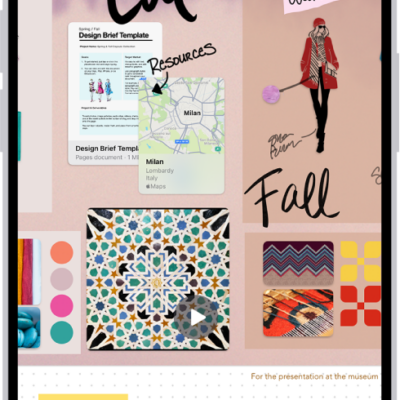
An iPhone with the Freeform app open, showing a sticky note with feedback from another person.

How to change your Freeform settings on iPhone

You can change Freeform settings on iPhone, from sharing permissions and board backgrounds to alignment guides, iCloud storage, and sorting.
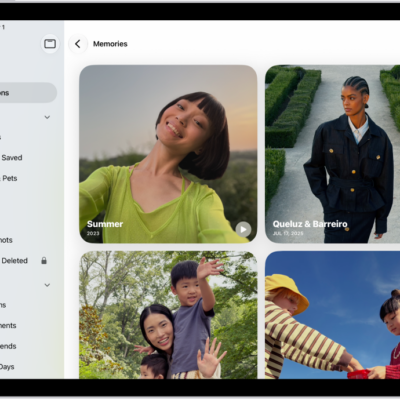
The Photos app is open to the Memories collection. The All tab is selected, with a list of memories below.

How to hide people, memories, and holidays in Photos on iPad

You can hide people, memories, and holidays in Photos on iPad, feature a person less often, and turn off memories and featured photos.
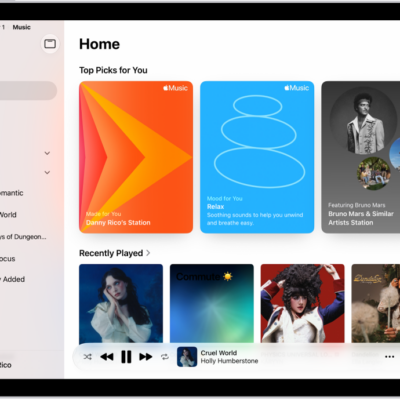
The Home tab in the Music app showing the sidebar on the left and the Home section at the right. The Home tab shows Top Picks at the top. Recently Played music appears below, showing four album covers. The MiniPlayer is at the bottom.

How to get personalized recommendations in Music on iPad

You can get personalized recommendations in Music on iPad by choosing favorite genres and artists, or turn off your listening history.
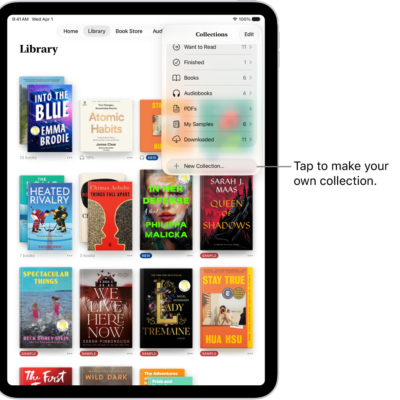
The Library screen in the Books app. At the top of the screen the Collections menu is open and shows options such as Audiobooks and PDFs.

How to read PDFs in the Books app on iPad

You can read PDFs in the Books app on iPad, open PDFs you receive, share or print them, and mark them up.
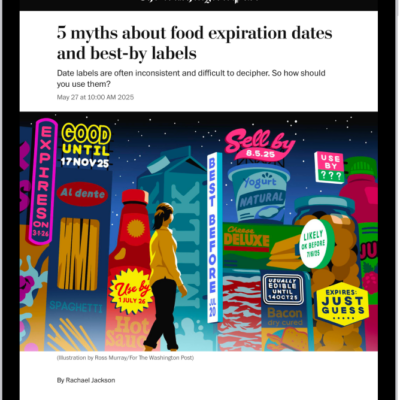
A news story in the News app. In the tab bar, Today is selected.

How to save stories in News on iPad

You can save stories in News on iPad to read later, read a saved story, and delete saved stories.
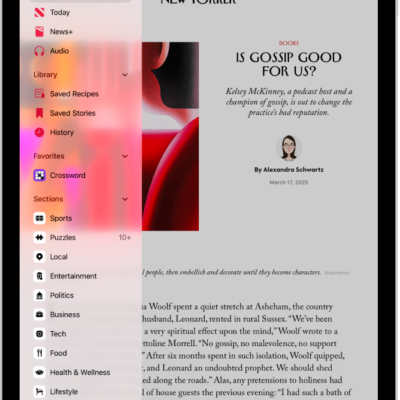
Followed channels and topics appear in the News sidebar over an article.

How to search for channels, topics, stories, or recipes in News on iPad

You can search for channels, topics, stories, or recipes in News on iPad from the Search button.
The iPad Control Center. Controls for Airplane Mode, cellular data, Wi-Fi, and Bluetooth are in the top-left group in Control Center for Wi-Fi + Cellular iPad models. The Camera control is at the bottom right of Control Center. The screen on the right shows the quick menu of options that appear when you touch and hold the Camera control.

How to connect a game controller to iPad

You can connect a game controller to iPad with Bluetooth or a cable, customize its buttons, and add a second controller with Buddy Controller.
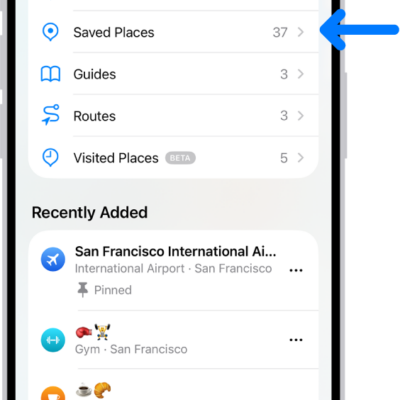
The Places screen in Maps, which shows a list of place categories like Pinned, Saved Places, and Guides. Below this, a Recently Added section lists viewed locations.

How to add places and notes to your Places in Maps on iPad

You can add places and notes to your Places in Maps on iPad, save pins and addresses, and remove places you no longer need.
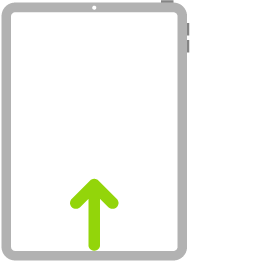
An illustration of iPad with an arrow that indicates swiping up from the bottom.

iPad navigation gestures: go Home, switch apps, and more

You can learn gestures to navigate iPad, like going to the Home Screen, switching apps, and opening Control Center.