









Stacey Butler
Stacey Butler's Articles

How to react with Tapbacks in Messages on iPad
You can react with Tapbacks in Messages on iPad using a heart, thumbs-up, emoji, sticker, or Memoji, and edit or remove them.
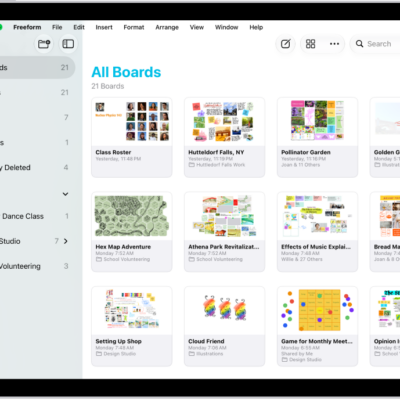
How to organize your Freeform boards in folders on iPad
You can organize your Freeform boards in folders on iPad, create subfolders, rename folders, and move boards in or out.
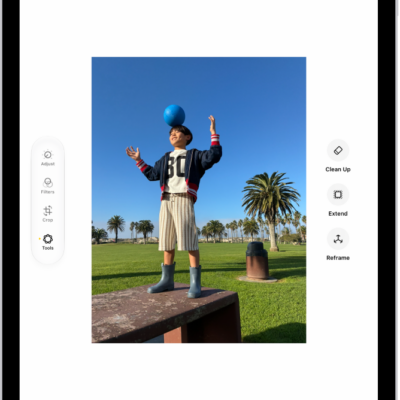
How to clean up, extend, and reframe photos on iPad
You can clean up, extend, and reframe photos on iPad with Apple Intelligence, removing distractions and extending the background.
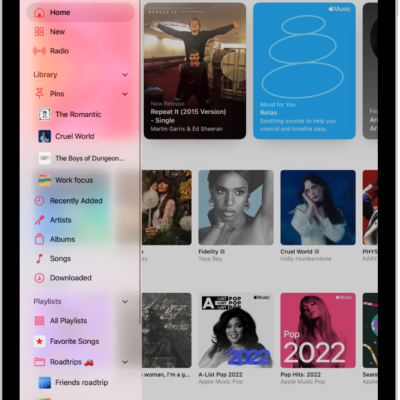
How to play music on iPad
You can play music on iPad from your library, stream recommended songs, and control playback from the Lock Screen.

How to undo and revert photo edits on iPad
You can undo and redo photo edits on iPad as you work, and revert an edited photo or video to the original after saving.
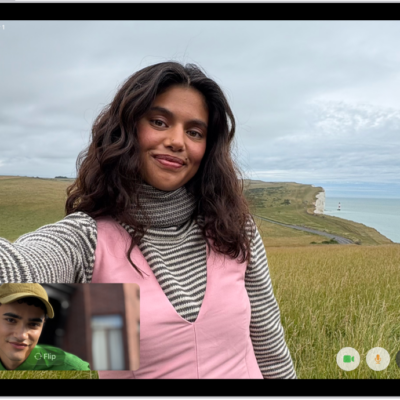
How to leave a FaceTime call or switch to Messages on iPad
You can leave a FaceTime call on iPad at any time, or switch to a Messages conversation with everyone on the call.
How to share your screen in a FaceTime call on iPad
You can share your screen in a FaceTime call on iPad, bring apps and webpages into the call, and ask someone to share theirs.
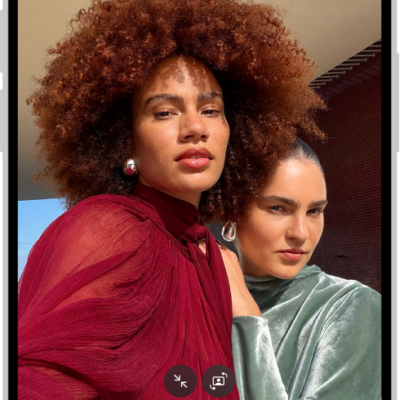
How to take a selfie with your iPad camera
You can take a selfie with your iPad camera in Photo, Portrait, Video, or Square mode, and mirror the front camera.
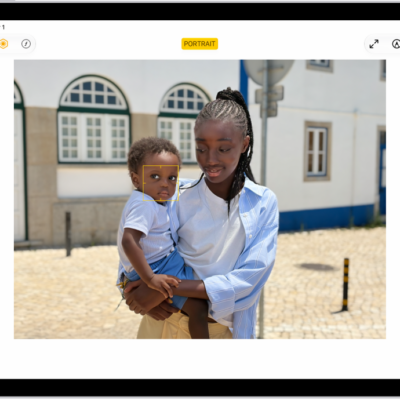
How to edit Portrait mode photos on iPad
You can edit Portrait mode photos on iPad, change the Portrait Lighting effect, blur the background, and change the focus point.
How to take a Portrait mode selfie with your iPad camera
You can take a Portrait mode selfie with your iPad camera on supported models, with Portrait Lighting effects and adjustable background blur.