Got a tip for us?

Tyler Stephen

I'm Tyler Stephen, from the US state of Maine. I have a life-long passion for technology, and in addition to writing here, I am also on the editorial team of AppleVis.com. I've been totally blind from birth and thus rely on screenreading software like VoiceOver on Apple products and NVDA on Windows. I have been a Mac user since 2005 and an iOS user since 2010, in addition to also having used Windows, Linux, and Chrome OS. On this site and elsewhere, I hope to write pieces that educate and entertain people, as well as bring attention to the accessibility or inaccessibility of various technologies. You can find me on mastodon at mastodon.applevis.com/@tyler.

Tyler Stephen's Articles

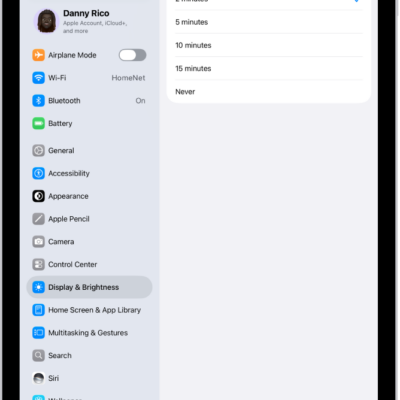
The Auto-Lock screen, with settings for the length of time before iPad automatically locks.

How to set a passcode on iPad

You can set a passcode on iPad, change when it locks automatically, and erase data after 10 failed passcode attempts.
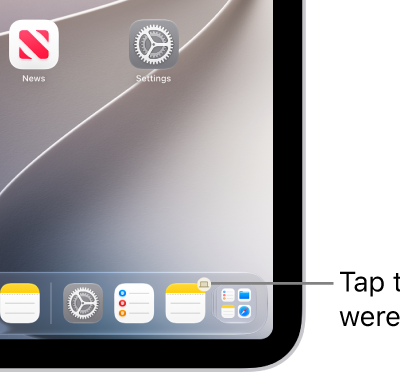
The Handoff icon visible in the Dock on an iPad.

How to hand off tasks between iPad and your other devices

You can hand off tasks between iPad and your other devices with Handoff, from Safari and Mail to FaceTime and Maps.
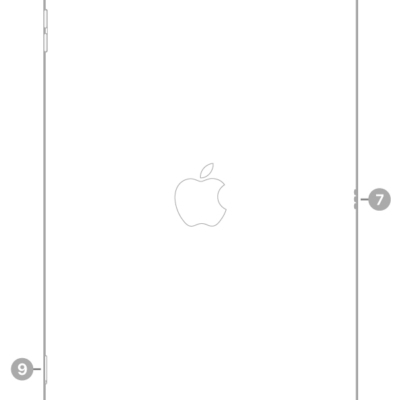
The back view of iPad with callouts to the rear camera at the top left, the headphone jack at the top right, the Smart Connector on the right, the Lightning connector at the bottom center, and the SIM tray (Wi-Fi + Cellular) at the bottom left.

Which Magic Keyboard or Smart Keyboard works with your iPad

You can find the right iPad Magic Keyboard or Smart Keyboard for your iPad, with each keyboard and the iPad models it works with.
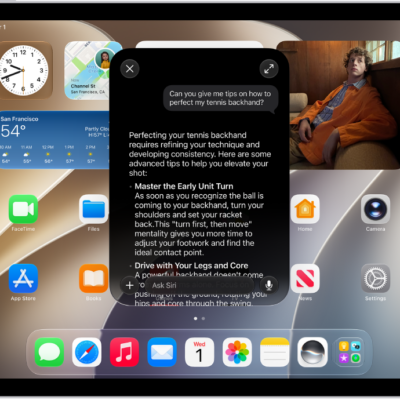
An iPad showing Siri answering a request about how to improve a tennis backhand.

How to turn on and activate Siri on iPad

You can turn on and activate Siri on iPad to get answers, find what you need, and get things done with your voice or buttons.
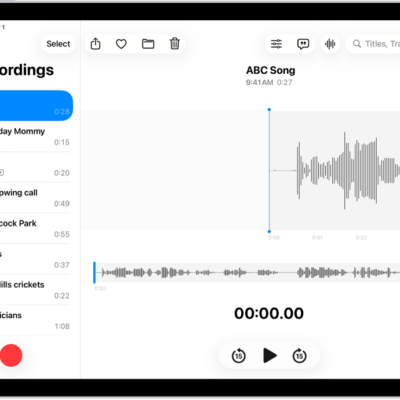
A recording made in Voice Memos. The list of recordings is on the left, with a selected recording at the top. On the right, the waveform has a playhead, which you can drag to go to a specific place in the recording. Above the waveform are the Share, Favorite, Move, Delete, Playback Options, Transcription, and Edit buttons. Below the timeline are the Playback controls.

How to play a recording in Voice Memos on iPad

You can play a recording in Voice Memos on iPad, change the playback speed, turn on Studio Sound, and skip over gaps.

A photo is open in the Photos app library. At the top of the screen, the Info button displays an icon indicating that Visual Look Up information is available. The button is selected and the Visual Look Up results appear on the screen.

How to identify objects in your photos and videos on iPad

You can identify objects in your photos and videos on iPad with Visual Look Up, from landmarks and plants to pets and food.
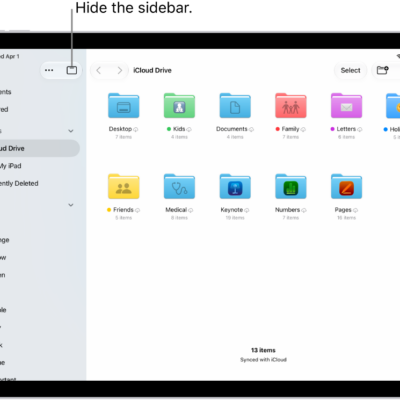
The Files app showing the files and folders in your iCloud Drive. At the top of the screen are buttons for selecting items, creating a new folder, changing the view (List, Icons, Columns), and Search.

How to find and view files and folders in Files on iPad

You can find and view files and folders in Files on iPad, search by location or tag, and choose which app opens a file.
A green arrow pointing to the button in the top right of iPad.

How to turn iPad on or off

You can turn iPad on or off with the buttons on the top and side of your iPad, or with controls in Settings and Control Center.
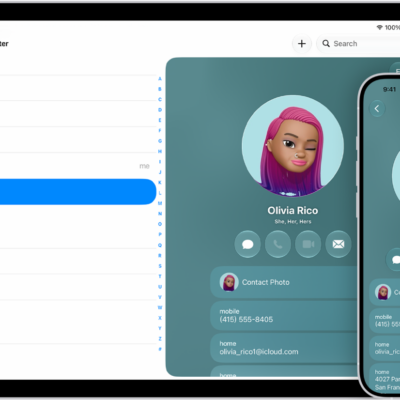
A contacts list on iPad and a contact card on iPhone

How to sync contacts across devices on iPad

You can sync contacts across devices on iPad with iCloud, or sync them between iPad and your Mac or Windows device.
A contacts list on iPad and a contact card on iPhone

How to get started with Contacts on iPad

You can get started with Contacts on iPad, create and share contacts, add accounts like iCloud or Google, and sync your contacts.