









Tyler Stephen
Tyler Stephen's Articles

How to prevent contacts from communicating with you on iPad
You can prevent contacts from communicating with you on iPad by blocking them in Phone, Messages, and FaceTime, and unblock them later.
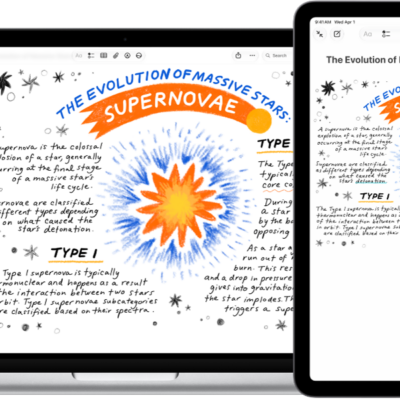
How to insert sketches, photos, and scans from your iPad on Mac
You can insert sketches, photos, and scans from your iPad on Mac with Continuity Camera and Continuity Sketch, and mark up Mac files.
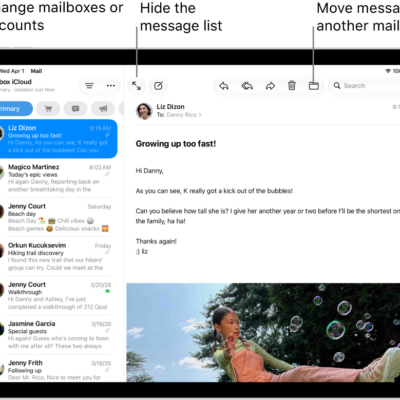
How to check your email in Mail on iPad
You can check your email in Mail on iPad, read or summarize messages, use Remind Me, and mark multiple emails as read.
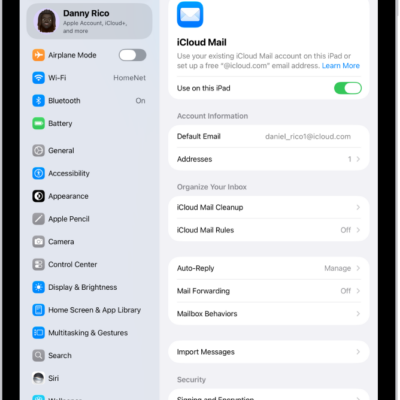
How to set up a custom email domain with iCloud Mail on iPad
You can set up a custom email domain with iCloud Mail on iPad, add up to five domains, and import existing email.
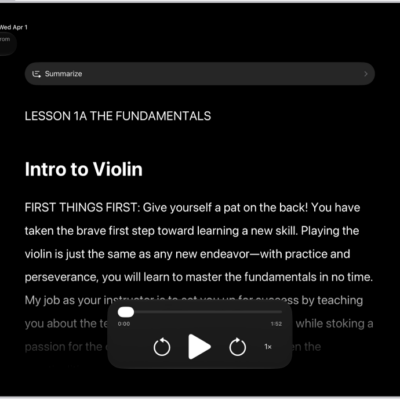
How to read or listen to text in apps with Accessibility Reader on iPad
You can read or listen to text in apps with Accessibility Reader on iPad, customize fonts and colors, and use Apple Intelligence.
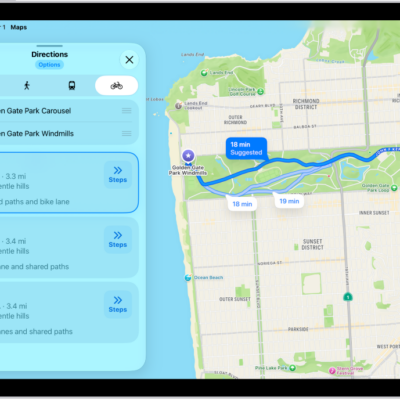
How to get cycling directions in Maps on iPad
You can get cycling directions in Maps on iPad on bike paths and bike-friendly roads, preview elevation, and avoid hills or busy roads.
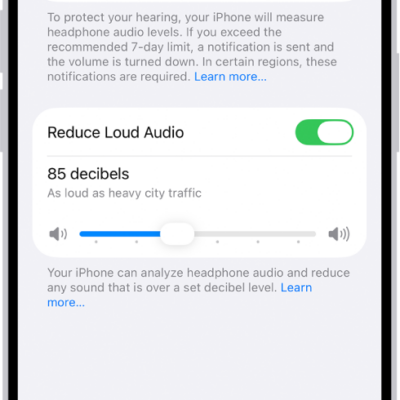
How to use headphone audio-level features on iPad
You can use headphone audio-level features on iPad to set a maximum decibel level and check your headphone level.

How to customize visual accessibility settings for specific apps on iPad
You can customize visual accessibility settings for specific apps on iPad, like color, text size, and motion, in Per-App Settings.
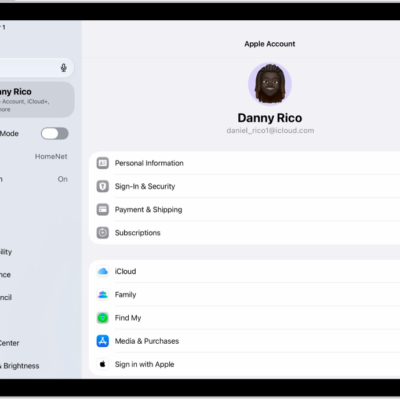
How to see your purchases and subscriptions in the App Store on iPad
You can see your purchases and subscriptions in the App Store on iPad, view your purchase history, and change or cancel a subscription.
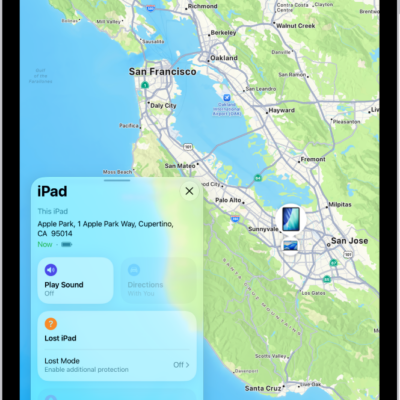
How to get started with Find My on iPad
You can get started with Find My on iPad to locate lost devices, find items with AirTag, and keep track of friends.