Got a tip for us?

Tyler Stephen

I'm Tyler Stephen, from the US state of Maine. I have a life-long passion for technology, and in addition to writing here, I am also on the editorial team of AppleVis.com. I've been totally blind from birth and thus rely on screenreading software like VoiceOver on Apple products and NVDA on Windows. I have been a Mac user since 2005 and an iOS user since 2010, in addition to also having used Windows, Linux, and Chrome OS. On this site and elsewhere, I hope to write pieces that educate and entertain people, as well as bring attention to the accessibility or inaccessibility of various technologies. You can find me on mastodon at mastodon.applevis.com/@tyler.

Tyler Stephen's Articles

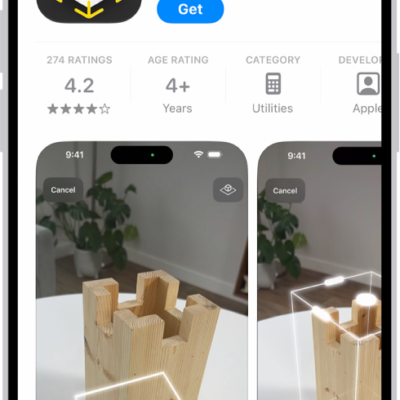
The information page for an app in the App Store. The page shows the Get button, ratings, age ratings, the developer, screenshots, and more. At the bottom, from left to right, are the following buttons: Today, Games, Apps, Arcade, and Search.

How to share and send apps in the App Store on iPhone

You can share a link to an app in the App Store on iPhone, or send an app as a gift.
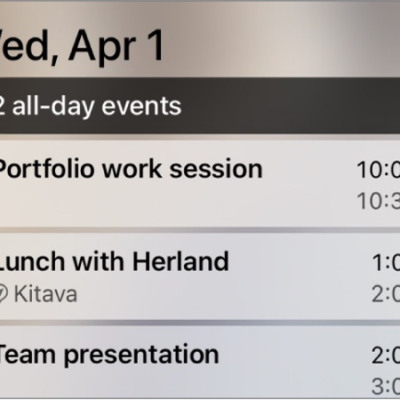
CarPlay showing Maps, Music, and Calendar in the Sidebar. To the right are events for the current day.

How to customize widgets in CarPlay

You can add, rearrange, and remove CarPlay widgets from your iPhone, and turn on Smart Rotate or Widget Suggestions.
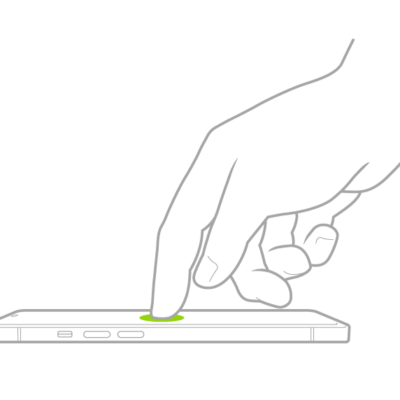
A finger tapping the screen to wake iPhone.

How to customize VoiceOver gestures and keyboard shortcuts on iPhone

You can customize VoiceOver gestures and keyboard shortcuts on iPhone, see the gestures for each command, and turn on Magic Tap.
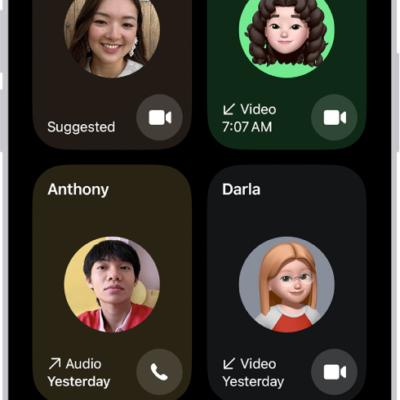
The screen for making a FaceTime call. The New Call button is at the bottom of the screen.

How to make FaceTime calls on iPhone

You can make FaceTime video and audio calls on iPhone, start them from Messages, and record a video message if no one answers.
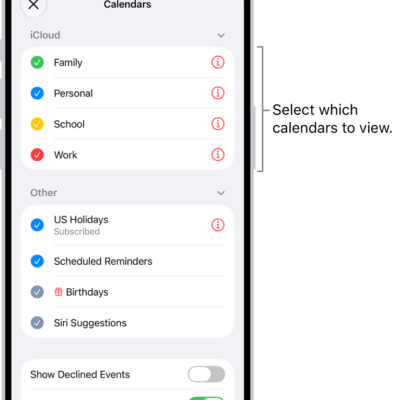
The Calendars list, with checkmarks indicating which calendars are active. The Done button for closing the list is in the top-right corner.

How to change your Calendar settings on iPhone

You can add calendar accounts on iPhone, including iCloud, Google, Exchange, Yahoo, and CalDAV, and change defaults for new events.

The iPhone Lock Screen showing the time and date near the top and icons for the Flashlight and Camera near the bottom.

How to summarize notifications and reduce interruptions with Apple Intelligence on iPhone

You can get notification summaries, priority notifications, and the Reduce Interruptions Focus with Apple Intelligence on iPhone.
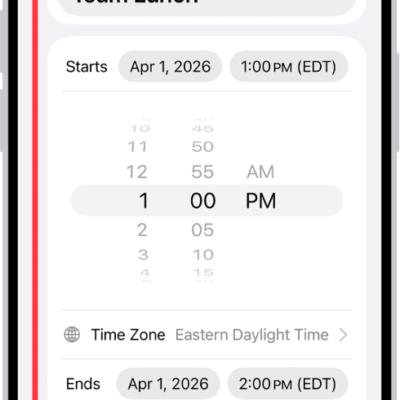
A calendar event showing settings for the time and time zone of the event.

How to send invitations in Calendar on iPhone

You can send meeting and event invitations from Calendar on iPhone with iCloud, Exchange, and some CalDAV accounts, and email attendees.
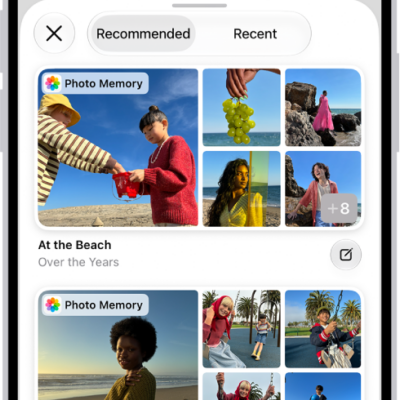
A screen in the Journal app showing photos highlighted as journaling suggestions.

How to write in your journal on iPhone

You can write journal entries on iPhone, use Journaling Suggestions and Writing Prompts, and keep multiple journals.
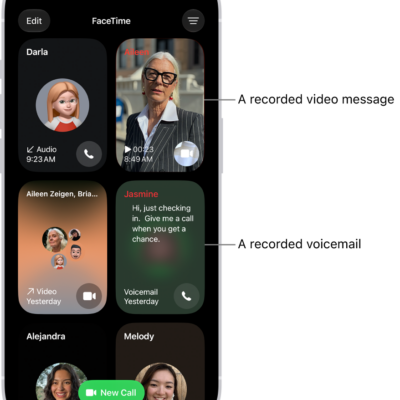
The FaceTime call history, showing a suggested contact, a recorded video message, a voicemail, and a Group FaceTime video call.

How to receive FaceTime calls on iPhone

You can answer or decline FaceTime calls on iPhone, view video messages, listen to voicemails, and delete calls from your history.
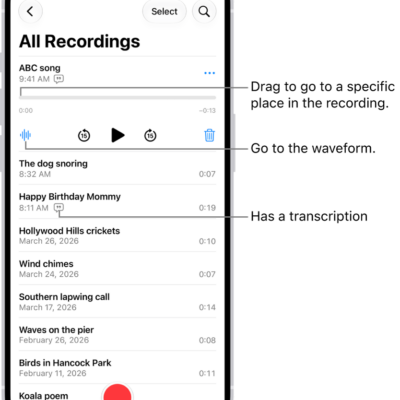
The Voice Memos list screen with a selected recording at the top. The recording timeline has a playhead, which you can drag to go to a specific place in the recording. The play controls are below the timeline.

How to export a Voice Memos recording to Files on iPhone

You can export a Voice Memos recording to the Files app on iPhone, as a standard file or an editable one that keeps its layers.