Got a tip for us?

Tyler Stephen

I'm Tyler Stephen, from the US state of Maine. I have a life-long passion for technology, and in addition to writing here, I am also on the editorial team of AppleVis.com. I've been totally blind from birth and thus rely on screenreading software like VoiceOver on Apple products and NVDA on Windows. I have been a Mac user since 2005 and an iOS user since 2010, in addition to also having used Windows, Linux, and Chrome OS. On this site and elsewhere, I hope to write pieces that educate and entertain people, as well as bring attention to the accessibility or inaccessibility of various technologies. You can find me on mastodon at mastodon.applevis.com/@tyler.

Tyler Stephen's Articles

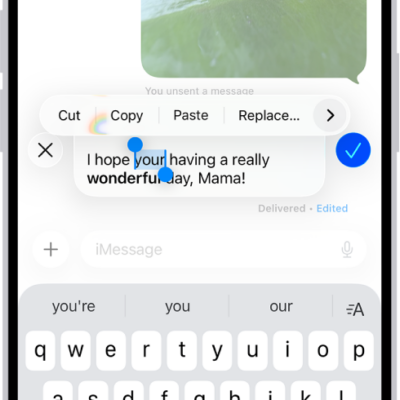
A conversation in Messages showing the last message being edited. The rest of the conversation is lighter, except for the specific text message that's being edited. The conversation shows that a previous message was unsent, and this message was edited before this current edit.

How to unsend or edit messages on iPhone

You can unsend or edit recent iMessage texts on iPhone to fix a typo or pull back a message sent to the wrong person.
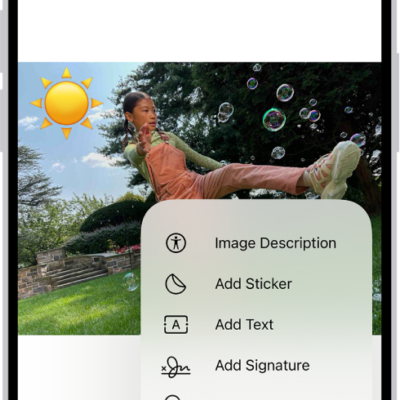
In Mail, a PDF of an attachment has a sticker of an emoji. Below the webpage are the markup tools.

How to annotate email attachments on iPhone

You can use Markup in Mail on iPhone to draw or write on a photo, video, or PDF attachment, then reply with it or save it.
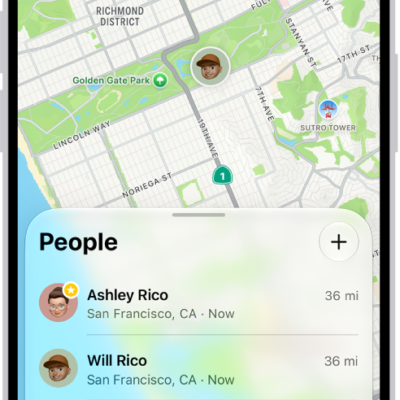
The Find My app showing locations of family members on a map.

How to share locations with family members and locate their lost devices on iPhone

You can share your location with your family, help them find lost devices, and ask them to share an AirTag with Family Sharing on iPhone.
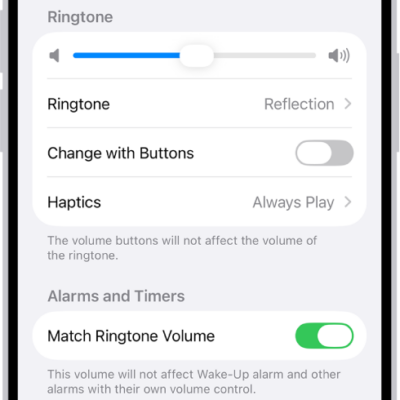
The Sounds and Haptics screen in Settings.

How to turn off vibration on iPhone

You can turn off vibration on iPhone for specific alerts in Sounds & Haptics, or turn off all vibrations in Accessibility settings.
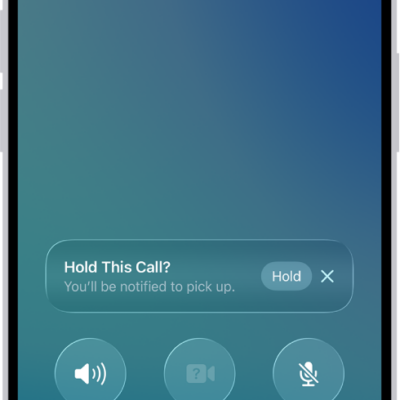
An ongoing call screen showing a banner that asks if the caller would like to use Hold Assist to receive a notification when they’re no longer on hold.

How to have a conference or three-way call on iPhone

You can add more callers to a phone call on iPhone to make a conference call, and answer or ignore another incoming call.
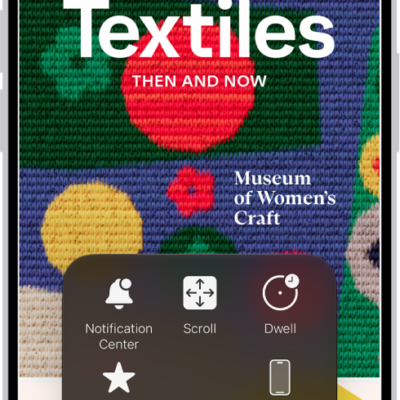
An iPhone with the AssistiveTouch menu visible, showing controls for Notification Center, Device, Control Center, Home, Gestures, and Custom.

How to control iPhone with the movement of your eyes

You can control iPhone with the movement of your eyes on supported models with Eye Tracking, using an onscreen pointer and dwell to tap.
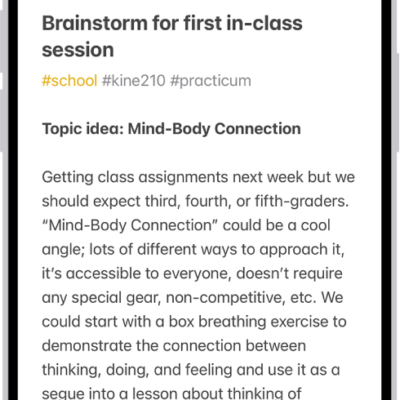
A note for a class brainstorm with tags such as #school and #kine210. The note features a hand-drawn diagram of a box breathing exercise, which illustrates a four-step breathing cycle.

How to organize your notes in folders on iPhone

You can organize notes into folders and subfolders on iPhone, pin important notes, and change how folders are sorted.
A magazine story from Apple News+. In the tabs across the bottom, News+ is selected.

How to subscribe to Apple News+ on iPhone

You can subscribe to Apple News+ or Apple One Premier on iPhone to read hundreds of magazines and newspapers, plus recipes and puzzles.
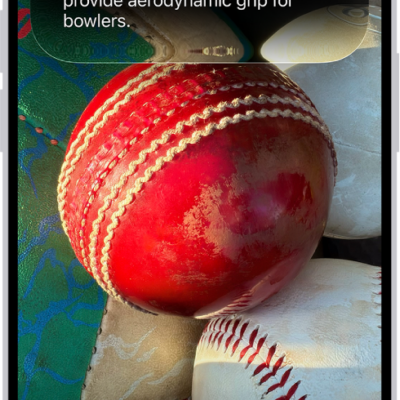
An iPhone screen shows a response from Siri identifying what's in the camera viewfinder.

How to use Siri mode in Camera with Siri AI on iPhone

You can use Siri mode in Camera on iPhone to identify things around you, ask questions, and take action with Siri AI (Beta).
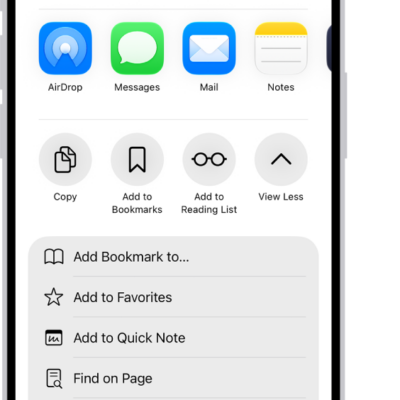
In Safari, the Share button on a PDF has been tapped, revealing a list of options including Save to Files near the bottom of the screen.

How to download a PDF from Safari to your iPhone

You can save a PDF from Safari to the Files app on your iPhone to read later or share with others.