









Tyler Stephen
Tyler Stephen's Articles
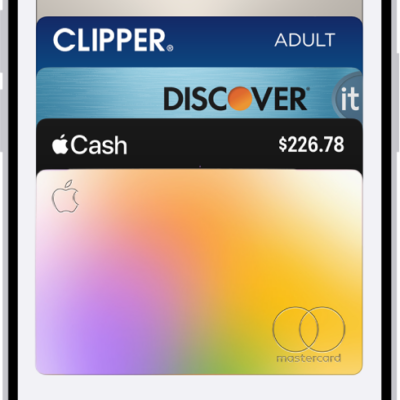
How to unlock your door with a home key on iPhone or Apple Watch
You can unlock your door with a home key in Apple Wallet on iPhone or Apple Watch, or give a guest an access code with a supported lock.
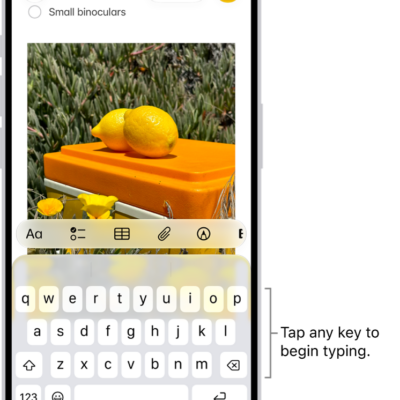
How to type with the onscreen keyboard on iPhone
You can type with the iPhone onscreen keyboard, slide to type with QuickPath, enter special characters, and type with one hand.
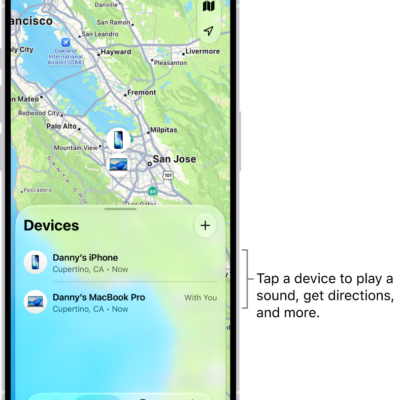
How to add your iPhone to Find My
You can add your iPhone to Find My, turn on the Find My network and Send Last Location, and see your family's devices too.
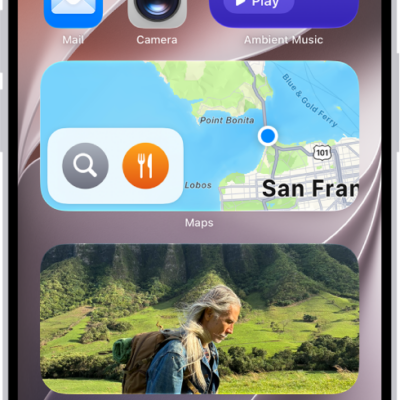
How to use News widgets on iPhone
You can use the Today and Topic widgets from News on iPhone to check top and trending stories, or stories on a topic you choose.
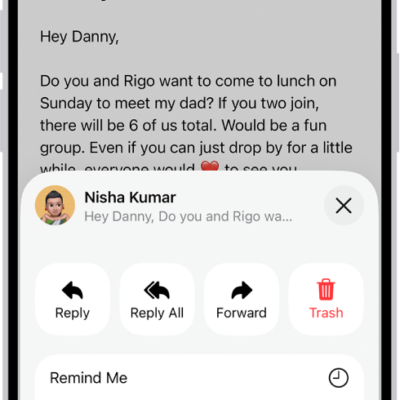
How to check your email in Mail on iPhone
You can read, preview, and summarize email in Mail on iPhone, set reminders for messages, and see whole conversations.
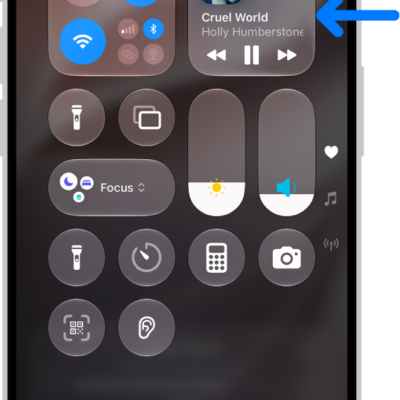
How to play audio from your iPhone on a Bluetooth accessory
You can play and control audio from your iPhone on it, and improve the audio accuracy after you connect a Bluetooth accessory.

How Safari on iPhone uses digital certificates to check encrypted websites
You can count on digital certificates to help Safari on iPhone check that encrypted websites are legitimate and protect the information you exchange.
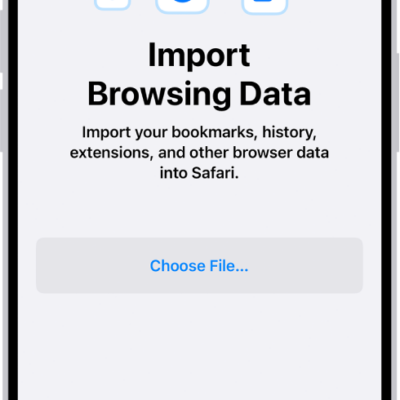
How to import data from another browser into Safari on iPhone
You can import bookmarks, history, extensions, credit cards, and passwords into Safari on iPhone from another browser.
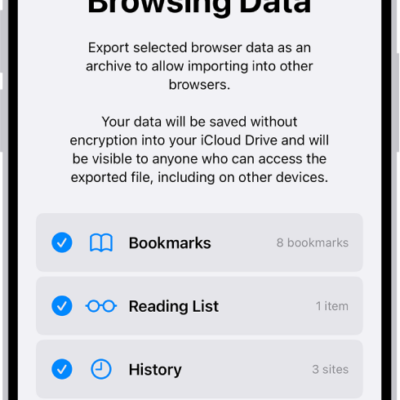
How to export passwords to another password manager on iPhone
You can export your passwords from iPhone to a CSV file and import them into another password manager.
How to change Fitness settings on iPhone
You can change Fitness notifications, health details, units of measure, and workout settings in the Fitness app on iPhone.