








Got a tip for us?

Tyler Stephen

I'm Tyler Stephen, from the US state of Maine. I have a life-long passion for technology, and in addition to writing here, I am also on the editorial team of AppleVis.com. I've been totally blind from birth and thus rely on screenreading software like VoiceOver on Apple products and NVDA on Windows. I have been a Mac user since 2005 and an iOS user since 2010, in addition to also having used Windows, Linux, and Chrome OS. On this site and elsewhere, I hope to write pieces that educate and entertain people, as well as bring attention to the accessibility or inaccessibility of various technologies. You can find me on mastodon at mastodon.applevis.com/@tyler.

Tyler Stephen's Articles

A news story in the News app. In the tabs across the bottom, Today is selected.

How to see news stories chosen just for you on iPhone

You can see news stories chosen just for you in the Today feed in News on iPhone, and tell News what you prefer.

iPhone 18 Pro, burgundy finish, partial back exterior angled to show pro camera system in top left corner, 3 lenses, microphone, flash

How to find and download games in the Apple Games app on iPhone

You can browse and search for games in the Apple Games app on iPhone, see top charts and suggestions, and download Apple Arcade games.
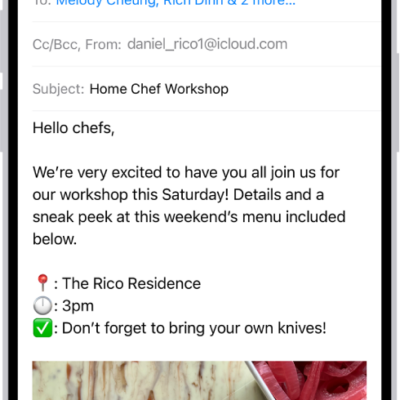
A draft email being composed.

How to send email in Mail on iPhone

You can write, format, and send email in Mail on iPhone, add links and recipients, and schedule messages with Send Later.

The front of a burgundy iPhone 18 Pro is displayed next to a rear-facing burgundy iPhone 18 Pro Max.

How to view and manage your game library in the Apple Games app on iPhone

You can browse Apple Arcade, view your games, check events and achievements, and delete games in the Apple Games app on iPhone.
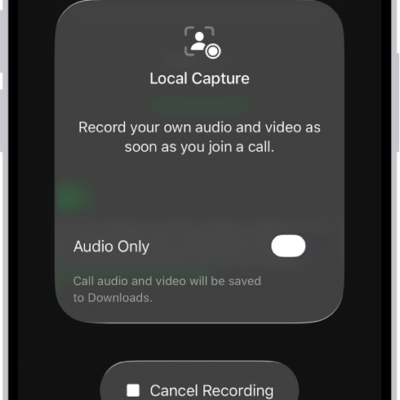
The screen for initiating Local Audio and Visual capture of your side of a videoconference.

How to improve audio and record video calls on iPhone

You can choose a mic input, use Voice Isolation, and adjust audio and video capture settings to improve recordings and video calls on iPhone.
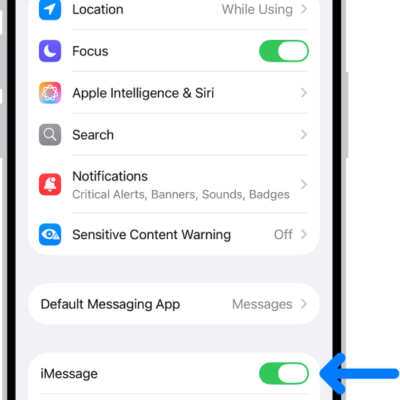
The Messages settings pane with iMessage turned on.

How to set up Messages on iPhone

You can set up Messages on iPhone, turn on iMessage, sync messages across devices, and share your name and photo.
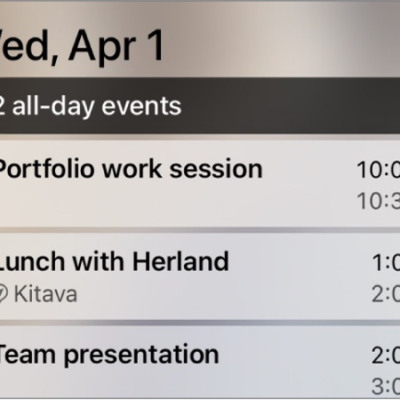
CarPlay showing Maps, Music, and Calendar in the Sidebar. To the right are events for the current day.

How to view Live Activities in CarPlay

You can view Live Activities on CarPlay Dashboard, like Maps directions and live sports updates, and adjust them for each app.
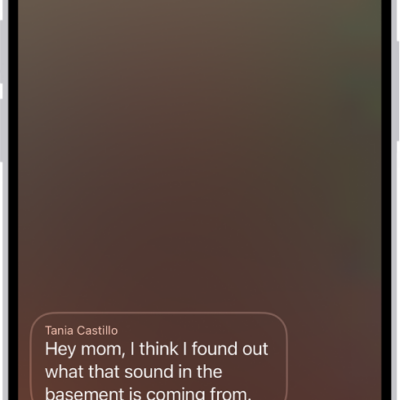
A call screen showing a Live Voicemail from a contact. Below the transcribed text are the Stop and Accept buttons for the call.

How to check your voicemail on iPhone

You can play, share, delete, and read transcripts of voicemail messages in the Phone app on iPhone, even without Visual Voicemail.
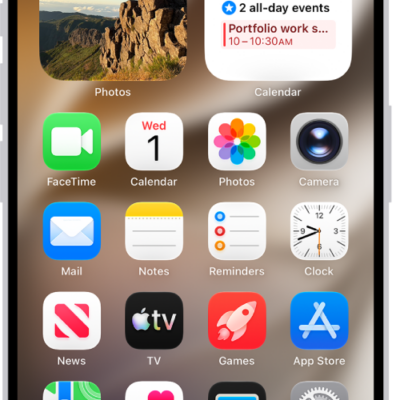
An iPhone Home Screen, showing a live Voice Memo recording in the Dynamic Island at the top of the screen.

How to view Live Activities in the Dynamic Island on iPhone

You can check alerts and Live Activities in the Dynamic Island, then expand, collapse, or switch them on supported iPhone models.
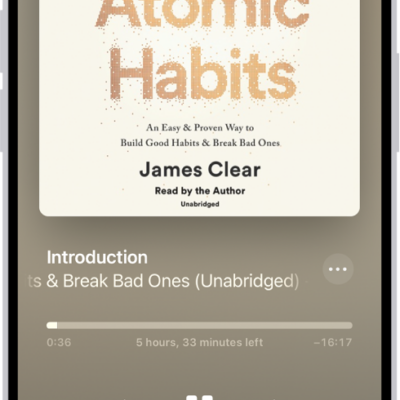
The audiobook player screen showing, from top to bottom, the audiobook cover, the name of the section that's playing, the playhead, pause button, and the skip forward and back buttons. At the bottom is the volume slider and below that are buttons for controlling playback speed, setting a sleep timer, choosing a playback destination, and viewing a list of the book's tracks.

How to listen to audiobooks in the Books app on iPhone

You can listen to audiobooks in the Books app on iPhone, skip forward or back, jump to a specific time, and find supplemental PDFs.
