Got a tip for us?

Tyler Stephen

I'm Tyler Stephen, from the US state of Maine. I have a life-long passion for technology, and in addition to writing here, I am also on the editorial team of AppleVis.com. I've been totally blind from birth and thus rely on screenreading software like VoiceOver on Apple products and NVDA on Windows. I have been a Mac user since 2005 and an iOS user since 2010, in addition to also having used Windows, Linux, and Chrome OS. On this site and elsewhere, I hope to write pieces that educate and entertain people, as well as bring attention to the accessibility or inaccessibility of various technologies. You can find me on mastodon at mastodon.applevis.com/@tyler.

Tyler Stephen's Articles

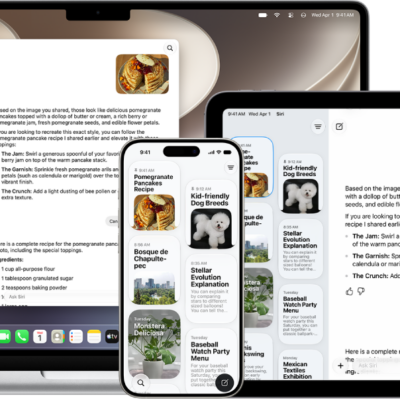
The Siri app on an iPhone, iPad, and Mac.

How to change Siri settings on iPhone

You can change how you activate Siri on iPhone, change Siri's language and voice, and choose how Siri responds to you.
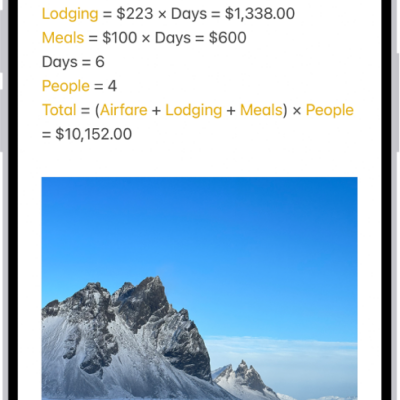
A note for planning a trip, with a calculation of the travel expenses and a photo.

How to add photos, video, and more to notes on iPhone

You can add photos, videos, webpages, maps, PDFs, and other attachments to notes on iPhone, then change preview sizes and view all attachments.
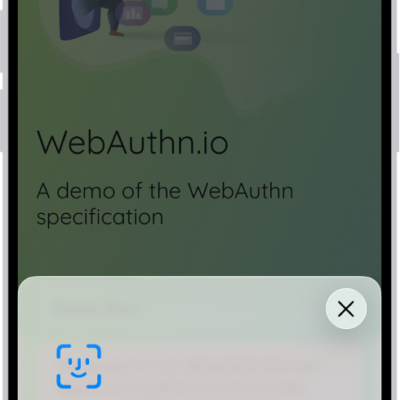
The bottom half of the iPhone screen showing the option to use a passkey to sign in to a website.

How to sign in with passkeys in Safari on iPhone

You can sign in to supporting websites in Safari on iPhone with passkeys, using Face ID or Touch ID.
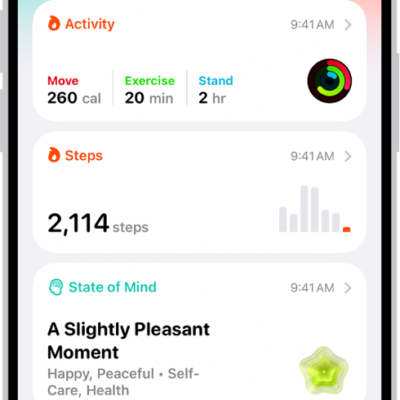
The Summary screen in Health. Information about activity, sleep score, state of mind, and medications appears below Pinned.

How to monitor your walking steadiness in Health on iPhone

You can monitor your walking steadiness in Health on iPhone 8 or later, get notified when it's low, and see exercises to help improve it.
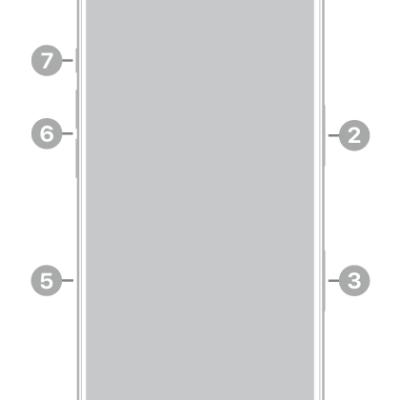
The front view of iPhone 18 Pro. The front camera is at the top center. The side button is on the right side. The USB-C connector is on the bottom. On the left side, from bottom to top, are the SIM tray, the volume buttons, and the Action button.

How to get information about your iPhone

You can find your iPhone's serial number, IMEI, model, and storage details in Settings, and view your call time and cellular usage.
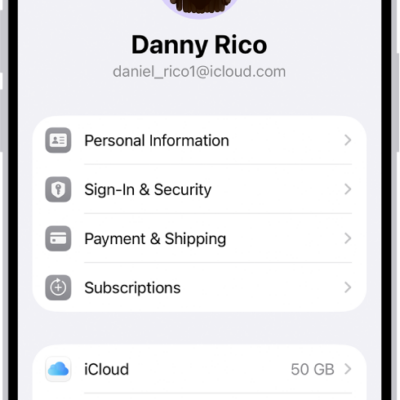
The Apple Account Settings shown with a list of options including personal information, subscriptions, Find My, and more.

How to sign in and manage your Apple Account on iPhone

You can sign in to your Apple Account on iPhone, change its settings, and add or update its payment method.
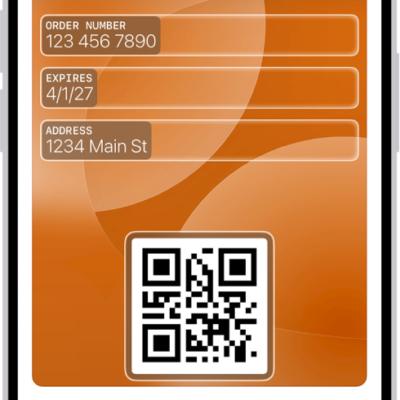
A Wallet screen showing a custom pass with editable fields.

How to create passes in Wallet on iPhone

You can create your own passes in Wallet on iPhone from a card, photo, or screenshot with a barcode or QR code, like a gym membership.
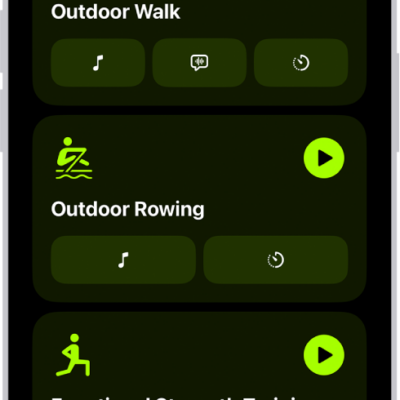
The Fitness workout screen showing three workout types. Buttons to log a workout and connect a heart rate monitor are at the top of the screen.

How to start a workout in Fitness on iPhone

You can start a workout in Fitness on iPhone, from Outdoor Run to Kickboxing, and have Apple Music play media that fits it.
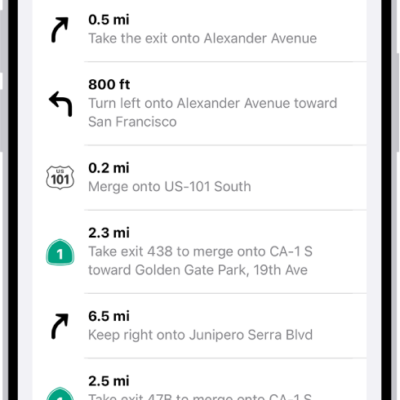
A route's turn-by-turn directions shown in a list.

How to change how you hear directions in Maps on iPhone

You can change the volume, voice, and language of spoken directions in Maps on iPhone, and how they work with your other audio.
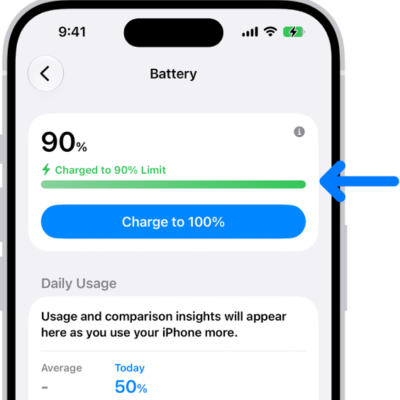
The charging information card in iPhone Battery settings. The card shows the battery at 90% with the message “Charged to 90% Limit.” A button provides the option to “Charge to 100%.

How to charge iPhone with cleaner energy sources (U.S. only)

You can charge iPhone with cleaner energy sources in the U.S. with Clean Energy Charging, and override it or turn it off.