









Tyler Stephen
Tyler Stephen's Articles
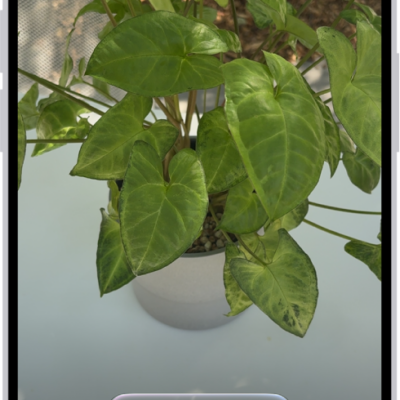
How to identify what’s around you with Visual Intelligence on iPhone
You can use Visual Intelligence and your iPhone camera to identify plants, look up businesses, translate text, and more with Apple Intelligence.
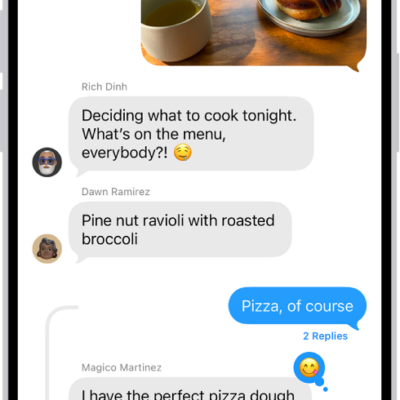
How to have a group conversation in Messages on iPhone
You can start a group conversation in Messages on iPhone, name it, give it an icon, and mention people to get their attention.
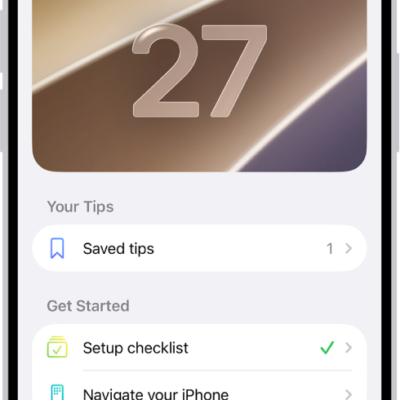
How to use the Tips app on iPhone
You can view collections of tips in the Tips app on iPhone, save and share tips, and get notified when new tips arrive.
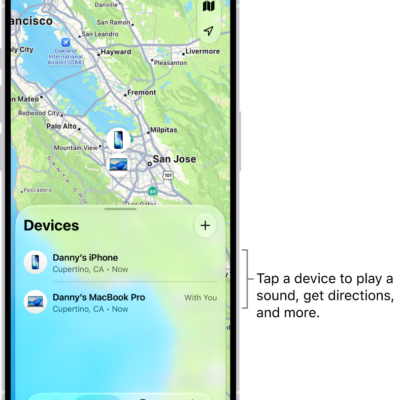
How to locate a device in Find My on iPhone
You can use Find My on iPhone to see a missing device on a map, play a sound on it, get directions, and help locate a friend's device.
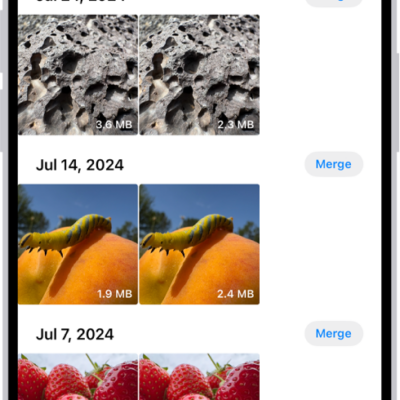
How to duplicate and copy photos and videos on iPhone
You can duplicate photos and videos in Photos on iPhone, and copy them to paste into an email, message, or presentation.
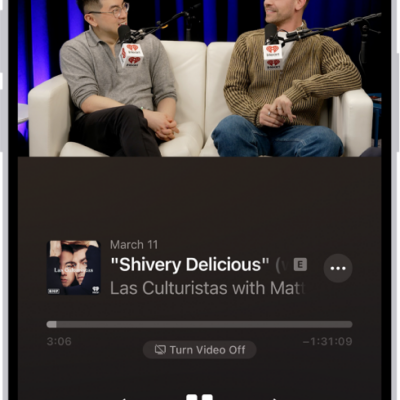
How to download, save, and remove podcast episodes on iPhone
You can download, save, and remove podcast episodes in the Podcasts app on iPhone, and saved episodes download automatically for offline listening.
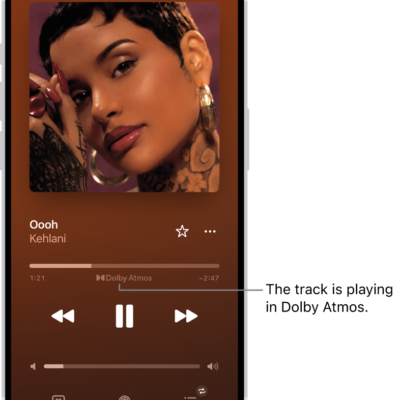
How to play lossless audio in Music on iPhone
You can turn on lossless audio on iPhone, choose streaming and download quality, and spot lossless tracks if you subscribe to Apple Music.
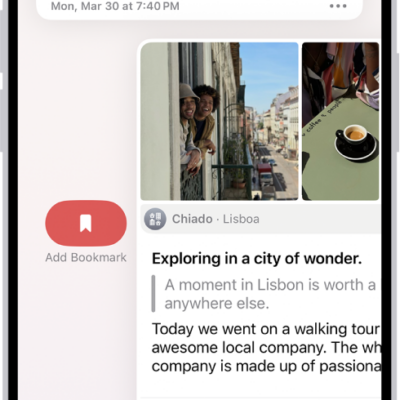
How to view and search your journal entries on iPhone
You can search your journal entries on iPhone, filter for photos and locations, view entries by location, and bookmark them.
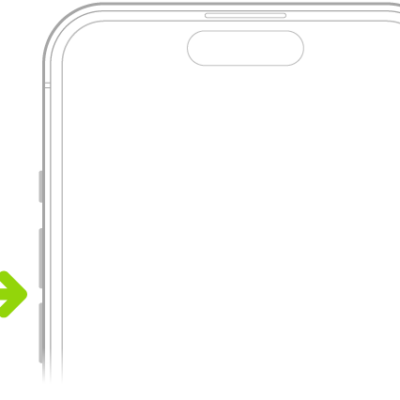
How to adjust the volume on iPhone
You can adjust the volume on iPhone with the side buttons, Siri, Control Center, or Settings, and limit how loud the speaker and headphones get.
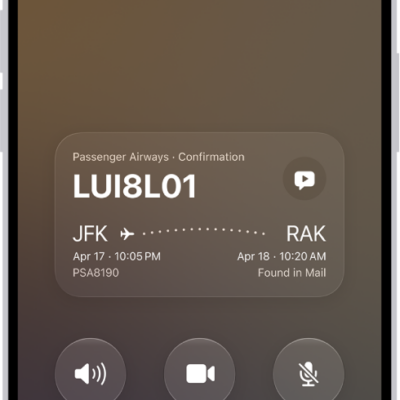
How to record and transcribe a call on iPhone
You can record a phone call on iPhone, view its transcript in Notes, and read a summary with Apple Intelligence in some countries and regions.